27
© Guldmann GB/US-02/2021 • # 550216_19
© Guldmann GB/US-02/2021 • # 550216_19
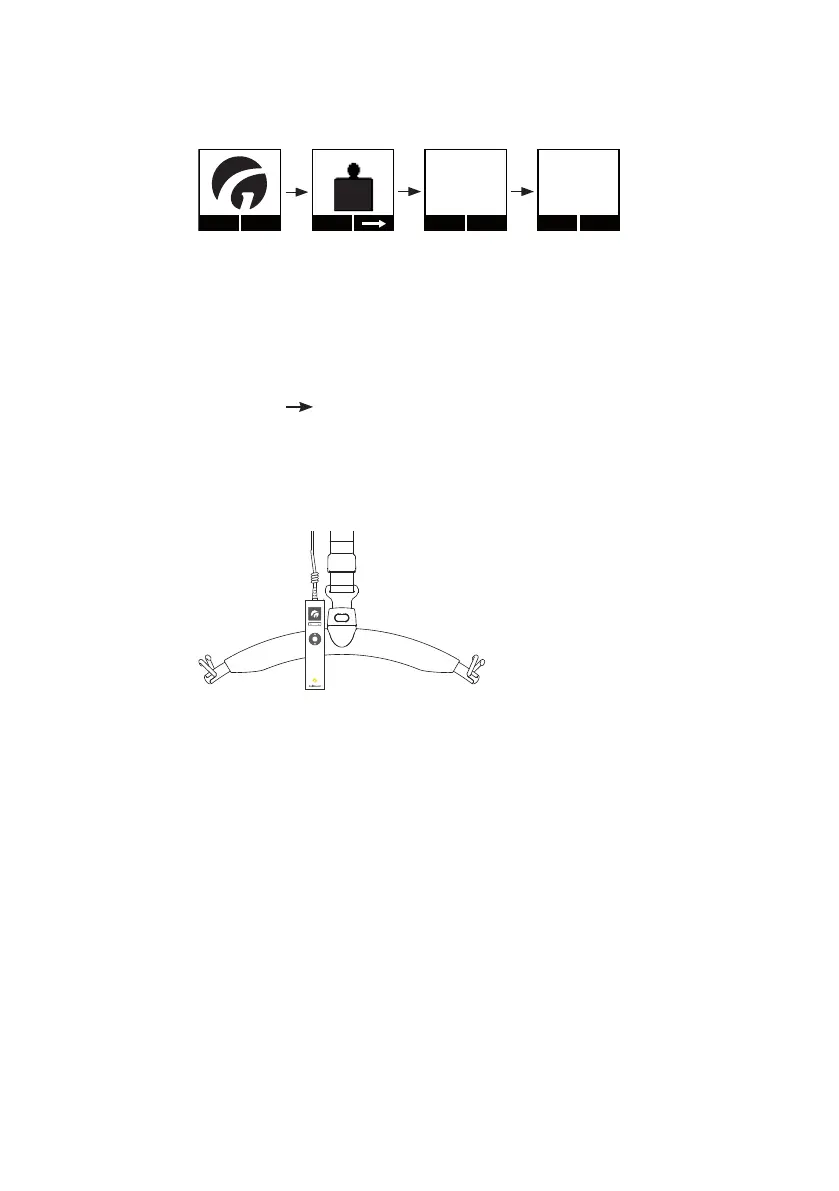
Resetting the unit (tare)
Menu
Start
KG
ExitTa r e
248.0 kg
ExitTa r e
0.0 kg
1. Press any key on the hand control to activate the hoist.
When the lifting module is activated, a display on the hand control is
switched on and the Guldmann logo “G” appears.
2. Select “Menu” using the function key located immediately below the
display.
3. Then select until the “Scale” menu appears in the display.
4. Then select “Start”.
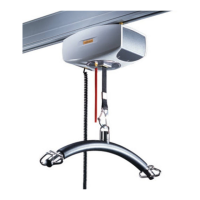
5. Park the hand control on the lifting hanger. (If the helper pulls the hand
control during weighing, this will aect the result of the weighing process).
6. When the lifting hanger with the lifting sling is at rest, select “Tare”
to reset the GH3+ scale module.
The scale module has now been reset and weighing can commence.


 To Next Page