How do you perform a training session?
Preparation:
1. Start by planning the training session beforehand:
which exercises should the user perform?
2. Prepare the training area: remove sharp and dange-
rous objects and ensure sucient oor space to carry
out the exercises.
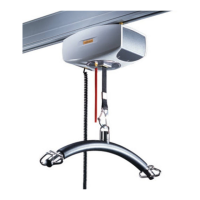
3. Select the correct lifting hanger and mount it on the
ceiling hoist’s strap
4. Position the user in the Gait Trainer sling
5. Mount the straps of the sling to the lifting hanger
Training
Menu
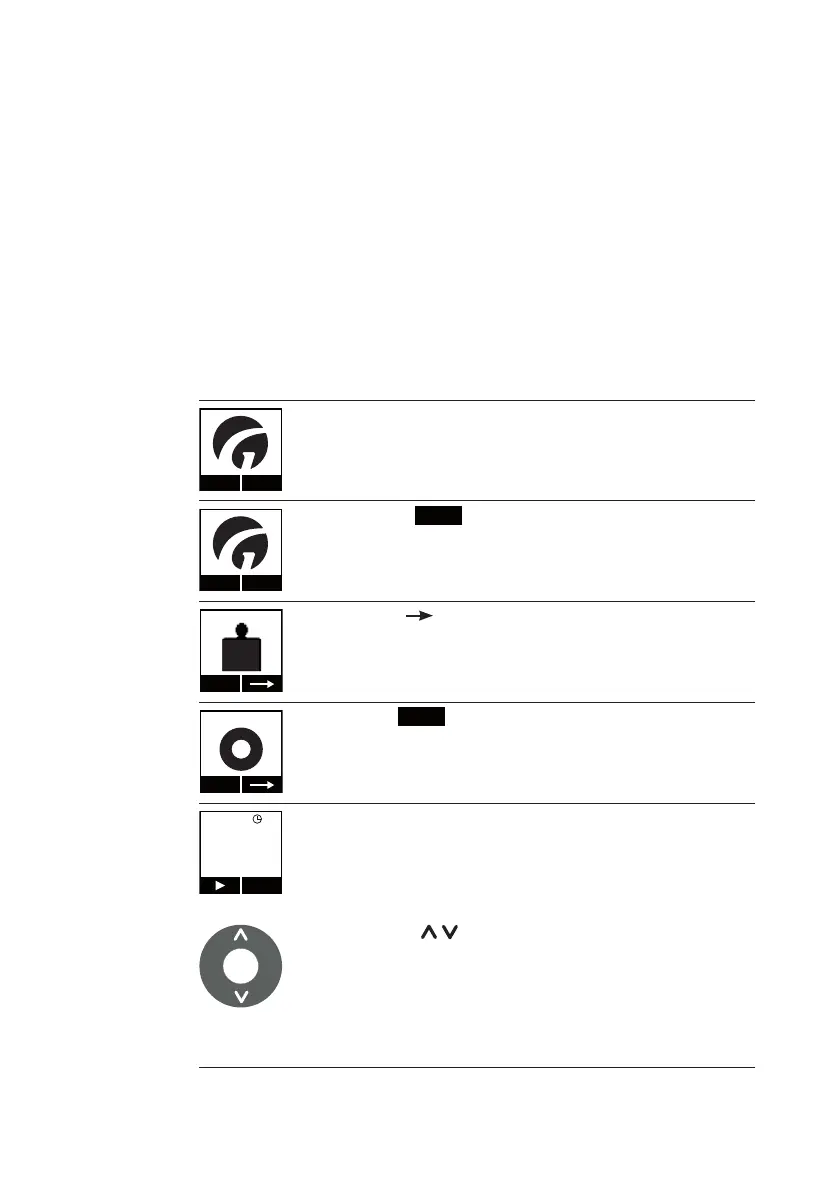
1. When the user is ready to start training, activate the hoist
by pressing any one button on the hand control, at which
point the Guldmann logo will appear:
Menu
2. Click the ”
Menu
” (Menu) button
Start
Scale
KG
3. Press on until the ”Trainer” menu appears in the
display
Start
Trainer
4. Select ”
Start
” (Start) in the Trainer menu
85 kg
Exit
The Trainer Module will now display a weight in kg.
Using the ” ” (up/down) buttons on the hand con-
trol, select the number of kg you wish to relieve. Note
that the ceiling hoist will move slower than normally in
order to facilitate a precise weight setting. The desired
amount of weight relief is determined by the users indi-
vidual needs and function level.
36
© Guldmann GB/US-02/2021 • # 550216_19
© Guldmann GB/US-02/2021 • # 550216_19


 To Next Page