28
5.9.2.1 Change Date & Time
Users are allowed to setup date and time of the DVR.
5.9.2.2 Time Zone Setup
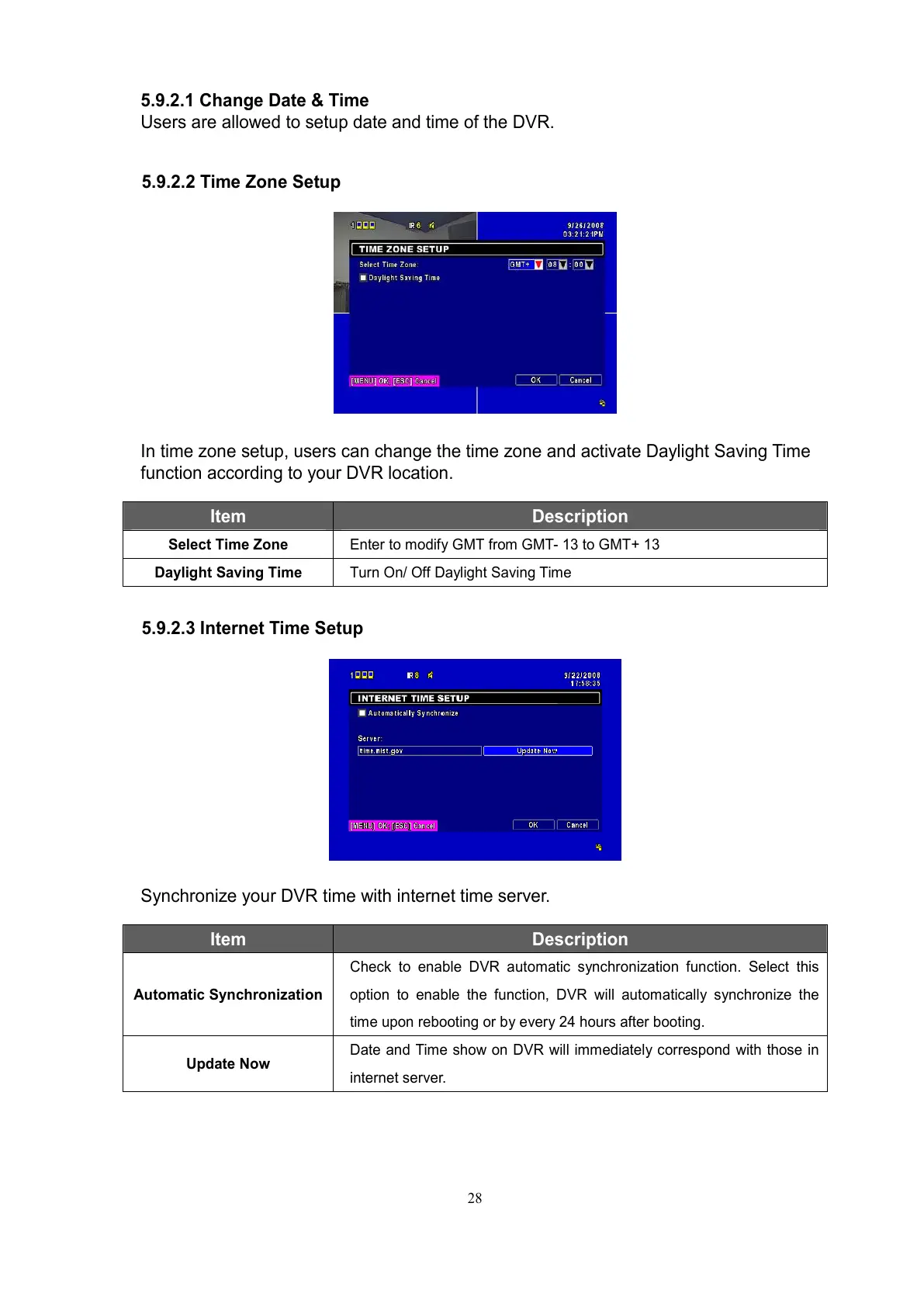
In time zone setup, users can change the time zone and activate Daylight Saving Time
function according to your DVR location.
Item Description
Select Time Zone
Enter to modify GMT from GMT- 13 to GMT+ 13
Daylight Saving Time
Turn On/ Off Daylight Saving Time
5.9.2.3 Internet Time Setup
Synchronize your DVR time with internet time server.
Item Description
Automatic Synchronization
Check to enable DVR automatic synchronization function. Select this
option to enable the function, DVR will automatically synchronize the
time upon rebooting or by every 24 hours after booting.
Update Now
Date and Time show on DVR will immediately correspond with those in
internet server.



 To Next Page