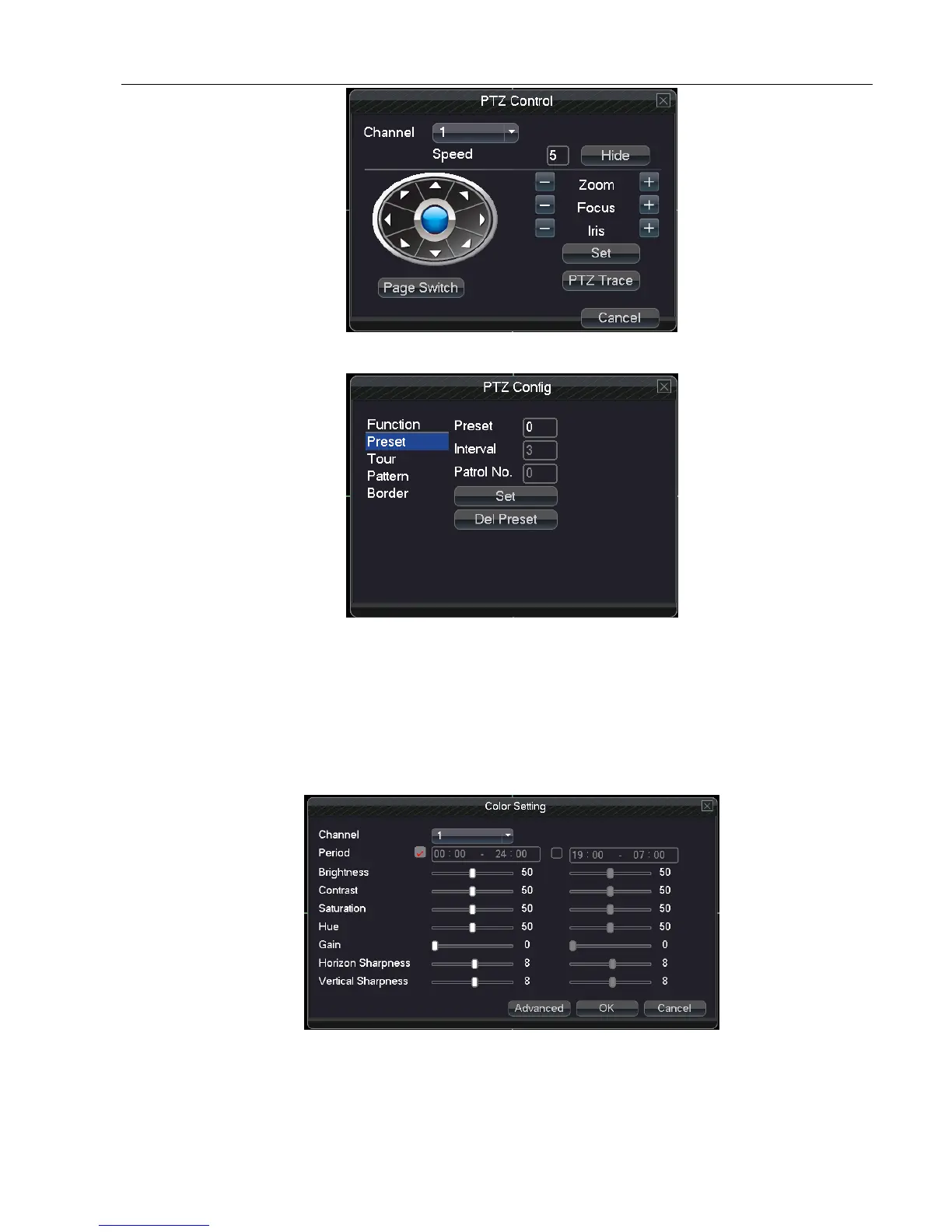
PTZ control interface
PTZ Config interface
High-speed PTZ:Full-screen show channel image. Press left of mouse and control rotate orientation of PTZ.Press
left and rotate the mouse to adjust the zoom multiple of the camera.
Color Setting:Set the parameters of current channel(current channel for single channel display and cursor place
for multi-channels display). You can use the shortcut menu to enter the interface. The parameters include: brightness,
contrast, saturation,Hue, You can set different parameters for different time.
Output Adjust:Adjust parameters of output area.



 To Next Page