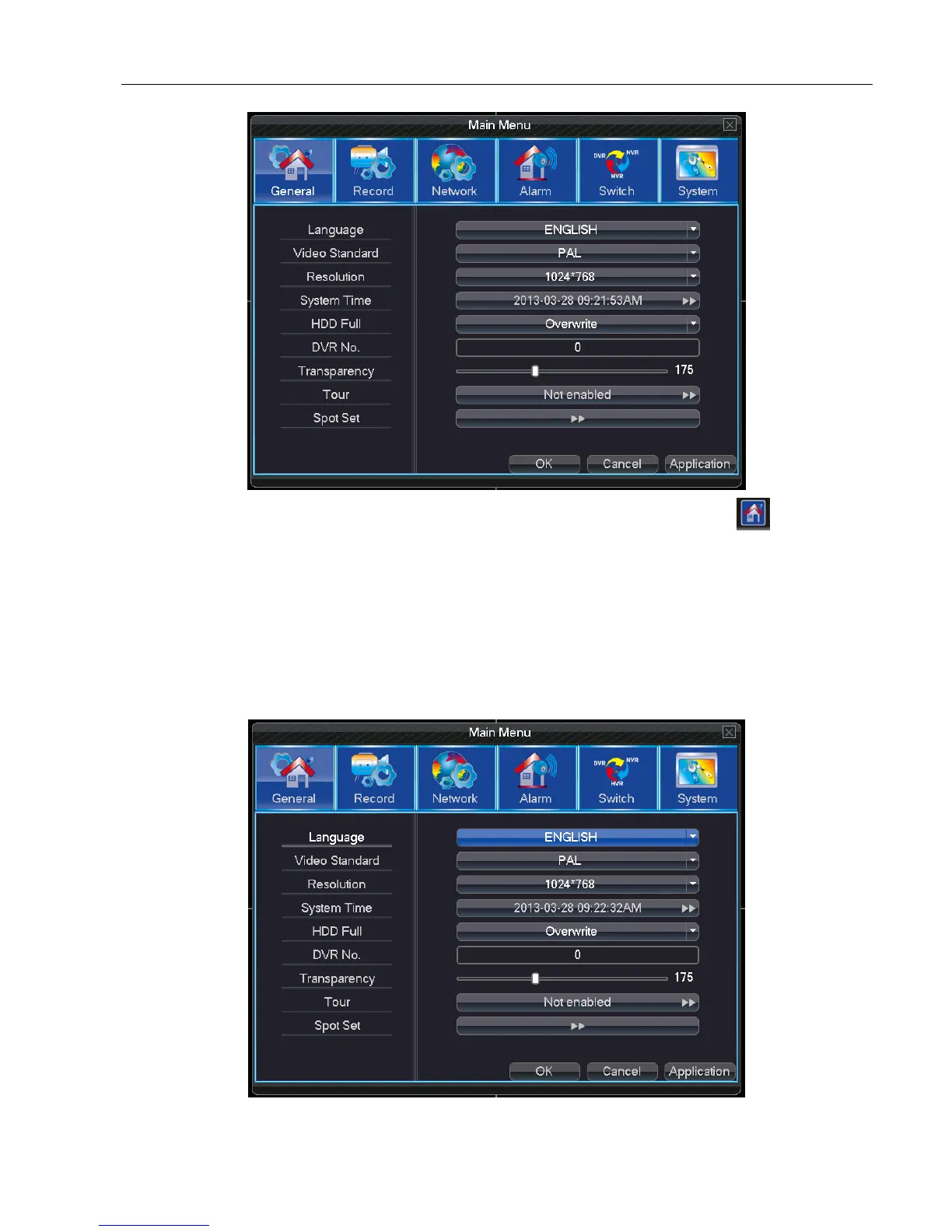
5.2 Main Menu
On preview interface, use “MENU”on front panel or on remote controller; Or left click icon on toolbar can
enter main menu interface as picture 5-2. In main menu can configure general, record, network, alarm, switch(some
models don’t have this function), system settings.
Note: Click “FN” on remote controller can shift different setting interface of main menu.
5.2.1 General: General information configuration in the system
Language: Choose desired operating language



 To Next Page