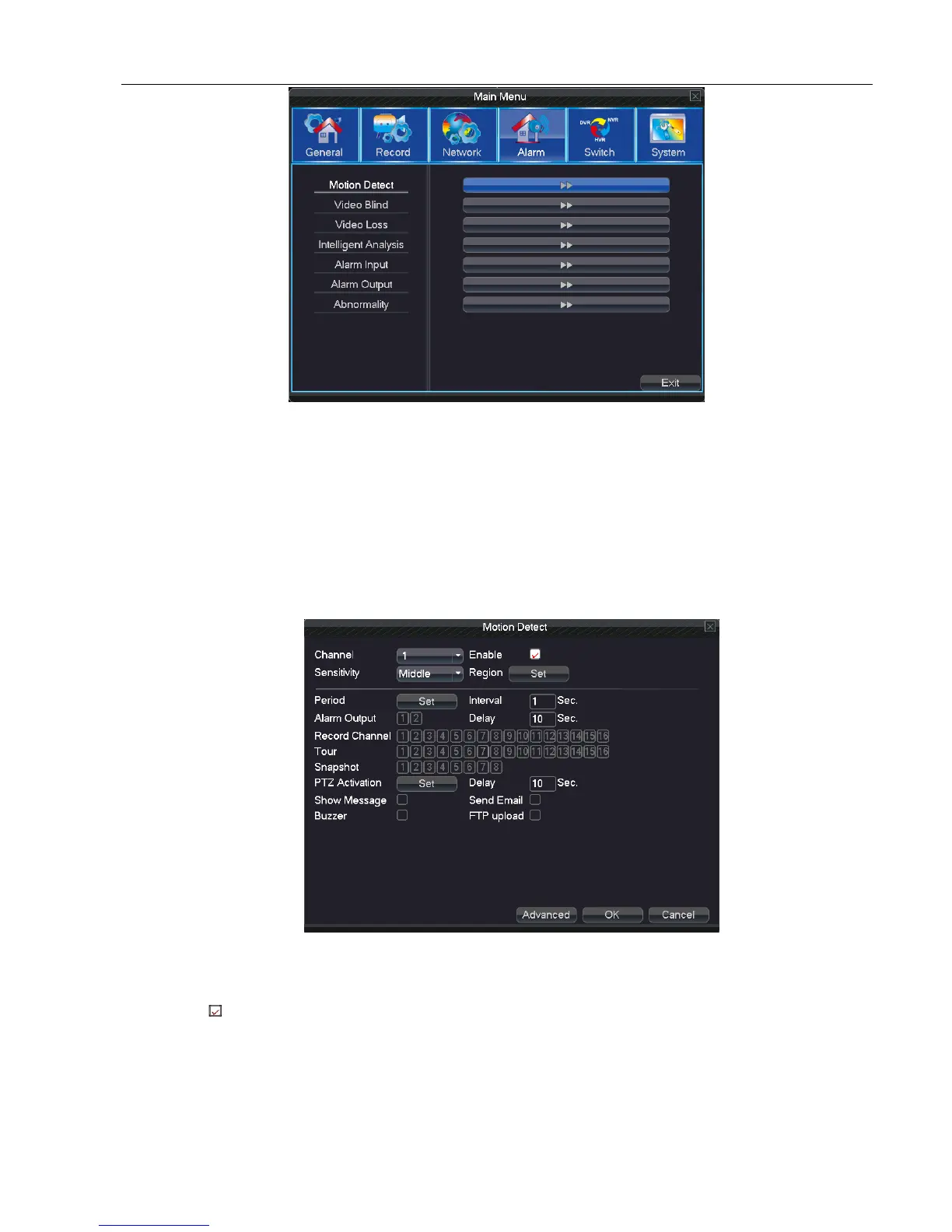
Picture 5.4 Alarm
5.4.1 Motion Detect
When system detects the motion signal that reaches the setted sensitivity, the motion detect alarm is on and the
linkage function opens.
Note: click “advanced” button can back to upper page, to display surveillance screen, copy, stick,default, recording
setup
Picture 5.4.1 motion detect
Channel: Choose the setted motion detect channel.
Enable: means that the motion detect function is on.
Sensitivity: Choose from the six options to set the sensitivity.
Region: Click setup and enter the setting area. The area is divided into PAL22X18. Green block means the current
cursor area. Yellow block means the dynamic detect defensive area. Black block means the unfenced area.
You can set the area as follows, Drag the mouse and draw the area.



 To Next Page