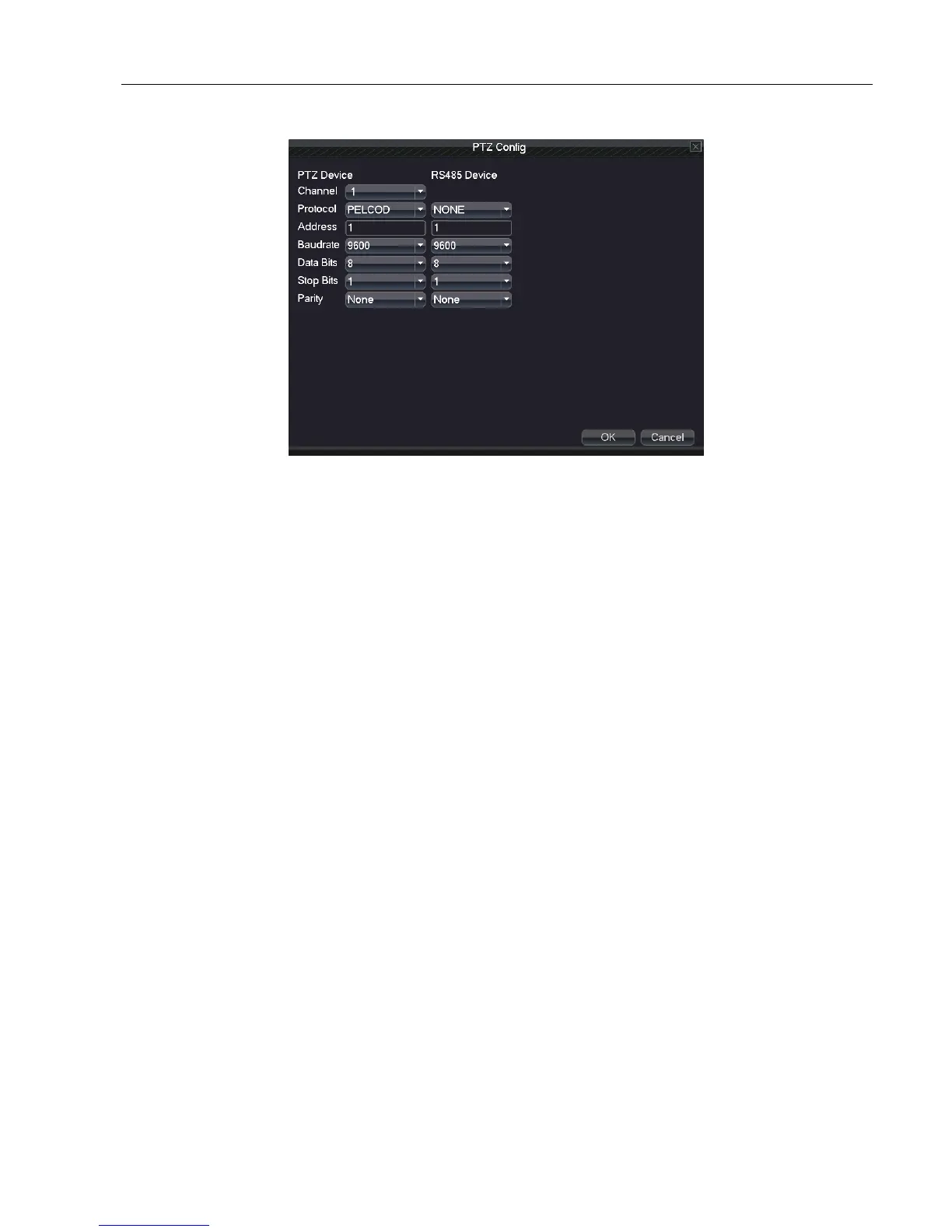
5.7.2 PTZ Config
Picture 4.39 PTZ Config
Channel: Choose the input channel of dome camera.
Protocol: Choose the corresponding protocol of dome . (PELCOD as an example)
Address: Set the corresponding dome address. Default: 1.
Baud rate: Choose the corresponding dome baud rate length. You can control the PTZ and camera. Default:
115200.
Date bit: Include 5-8 options. Default: 8.
Stop bit: Include 2 options. Default: 1.
Check: Include odd check, even check, sign check, blank check. Default: void.
Note: parameters of protocol, address, baud rate should be consistent with relative PTZ or dome. Otherwise PTZ and
dome can’t be controlled.
5.7.3 GUI Display
GUI display includes scene and record overly
Scene: the information of local preview: including channel name, time title, channel title, recording status, alarm status,
dellick, channel and region cover.



 To Next Page