4 Boot DVR(Taking 4CH DVR as an example as follows)
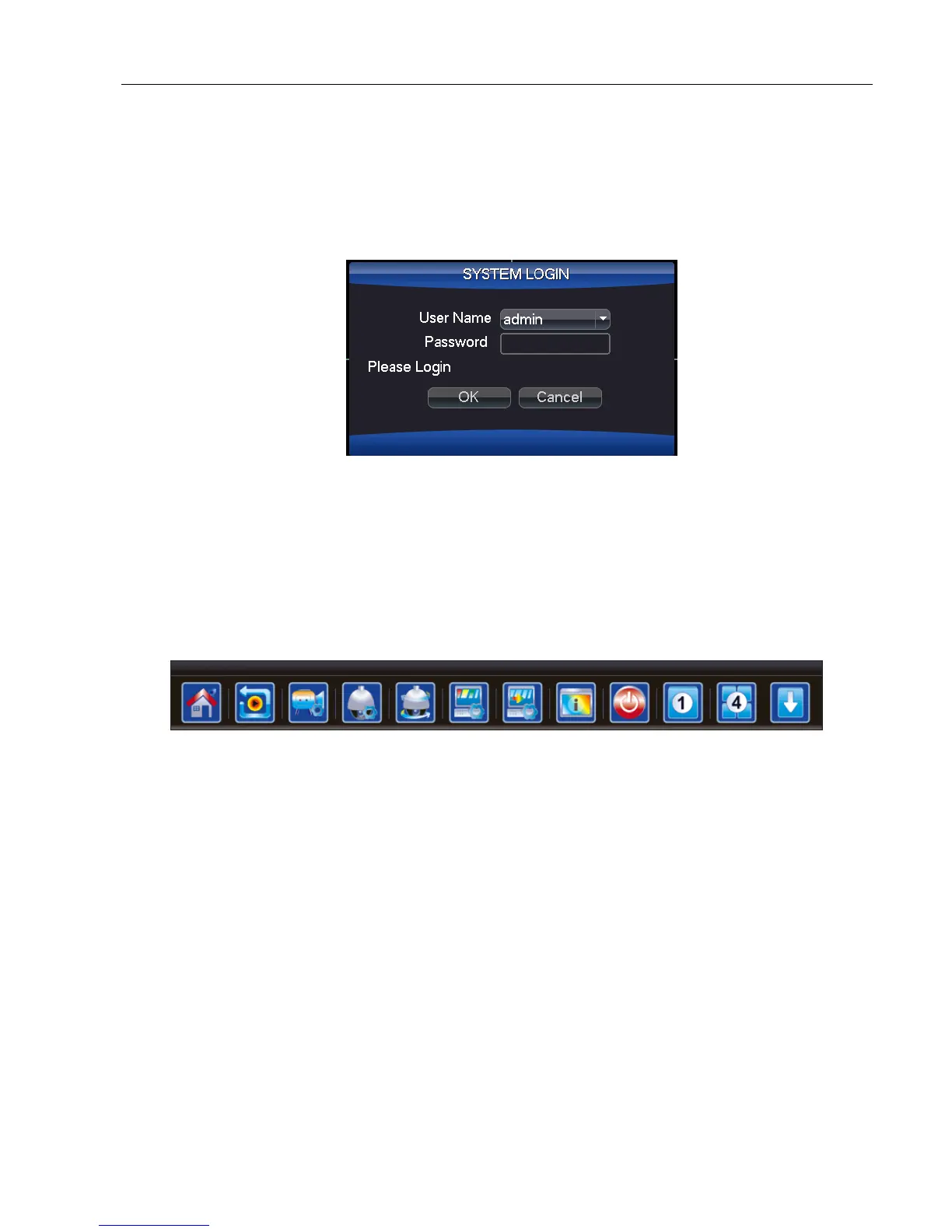
4.1 Login
When the DVR boots up, the user must login and the system will provide the corresponding function according to
the user authority. There are 3 user settings: Admin, Guest and Default. If the user name default Admin,there is no
password.Admin is as super user. Guest and default are the common users under factory settings.
Password protection: If you enter the wrong password three times, the alarm will start. If you enter the wrong
password five times, the account will be locked.
5 DVR MENU
5 Shortcut menu
5-1
In preview mode you can right click mouse to get the shortcut menu, as picture 5-1。The menu includes:
Main Menu: Access main menu to adjust all settings.
Playback:Playback the record files in the hard disk.
Record Mode:check current channel status
PTZ control:The functions include: PTZ direction control, step, zoom, focus, iris, and setup preset point, cruise
points, patrol track, boundary scan, assistant switch, light switch, horizontal rotation and so on.
Note: 1. Before operation,please make sure the Decoder 485+、485- line well connected with DVR 485+、485- line.
2. Before operation,click “main menu”“system”“PTZ Config” to set the PTZ parameters.
3. The PTZ functions are decided by the PTZ protocols.



 To Next Page