IP Address: IP address obtained by Dialed-up .
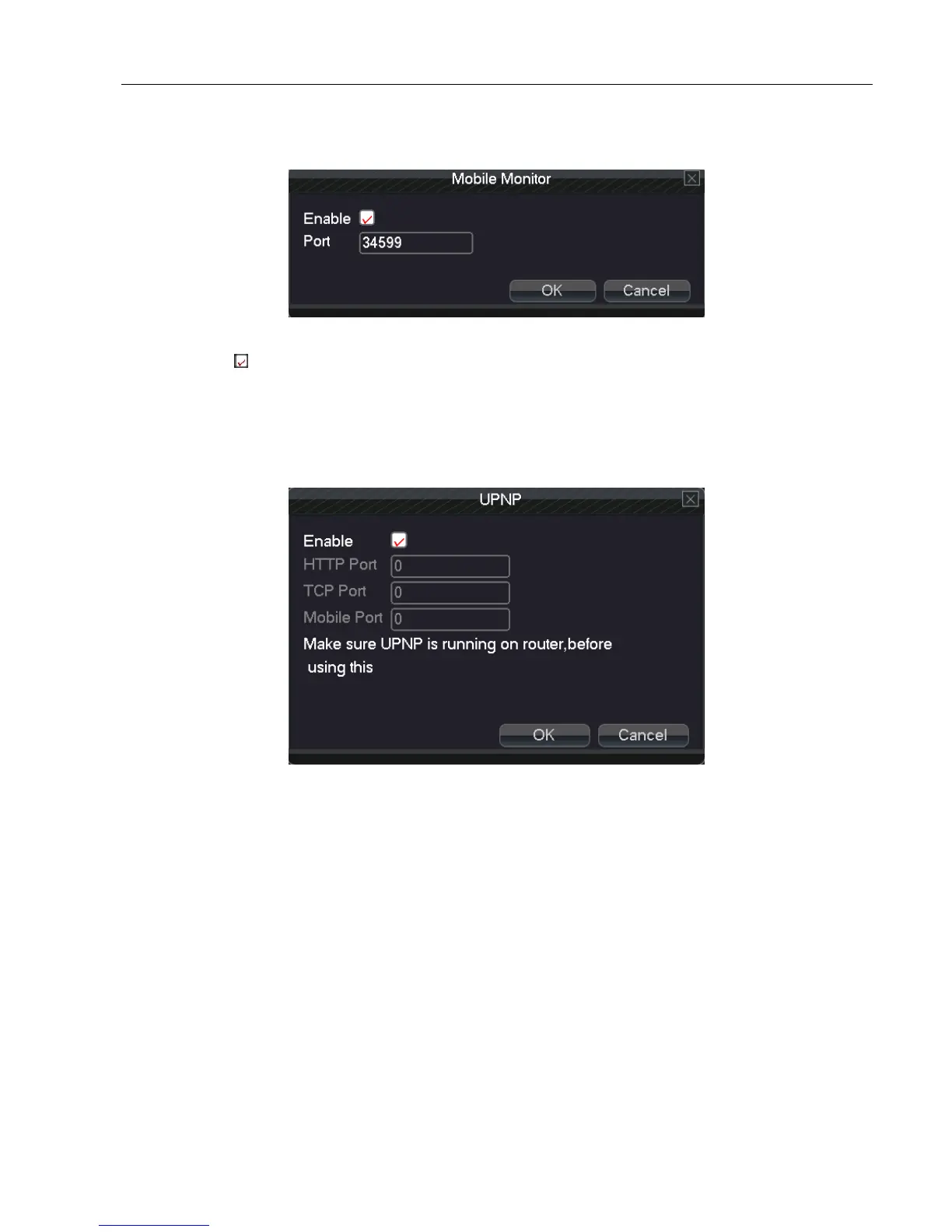
【Mobile Monitor】
Accessing through mobile phone needs to map the port on Router. Monitoring and operating DVR through protocol.
5.3.8 Mobile monitor
Enable: Select , enable the Mobile phone function.
Port: Port for mobile phone view, need mapping the port on Router.
【UPNP】
UPNP protocol will be automatic port forwarding on the Router, before use this feature, make sure UPNP feature is
enabled on the router.
5.3.9 UPNP
Mobile Port: Mobile phone monitoring through the port number
【Wi-Fi】
Connect to wireless router by wireless module. View the device via IP address under the condition that DVR has
been connected to WIFI module.



 To Next Page