Password: Input user’s password.
Update Period: Synchronize with ARSP server time, default: 1 minute.
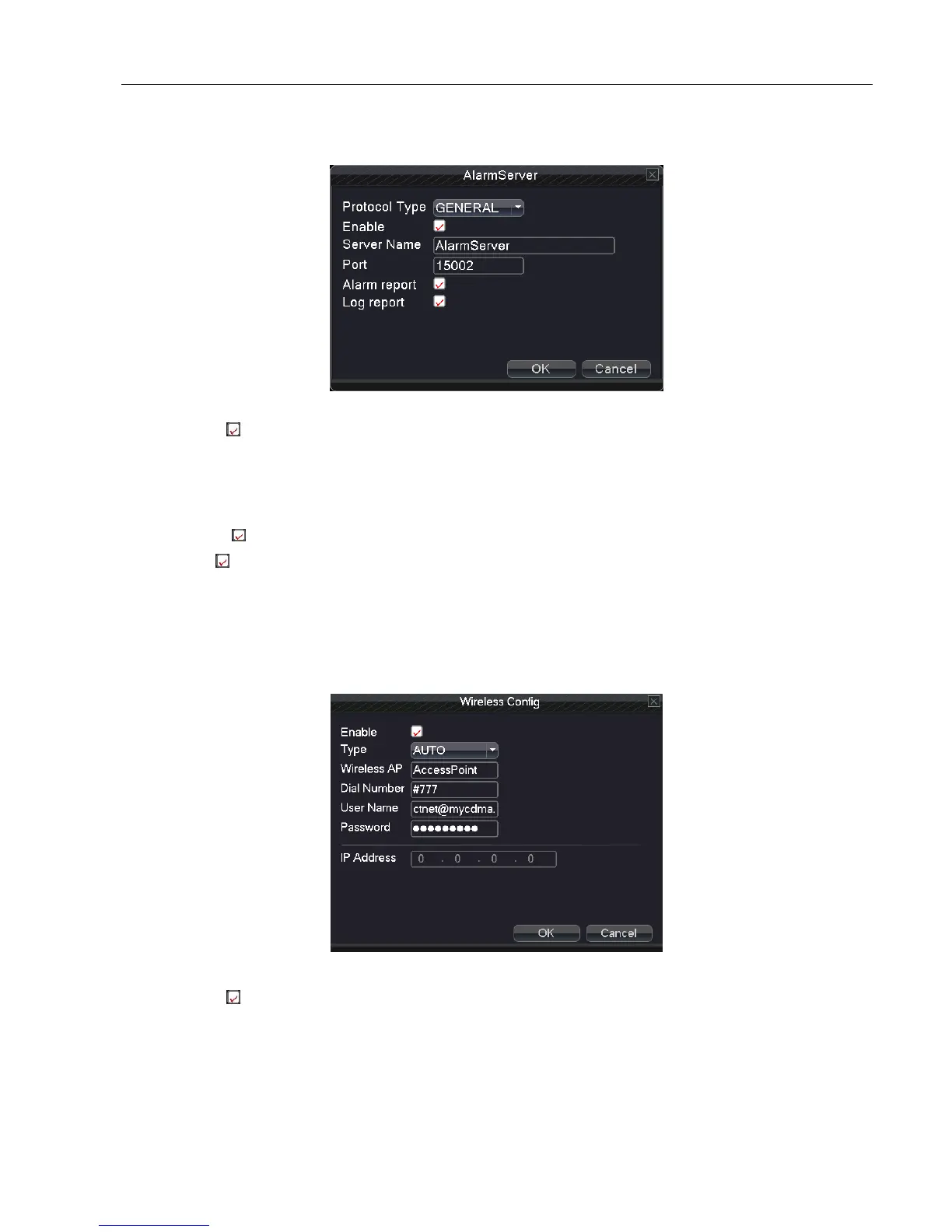
【Alarm Server】
5.3.6 Alarm
Enable: Select , enable the alarm server function.
Protocol Type: Set default alarm protocol type to be GENERAL.
Server Name: Set alarm server domain name.
Port: Set port number.
Alarm report: means being chosen, this function can send alarm events to alarm server.
Log report: means being chosen, this function can send alarm log to alarm server.
【Wireless config】
Dial-up through 3G card to access Internet and realize the client access device and configure device (Note: only for
some models)
5.3.7 Wireless config
Enable: Select , enable the Wireless function.
Type: Dial type, the default EVDO.
Wireless AP: 3G access point, the default OK.
Dial Number: 3G dial-up number, the default OK
User Name: Dialed-up 3G User Name.
Password: Dialed-up user's password.



 To Next Page