Move the cursor when the main menu or submenu pops up
Move the cursor during the playback mode
Enter previous or next channel surveillance during single channel surveillance
Enter main menu or next submenu
Back to the previous menu or exit the menu operations
Back to the real-time surveillance during playback
Play in the multi-low or regular speed during playback
Play in the multi-fast or regular speed during playback
Play the record in reverse or pause during playback
Play the record or pause during playback
Start/stop the video recording manually. With the direction button to choose the
recording channel
Enter PTZ setting, PTZ control
Enter the main menu settings
Switch single or multi channels
Network
connection
indicator light
Network connects normally if lighted,Otherwise the light isn’t bright
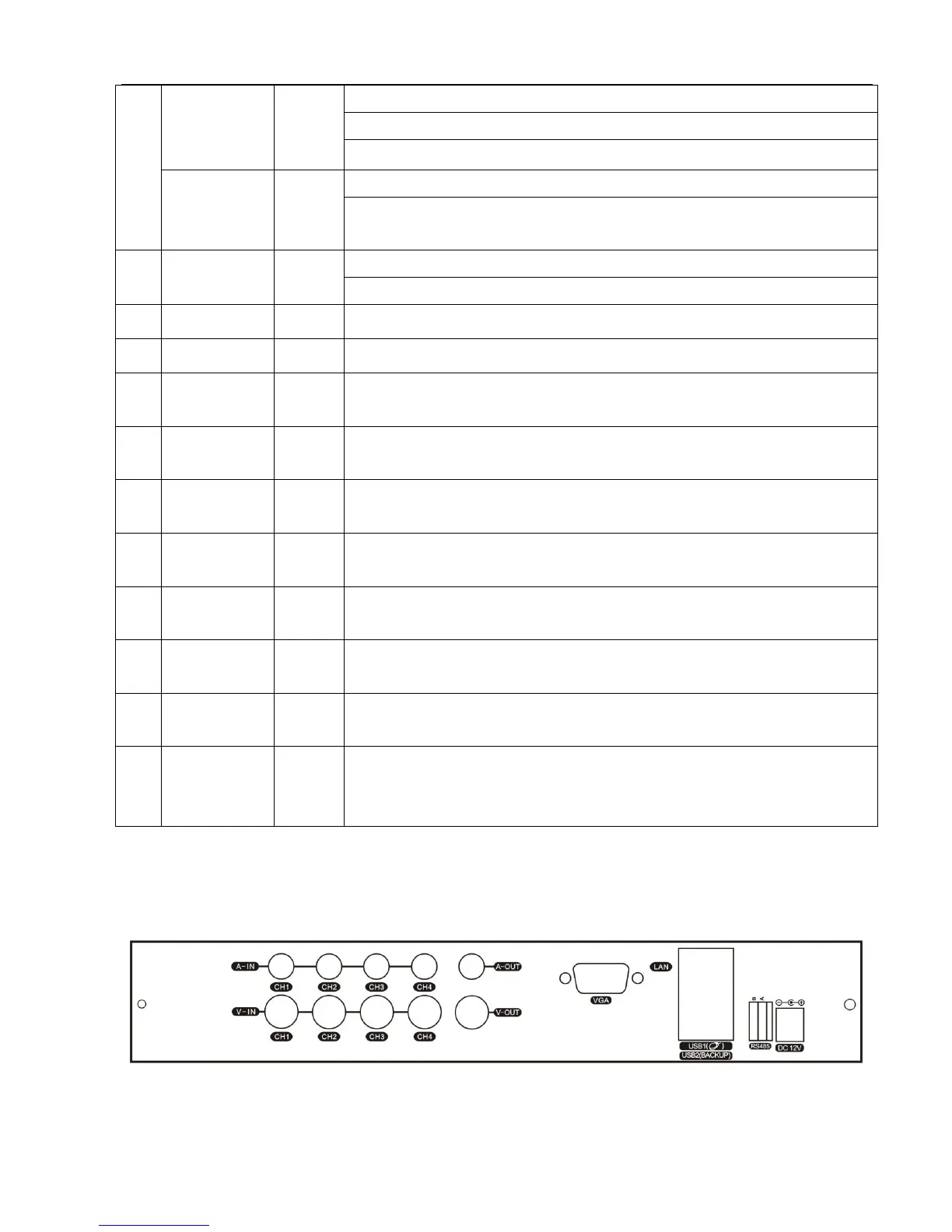
2.2 Introduction of the rear panel
4CH DVR panel 1
4CH DVR panel 2



 To Next Page