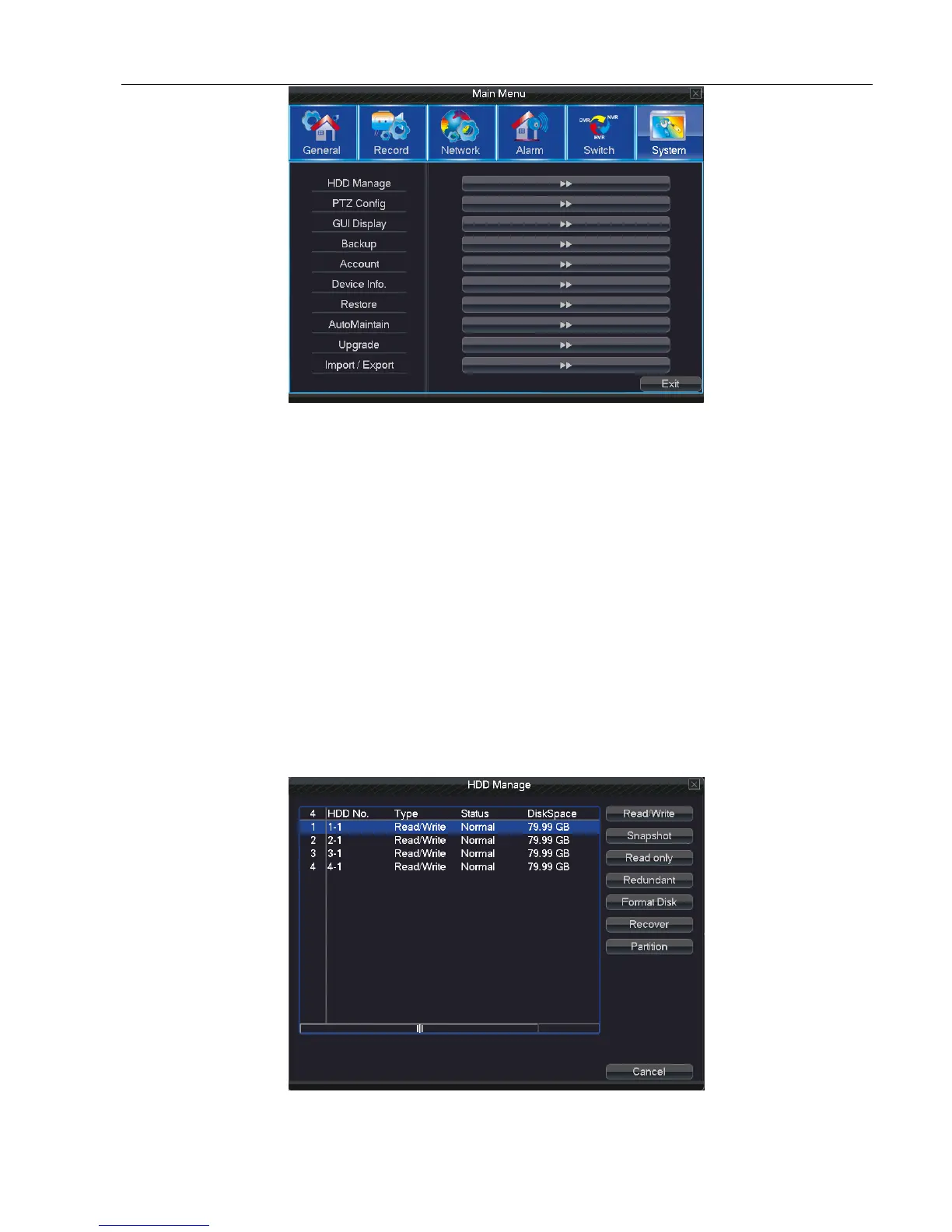
Picture 4.37 System
5.7.1 HDD Manage
Configure and manage the hard disk. The menu displays current hard disk information: hard disk number, input
port, type, status and overall capability.
The operation include: setup the write-read disk, read-only disk, redundant disk, hard disk format, resume default.
Choose the hard disk and click the right function button to execute.
Read/Write: The equipment can read and write data.
Read only: The equipment can read data but can not write data.
Redundant: Double backup the video files in the write-read disk.
Format Disk: All data loses after format disk
Recover: Can recover wrong state of HDD.
Partition: For hard disk partition setting, HDD can be divided into two kinds of partition:video and screen shots
Picture 5.7 HDD Manage



 To Next Page