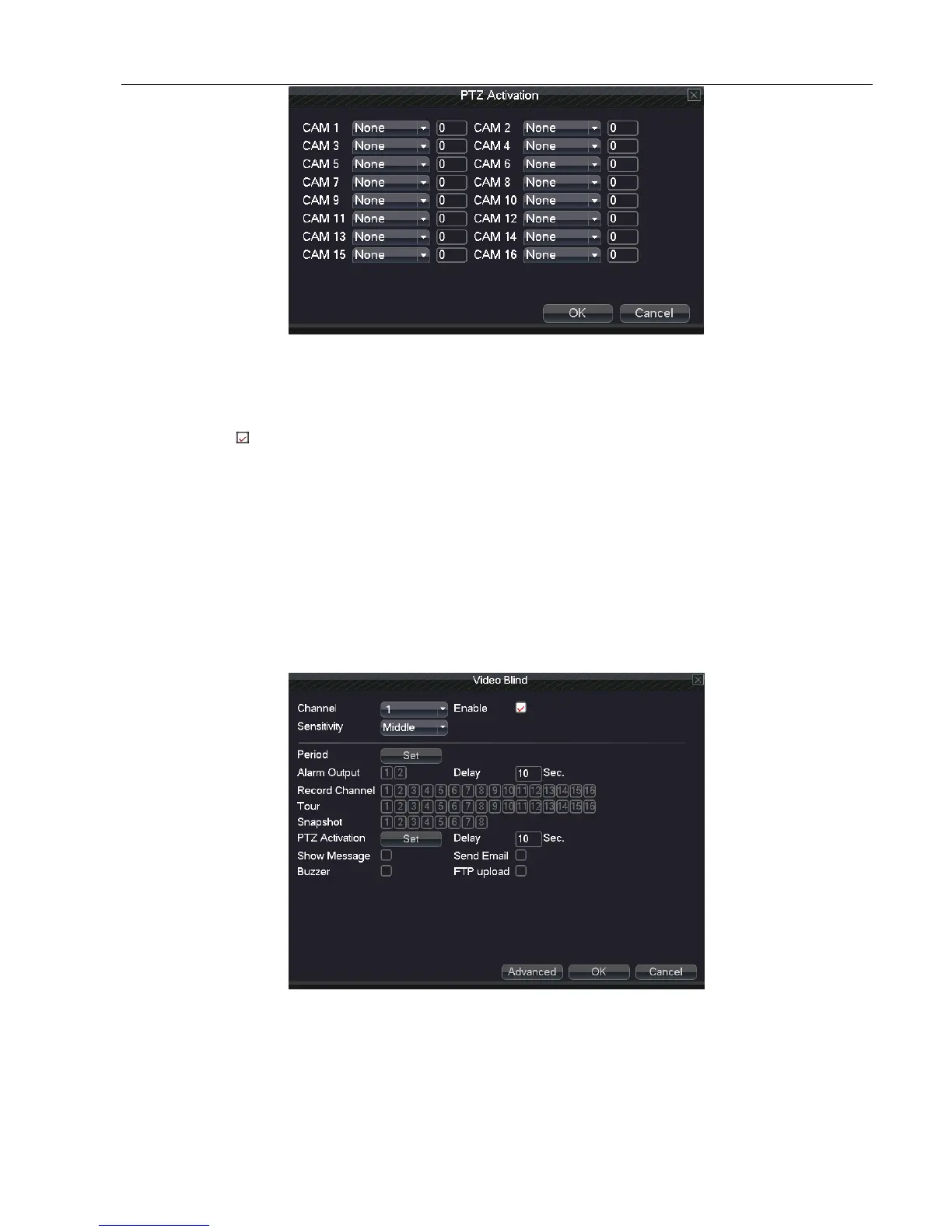
Picture 5.4.4 PTZ activation
Delay: Delay a few minutes when the alarm stopped. The range is 10~300 seconds.
Show Message: Pop the alarm information dialog box in the local host computer screen.
Send Email: means sending an email to user when the alarm occurs.
Note: if sending email, need to do relative setting in “main menu” “network setting” “network service”
Buzzer: Alarm occurs, the equipment will issue long "Didi" sounds .
FTP upload: Sending alarm events to the specified FTP server while Alarm occurred.
Note: if FTP sending, need to do relative setting in “main menu” “network” “net service”
5.4.2 Video Blind
When the video image is influenced by outer environment or bad brightness and reaches the setted sensitive
parameter, the video blind and the linkage functions is open.
Picture 5.4.2 Video Blind
Set method: refer to Chapter 4.5.1. Motion Detect.



 To Next Page