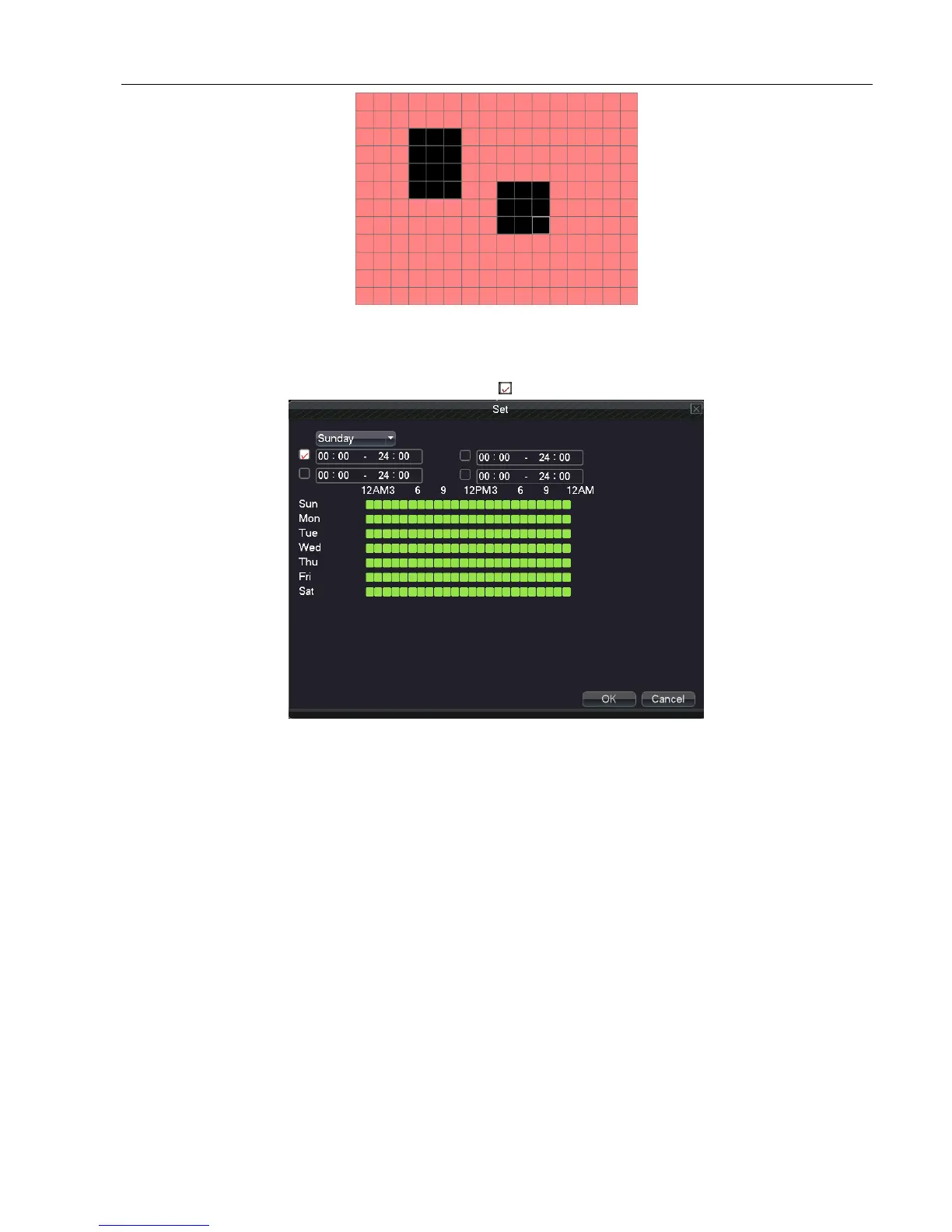
Picture 5.4.2 set the area
Period: Trigger the motion detect signal in the set time section. You can set according to week or set uniformly.
Each day is divided into four time sections. means the setting is valid.
Picture 5.4.3 set the time section
Interval: Alarm signal opens one by one if there are several signals of motion detect in the setted interval.
Alarm output: Start the external equipment of corresponding linkage alarm when the motion detect alarm occurs.
Delay: Delay a few minutes when the alarm stopped. The range is 10~300 seconds.
Record channel: Choose the recording channel (multiple option supportive). Trigger the video signal when the
alarm occurs.
Note:Set in the “main menu” “record” “record plan” and perform the linkage recording. And set “desktop
shortcut menu” “record mode” to be configured, motion detect linkage recording will work
Tour: Choose the recording channel, which will tour preview with single screen when there is alarm signal
【PTZ Activation】Set the PTZ linkage when the alarm occurs.
Note: using PTZ linkage, need to set preset, cruise between points and scan etc. parameters in “desktop shortcut menu”
“PTZ control”“setting”.



 To Next Page