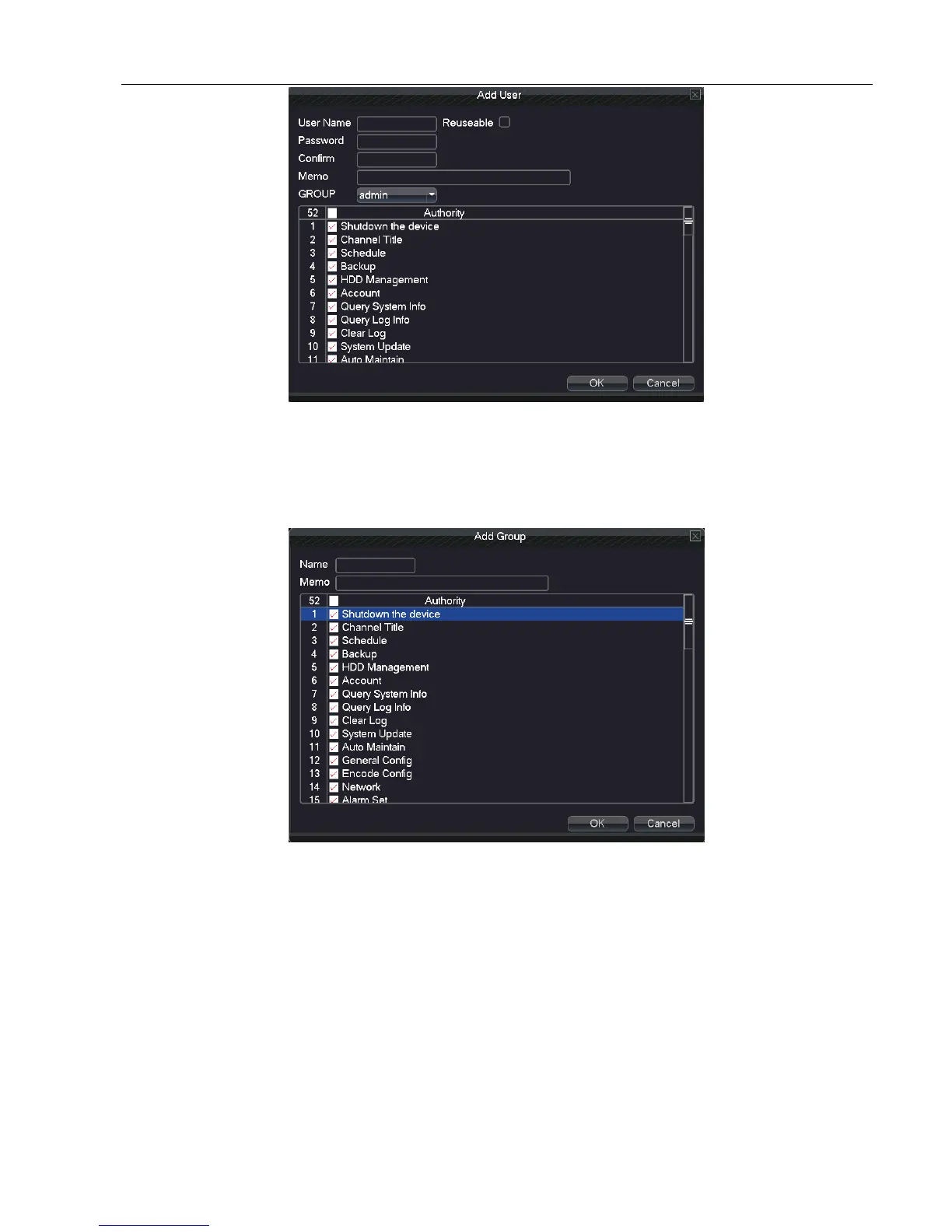
Picture 5.7.7 add user
Add Group: Add a user Group and set the authority. There are 52 different kinds of authority: shut down the
equipment, real time surveillance, playback, recording setup, video file backup and so on.
Picture 5.7.8 add group
Delete user: Delete the current user. Choose the user which needs to be deleted.(The default user cannot delete).
Delete Group: Delete the current team (ensure that there is no user in the team). In Picture 5.7.8-1 click the delete
team button in Picture 5.8-1, select the needed to remove the team, click the delete button.
Refresh: to refresh the deleted and added item.



 To Next Page