Step one: DVR settings. The “main menu”
“record”,
enable extra stream;
Step two: Install the matching mobile phone monitoring software.
Obtain corresponding client software from the optical disc
(the client software of Android smart phone is vMEyeSuper.apk) and install it on the phone
;
Step three: After successful installation,
find and run the corresponding client software from “start”
“program” of the
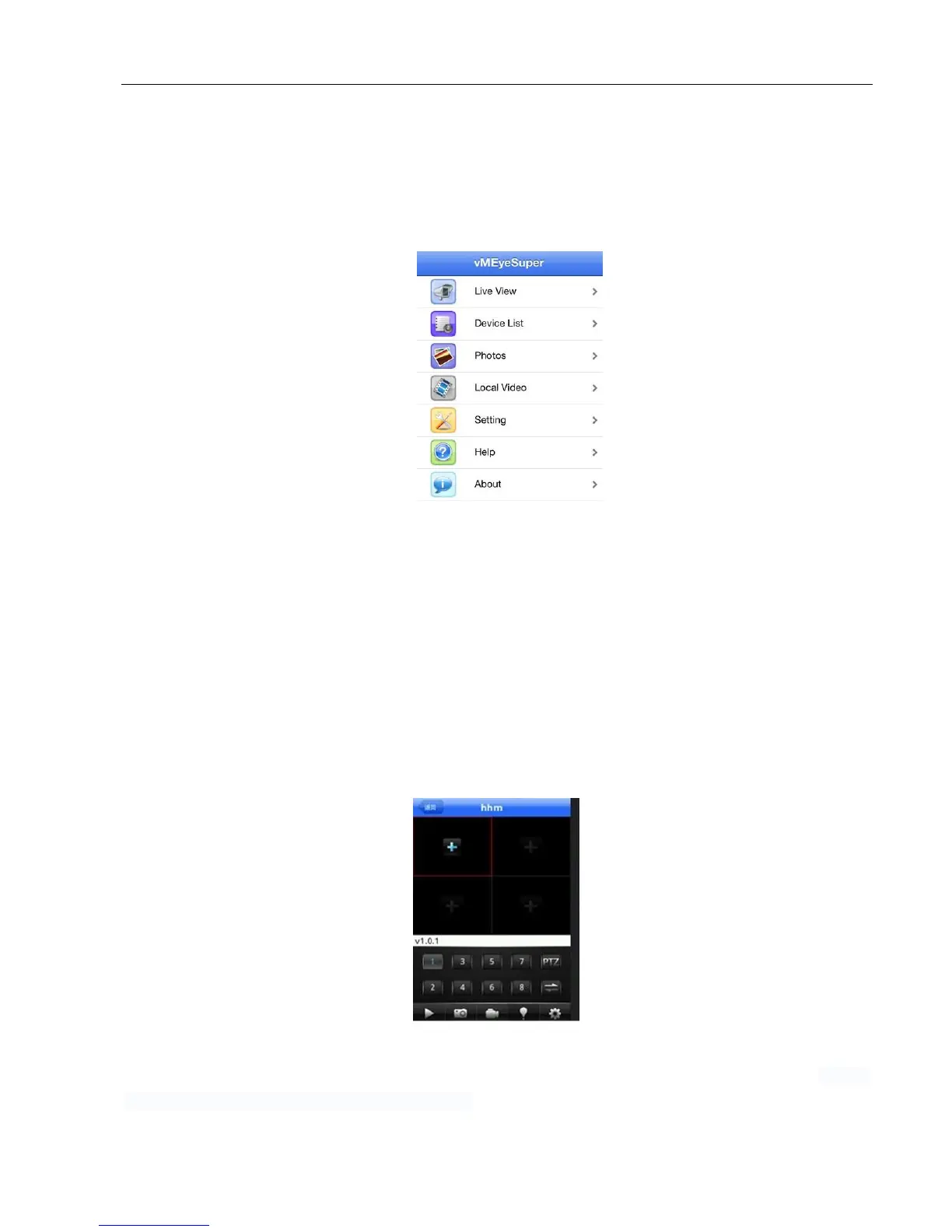
mobile phone ( it is vMEyeSuperhe on Android mobile phone), as
picture 6.10;
Picture 6.10
Mobile client interface 1
Step four: click the device list on picture 5.10, enter IP address, device name, user name, password, port of the monitoring
device.
Device Name:
Set by user;
User name:
Input user name to login DVR;
Password:
Input password to login DVR;
Server:
IP address of DVR;
Port:
default port is 34567;
Click OK after finish adding, as picture 5.11 shown below. Choose the channel which needs to be monitored, preview
screen will display properly.
Note: If the DVR is in LAN when monitoring, the mobile phone needs to connect wireless router to access the device;
The corresponding client software for different mobile phone system is shown as below (please refer
auxiliary
software in the optical disk because of different version)
:
Mobile phone client
of the third version of Symbian S60 is: MEYE_SB_S60_3rd.sisx



 To Next Page