42
Note: With the PGV-20 probe, set the PPG/PV mode
switch to the PPG mode beforehand.
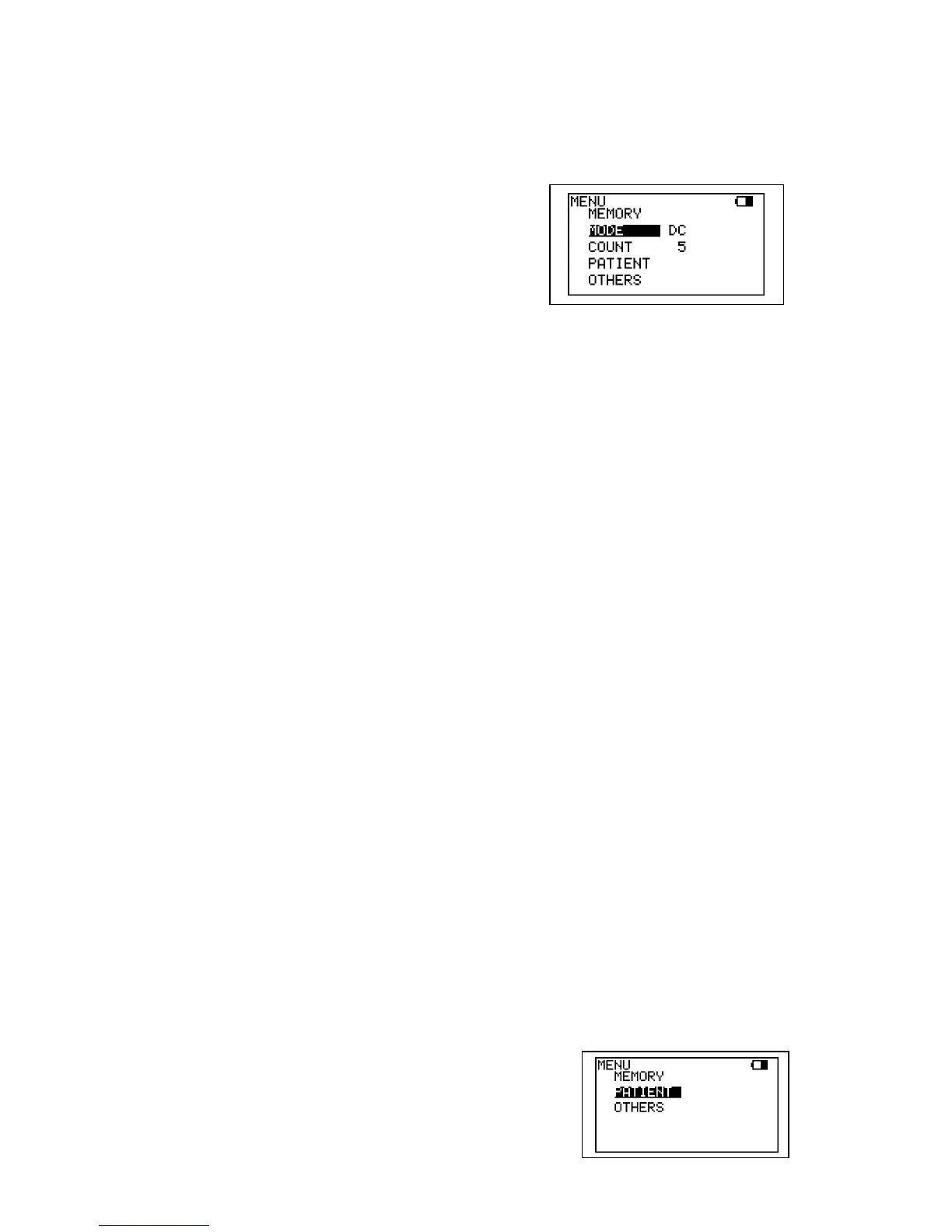
(2) Press Enter button to display MENU. Scroll to
MODE and press Enter to change from AC to
DC mode.
(3) COUNT represents number of foot exercise
during study and if desired, press Enter on
COUNT and press Up and Down to change the
number.
Press Left to get out of the MENU mode.
(4) Check that the face of the PPG sensor is free of
stains. Clean it if necessary.
(5) Make certain that room temperature is
comfortable and that the skin surface of the
lower limb is warm. Cold constricts superficial
blood vessels and thus jeopardizes the
accuracy of PPG measurements.
Examination Procedure
(1) Have the patient sit on an examination table so
that the feet are off the floor.
(2) Apply the sensor, with the clear side against the
skin surface, to the medial malleolus over the
posterior tibial vein.
Fix the sensor in place with double-sided clear
tape.
(3) If you wish to input patient data, see “3-2-3-j.
PATIENT”.



 To Next Page