43
(4) Press Right or probe button to begin the
measurement process.
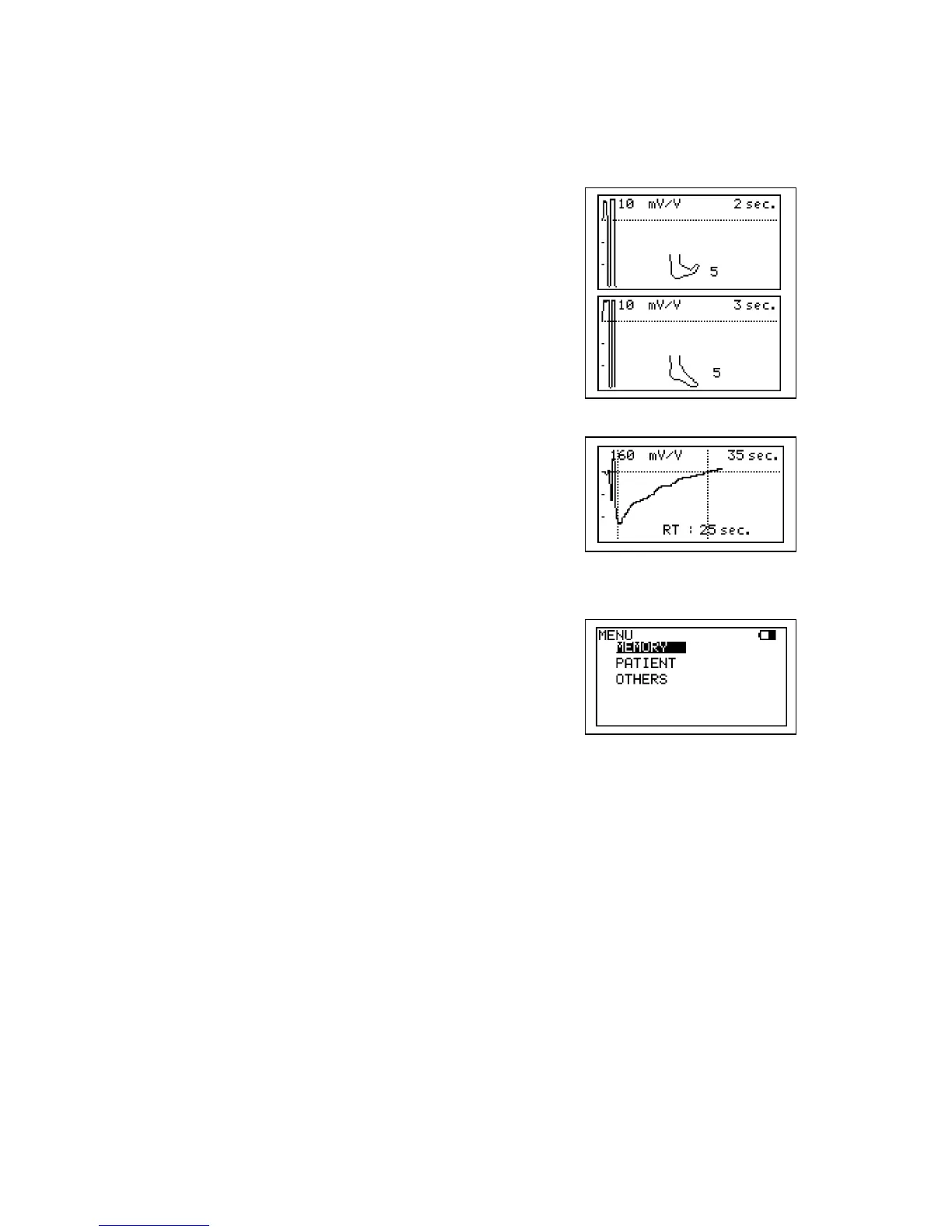
(5) Ask the patient to flex the foot specified number
on COUNT following the foot animation on LCD.
The exercise should be forceful, especially
when lifting the foot upward.
(6) After flexing, instruct the patient to relax the foot
and avoid all movement.
(7) The test is completed when the waveform
returns to the baseline and Smartdop will
automatically freeze the waveform.
Press Print Button to print the waveform if
necessary.
(8) If you wish to save the data on the memory, see
“3-2-3-a. MEMORY - STORE”.
(9) Press the Right to get out of the freeze mode.



 To Next Page