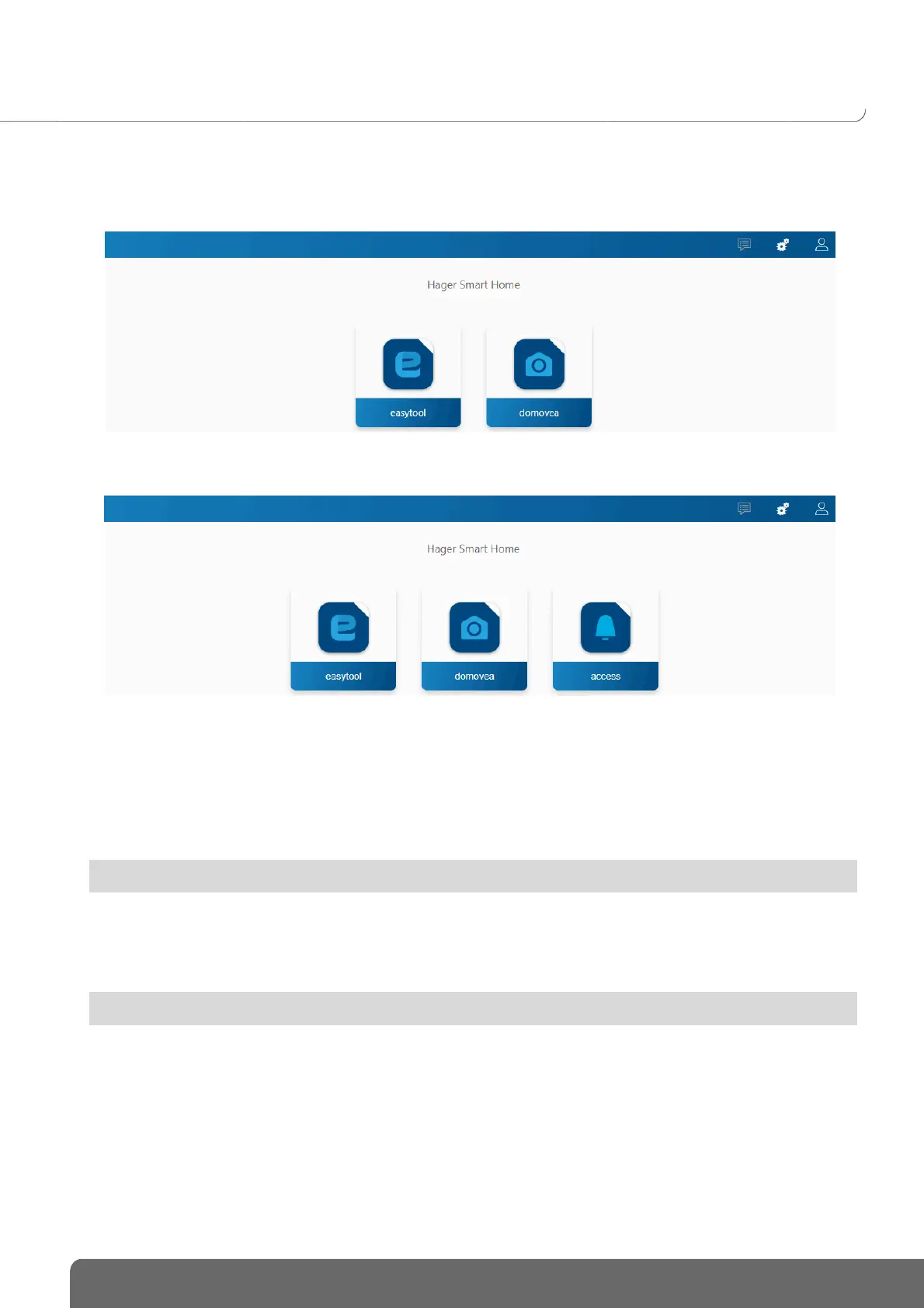
TJA670 domovea Basic
TJA470 domovea Expert
Project domovea basic TJA670
Project domovea expert TJA470
This enables the project to be configured:
• Using the Easytool configuration tool:
- click on the Easytool symbol
A KNX product configuration window appears, enabling the installation to be configured.
For more information, refer to the installer manual for the TXA100 configuration tool
• • Using the Access configuration tool (only with TJA470 Domovea Expert):
- click on the Access symbol
A configuration window appears, enabling the intercom application to be configured.
For more information, refer to the TJA510 Gateway Configuration Manual
• Using the domovea configurator:
- click on the domovea symbol
A configuration window appears, enabling the domovea client application to be configured.


 To Next Page