EasyManua.ls Logo

hager TJA670 domovea Basic - Generic; Network; Cameras

hager TJA670 domovea Basic
36 pages
Print Icon
To Next Page IconTo Next Page
To Previous Page IconTo Previous Page
Loading...
33
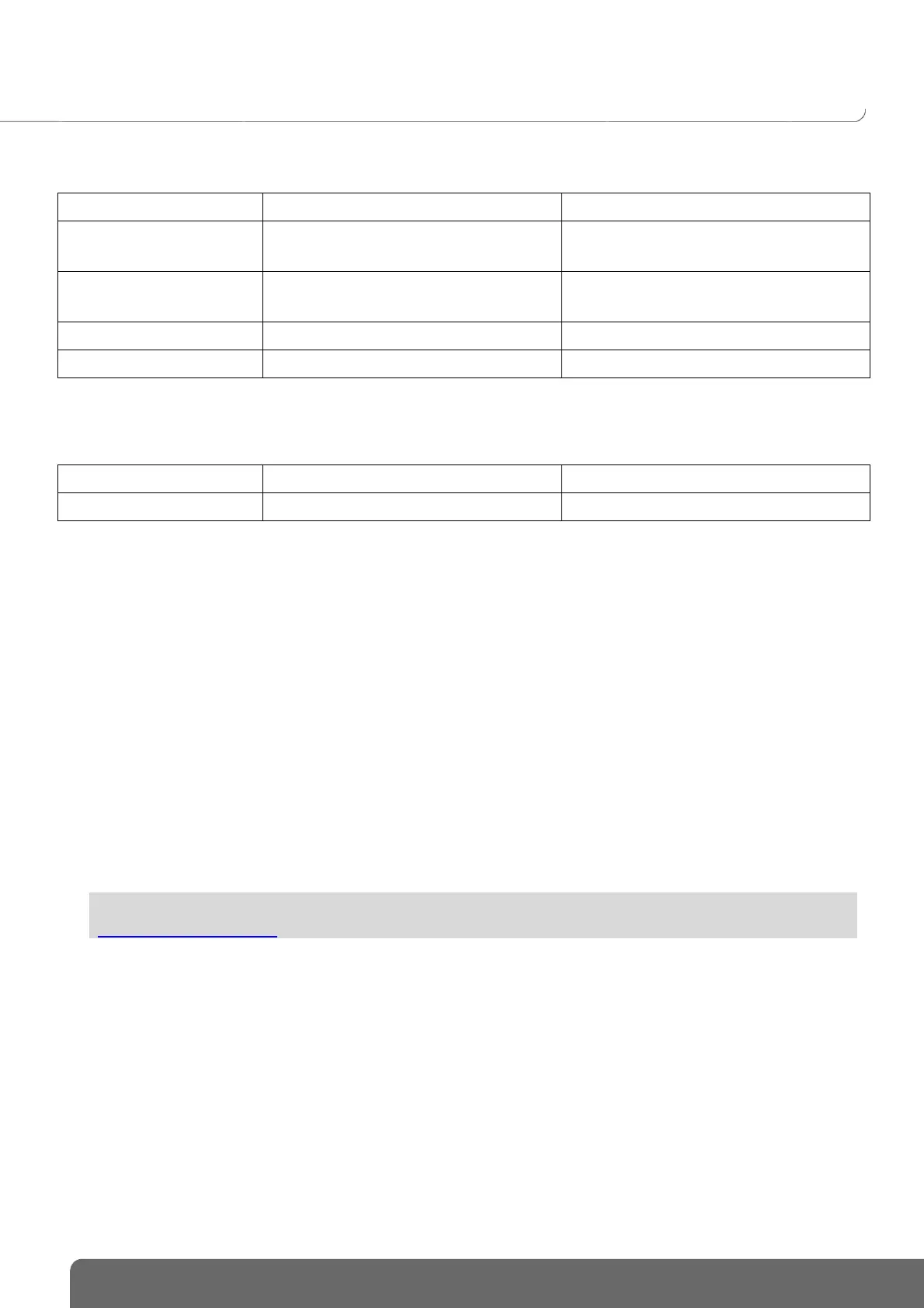
7.1.5 Generic
Devices
Actions
Display
Generic ON/OFF device
Switch on
Switch off
On
Off
Command maintained
Switch on
Switch off
On
Off
Generic pulsed device
Switch on
On
Generic device
Writing of value x on the KNX bus
The value is equal to x
7.1.6 Network
Devices
Actions
Display
URL
Sending an http request
None
7.2 Cameras
This section describes the procedure for creating a link between a network camera and a domovea installation.
Click on New device to create a device:
select IP Camera in the Camera section,
click on Discover cameras to automatically browse the devices on the network,
click on the Add button,
change the name of the device if necessary,
click on Test to check the camera image.
A camera can also be installed manually
click on Onvif if your camera is compatible with this protocol,
or
click Generic for all other types,
change the name of the device if necessary,
enter the configuration parameters for the connection.

For more information, please see tutorial 18 - Add cameras in domovea with Hager Pilot at
www.hager.com/domovea.

Table of Contents

Related product manuals