6 MY DOMOVEA INSTALLATION
6.1 Dashboard
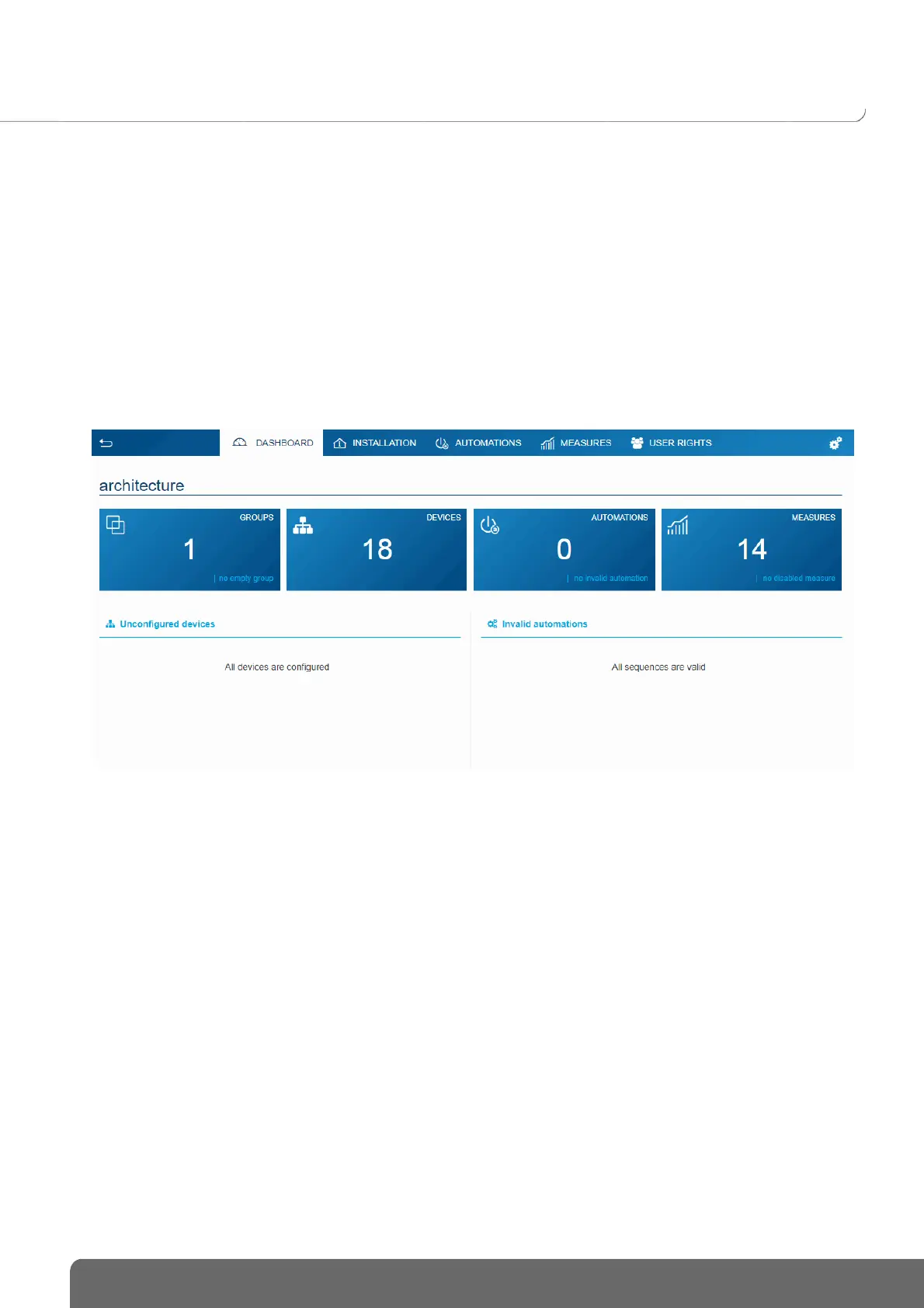
The Dashboard page can be used when an installation is selected:
• go to Architecture to display an overview of the installation elements
- The number of groups
- The number of devices
- The number of valid or invalid automations
- The number of active or inactive measures.
• to display the non-configured devices
• to display the non-configured automations


 To Next Page