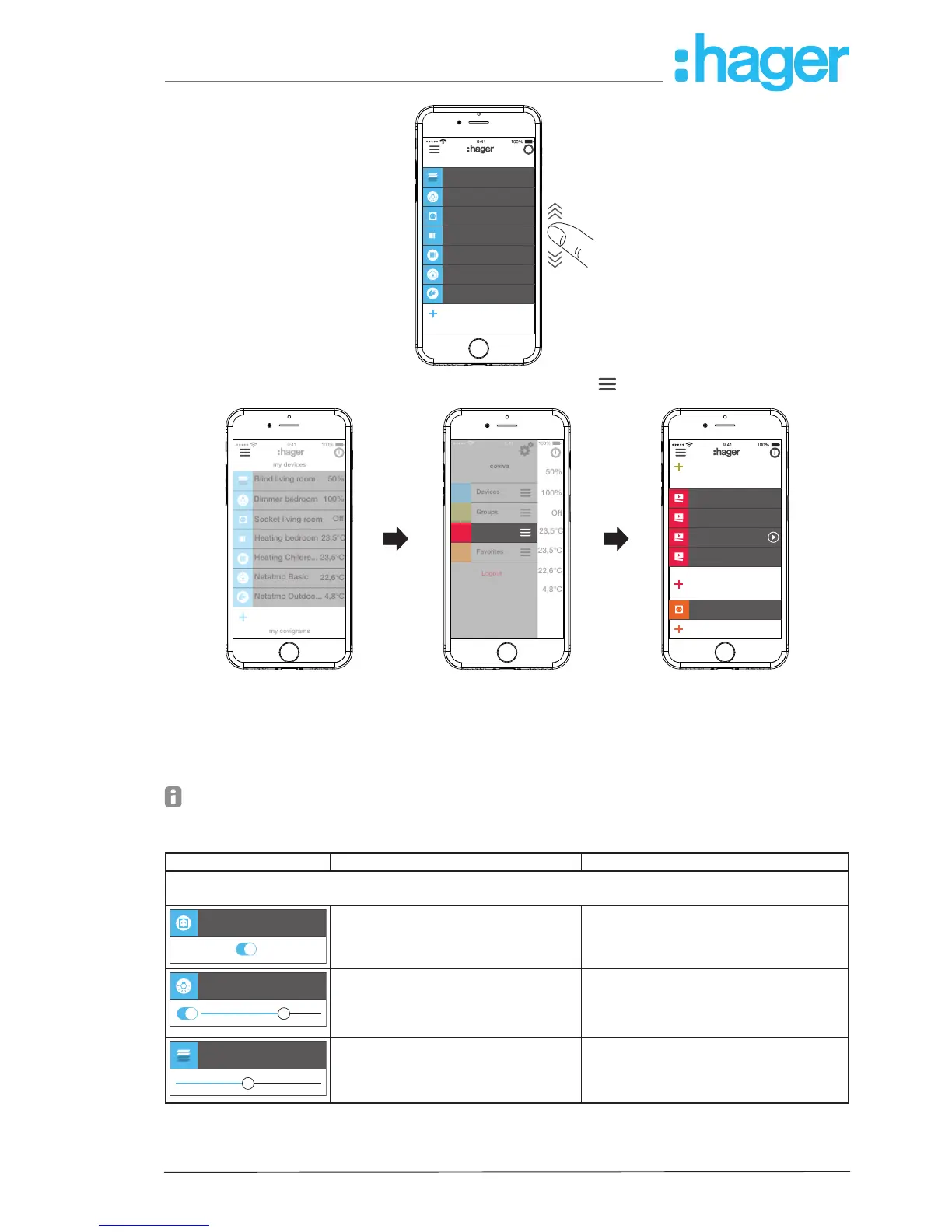
Every user can operate all congured applications and retrieve information regardless of the
user prole.
The operating concept is intuitive and corresponds to the routines of other app operations. Be-
low is an overview of the basic operating modes and applications in the coviva app (see Table
4).
Instead of a touch operation or a swipe movement, operation via the web app takes place
solely by mouse click or by dragging with the left mouse button pressed down as well as by
scrolling.
Display Operation/display Applications (as an example)
My devives (Operation):
Open/close the display by touch in the corresponding devices line
Ein
Socket living ro... On
Touch
switch ON/OFF
Display of the switching state
Light control:
- Switch light
- Switch load on socket outlet
Dimmer Bedroom
71%
Swipe to the left/to the right
switch ON/OFF, dim LIGHTER/DAR-
KER
Display in % (0%: OFF, 100 %: ON)
Light control:
- Set brightness of a light
Blind Living room
50%
Swipe to the left /to the right
move UP/DOWN
Display in % (0 %: open, 100 %: closed)
Blind control:
- Movement position of a blind/roller
shutter
- Slat position of a blind



 To Next Page