RE 15409, Version 08.2022, Bosch Rexroth AB
Commissioning | CMp 61/64
8.8 Start up
• Switch on the power to the Spider control unit (or with the switch on the power
supply)
• All power indicators on the modules inside the S-Link Monitoring Unit should
shine with a steady green light after a while if everything is ok. (see 6.1: SLMU)
• Verify that the S-Link Monitoring Unit communicates with the Spider control unit:
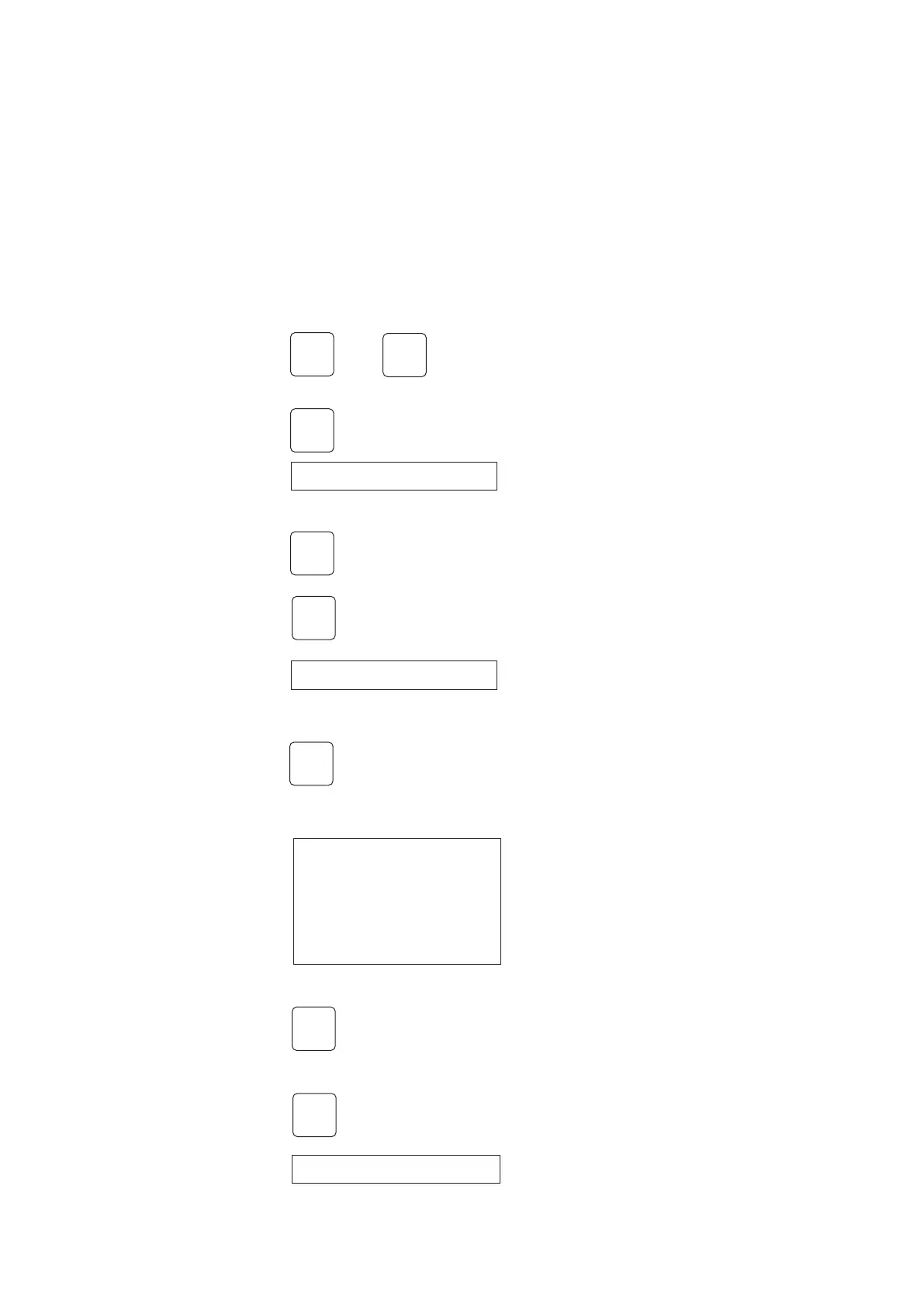
Access the S-Link information interface via the Spider front panel:
+
Press 3 sec. to enter setup list
Go down to the menu entry “SPIDERLINK”
Press to access
Go down to the menu entry “INFO”
Press to access
Verification that the communication between
CCM and Spider is working.
“Up” means that communication is working
Go back one step
Go up one step to the menu entry “UNIT MENU
<
⊠
SPIDERLINK
⊠
INFO
⊠
∨
∨
<
Link: Up
Link lost: 2
Buffer Used: 0%
UNIT MENU
<



 To Next Page