56/64 CMp | Commissioning
Bosch Rexroth AB, RE 15409 Version 08.2022,
8 Commissioning
8.1 Commissioning
Make sure to have read and understood this manual in its entirety, as well as the
additional attached technical documentation.
Check the following points before commissioning the S-Link Monitoring Unit, i.e.
before starting the rst time:
f Make sure that all cables are connected in accordance to 7.4: Connecting S-Link
Monitoring Unit to the control unit.
f Visually examine the box and all cables for damages or faults.
f Conrm that the box is mounted properly.
8.2 Update software of Hägglunds Spider 2
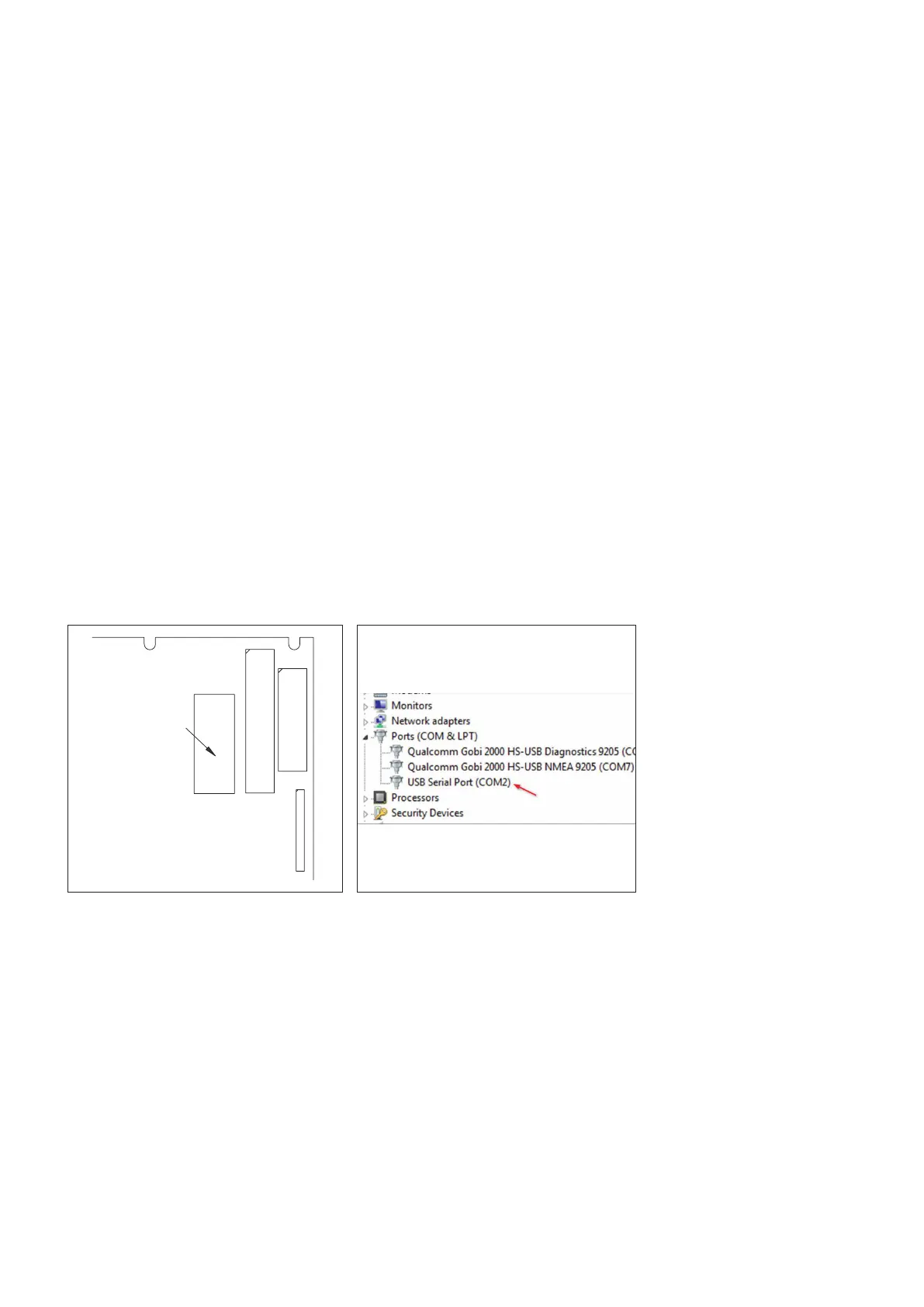
Connect a 9-pole Null modem serial cable between the Spider control unit main
card serial port, see Fig. 62: Main card serial port, and the laptop Com port. A USB-
serial port adapter may be needed.
Check in Windows Device Manager which Com port that is assigned for the serial ad
-
apter if used, see Fig. 63: Com port assignment
Serial port
Main card
P25
Fig. 62: Main card serial port Fig. 63: Com port assignment
DD00078711 DD00078712



 To Next Page