28
Operation
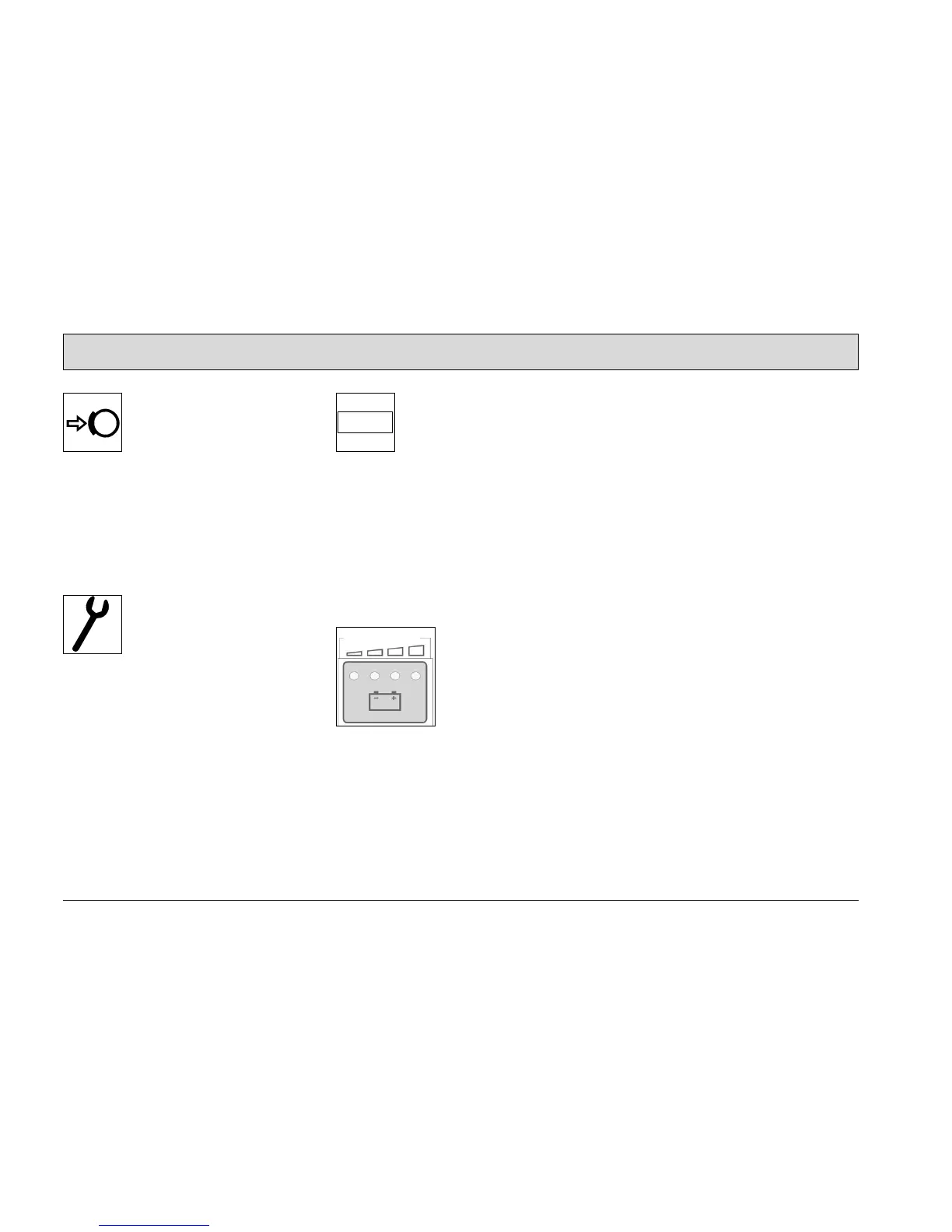
Control lamp for parking brake
(Fig. 10/3)
It lights up when the parking brake is ac-
tuated. The control lamp goes out when
the parking brake is released. The
buzzer sounds if the accelerator is
pressed when the parking brake is actu-
ated.
Control lamp for service indicator
(Fig. 10/4)
It lights up when an error has occurred
in the system. In addition to the Service
indicator, a four-digit service code ap-
pears in the operating hour counter dis-
play. The dots in the service code flash.
Clear the fault or note down the service
code and inform your authorized Hako
dealer. After clearing the fault, acknowl-
edge it by turning the key switch OFF/
ON.
Operating hour counter/Service
code (Fig. 10/5)
The software version, last service code
and current operating hour status ap-
pear in the operating hour counter dis-
play briefly after switching the ignition
on. If the display flashes, it means the
driver's seat is not occupied. A list of
possible errors is provided in Section
2.6.1.
Charge status indicator (Fig. 10/6)
After switching on the key switch, all the
lamps light up if the battery is fully
charged. As the battery is discharged
during operation, the lamps (B), (C) and
(D) go out according to the respective
charge level. The critical discharge lev-
el is indicated when the red lamp (A)
flashes and, at the same time, an
acoustic signal is issued. At this mo-
ment, drive the shortest possible route
to the charging station. After the lamp
has flashed for 3 minutes, the cleaning
units are automatically switched off
(side brush, main rotary brush, fan).
The drive remains active. The vehicle
can still be driven for a limited time
when the red lamp flashes according to
the battery status. When the red lamp
lights up continuously, all the vehicle
functions are deactivated and the driv-
ing speed is reduced by half. This
serves to protect the battery from total
discharge.










 To Next Page