Microlab
®
STAR User Manual
610766/02 Page 155 of 225
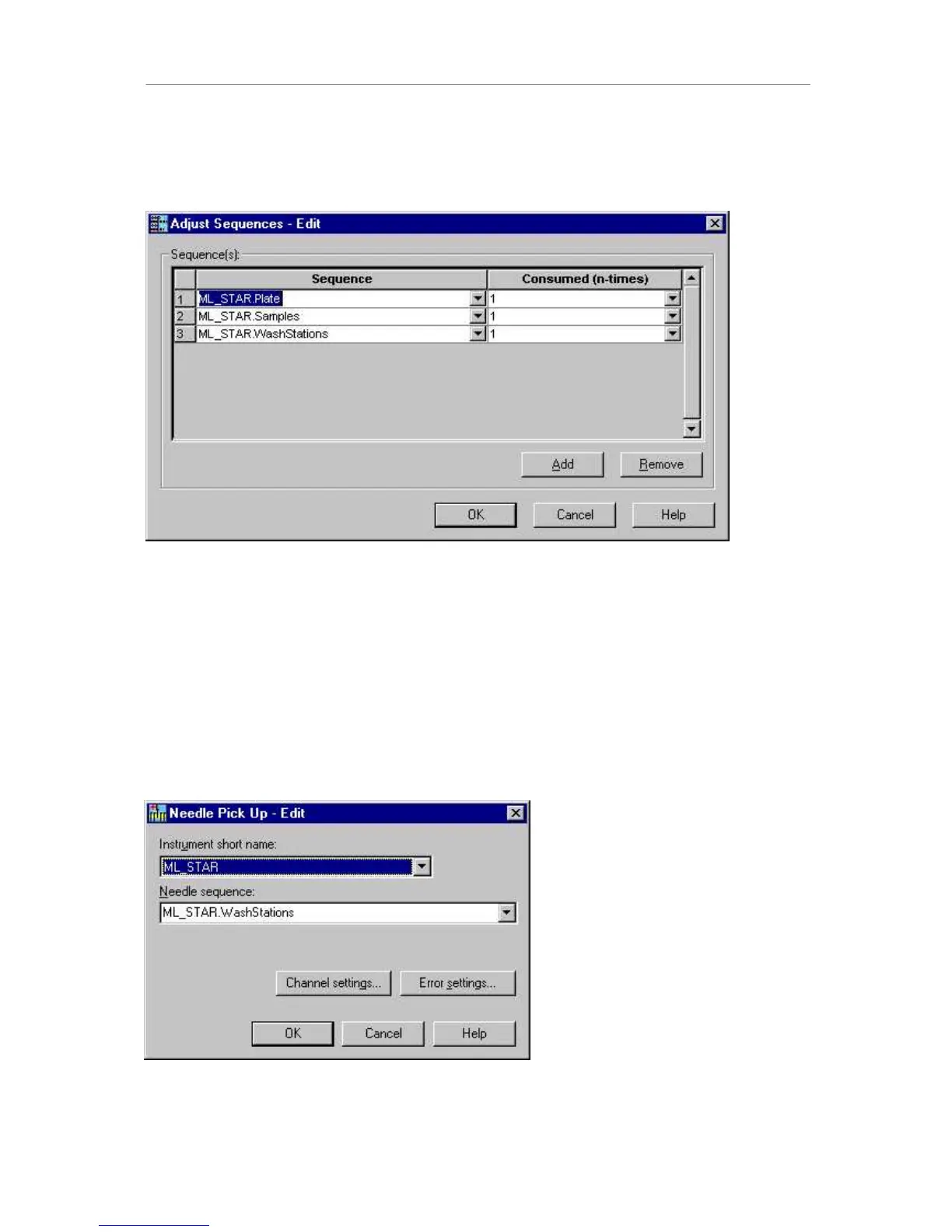
The next step is the “adjust sequences” command. This command is used to automatically
handle a reduction of samples when using single steps. If, say, only 4 samples are left over
in the last step, “adjust sequences” ensures that the system will pick up only 4 tips, aspirate
4 samples, and dispenses into 4 plate positions, leaving the other 4 channels unused.
Multiple sequences may be added to the dialog by clicking on the “Add” button and selecting
the sequence from the dropdown field.
127(
(YHU\VHTXHQFHWKDWLVXVHGZLWKLQWKHORRSKDVWREHDGGHGWRWKH³DGMXVWVHTXHQFHV´
FRPPDQGLQFOXGLQJWKHWLSVHTXHQFH
7KHSRVLWLRQRIWKH³DGMXVWVHTXHQFHV´FRPPDQGZLWKLQWKHORRSOLQHQRLVQRWLPSRUWDQWDV
ORQJDVLWLVSODFHGZLWKLQWKHORRS
Now, pick up needles using the SMART Step:



 To Next Page