Microlab
®
STAR User Manual
610766/02 Page 57 of 225
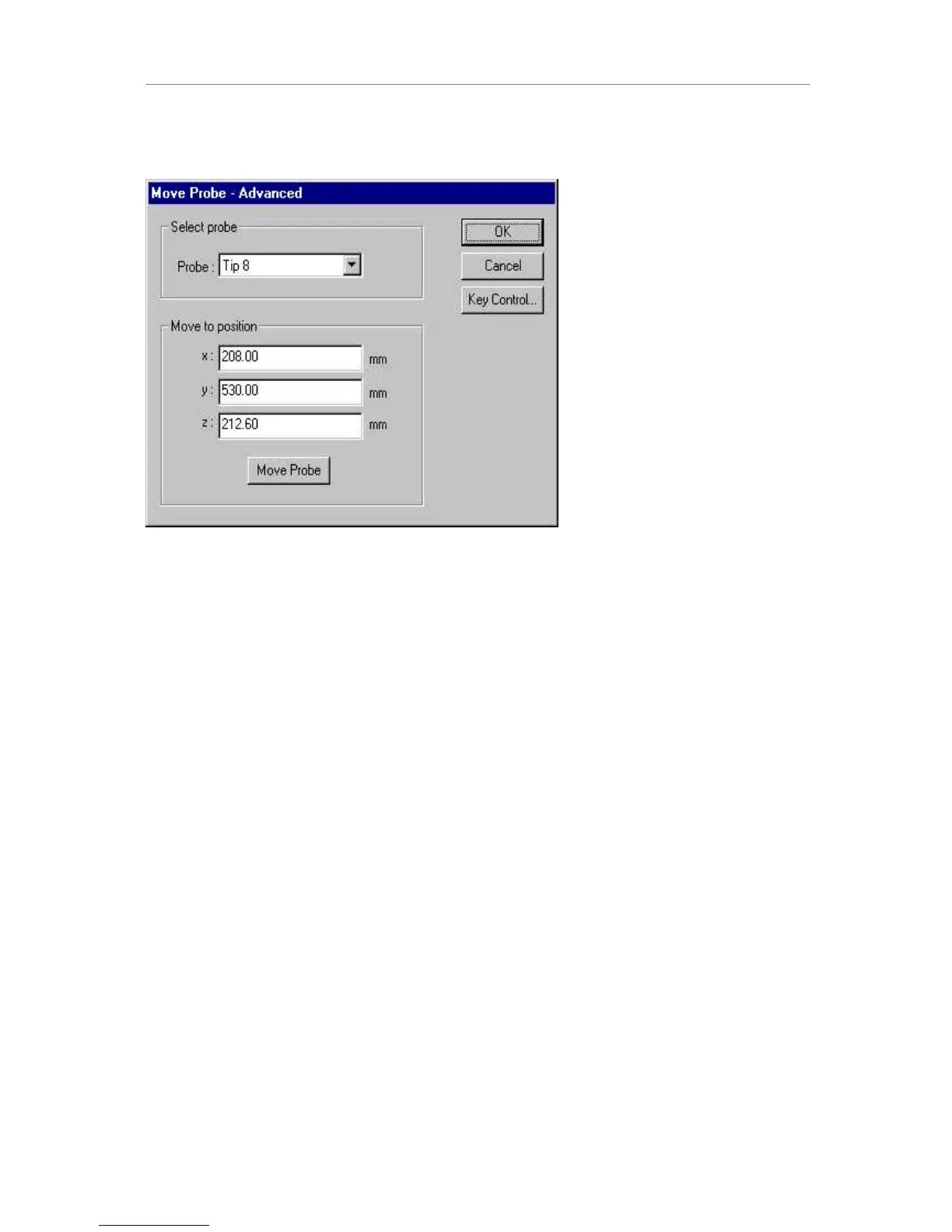
The dialog gives the current x,y,z coordinates and allows you to move the needle to any
position on the deck. The Advanced section allows you to move directly to a position by
clicking on Move Probe.
Clicking on Key Control brings you back to the previous dialog. Clicking OK ends the
teaching process and writes the current position into the x,y,z coordinate fields of the move
labware dialog.
Alternatively, select “Move Probe” from the tools menu.
127(
7KHUHIHUHQFHSRLQWVIRU³WHDFKLQJ´DUHWKHWLSRIWKHQHHGOHDQGWKHUHIHUHQFHZHOORIWKH
UDFNZKLFKLVXVXDOO\PDUNHGUHGXSSHUDQGOHIWPRVWZHOO $



 To Next Page