Microlab
®
STAR User Manual
Page 56 of 225 610766/02
7HDFKLQJ/DEZDUH
“Teaching” means guiding a channel or other probe to a particular location on the deck and
assigning a name to that location. The User Software enables you to record the x-y-z
coordinates of that point and to associate them with the name you have given the location.
Afterwards, you need only specify the name of the location and ML-STAR “remembers”
exactly where it is on the deck. The precise position of labware items can be “taught” in this
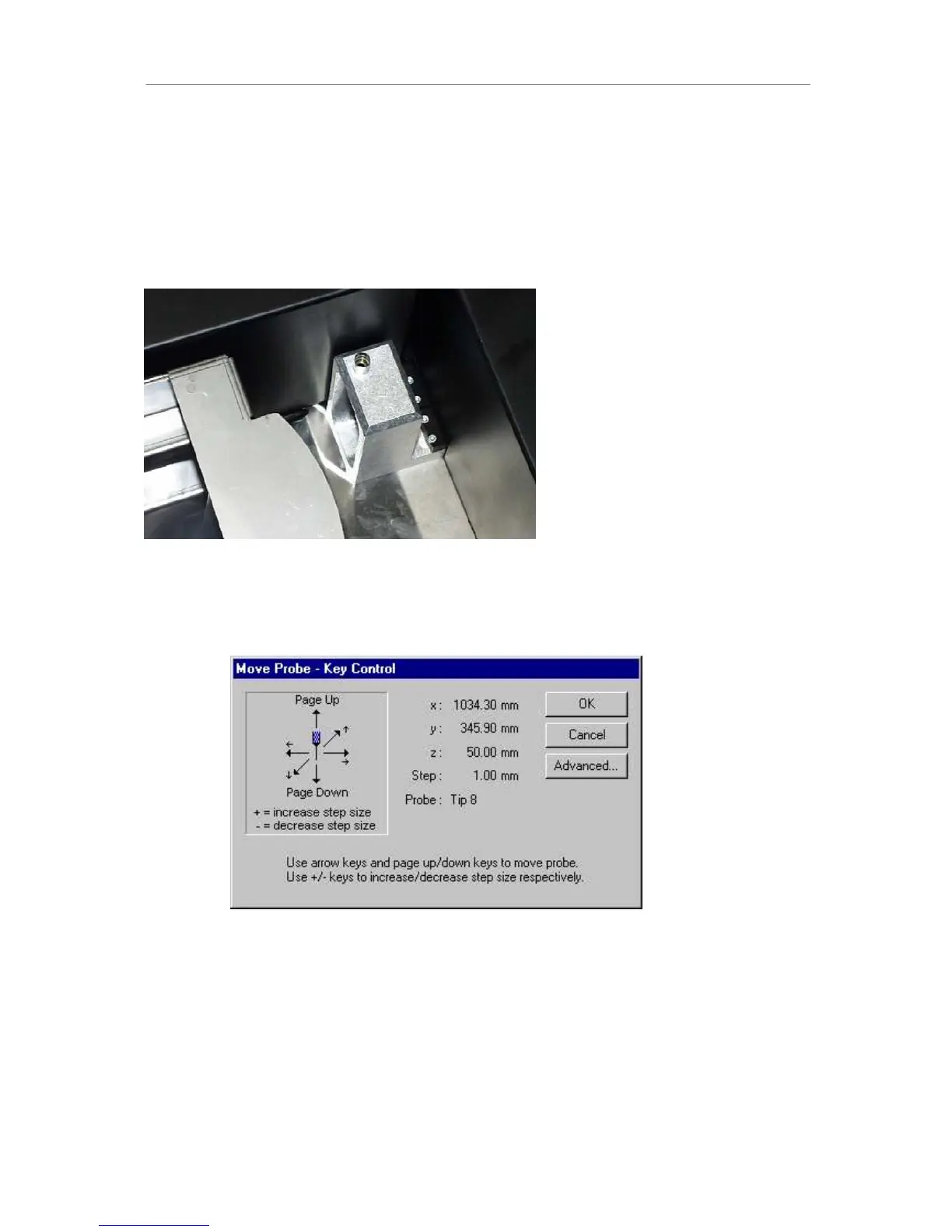
way, using the needle from the teaching station. This is an accessory. The teaching station is
placed on track 55, next to the waste container.
7KHWHDFKLQJVWDWLRQZLWKQHHGOH
Right-click on the labware to be “taught” within the deck layout. Select “Move Labware” from
the menu. Click on the Move Probe button. A needle is picked up from the teaching station.
Note that the teaching station does not have to be added to the deck layout (software).



 To Next Page