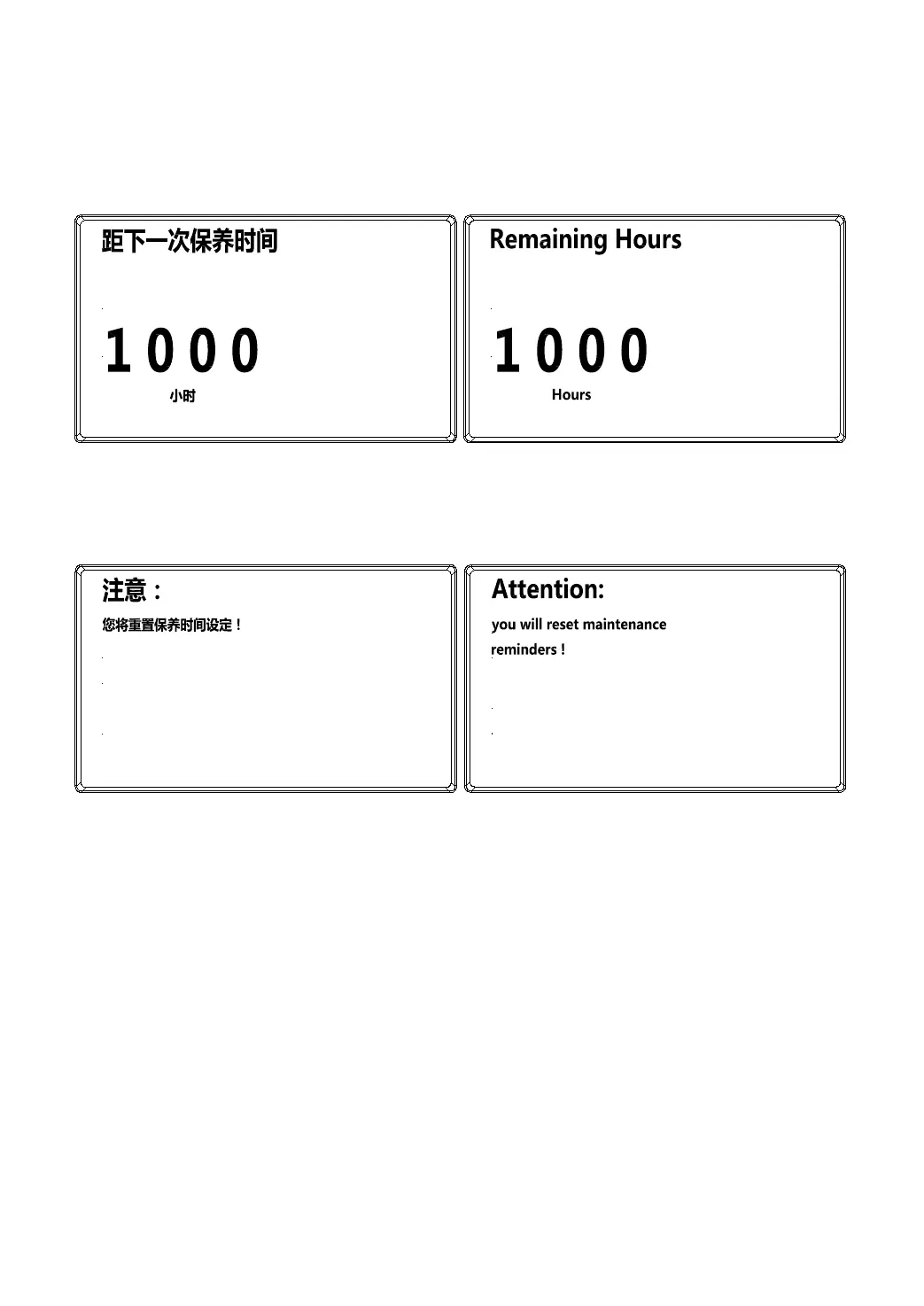
(3) Maintenance repair page
a. Remaining hours query page
The remaining hours can be observed on the page
Reset: Press Key 2 to be redirected to the maintenance hour reset page, and reset the remaining
hours to the set initial value (maintenance cycle interval).
Back to the setting page: Press Key 1
b. Maintenance hour reset page
Reset: Press Key 2 to confirm reset and automatically return to the maintenance query page if the reset
confirmation is successful.
Back to the setting page: Press Key 1 to return to the setting page





 To Next Page