4 - System Setup
76
20. The SmartCom computer is now ready to start the calibration
process.
21. Press main spray ON/OFF to open all boom sections and empty the tank. The pulses from
the flowmeter are now logged as data points.
μ
ATTENTION! On sprayers with BoomPrime or PrimeFlow it is essential for the precision of
the calibration, that pressing the main spray ON/OFF is done as quick as possible after
pressing in step 19.
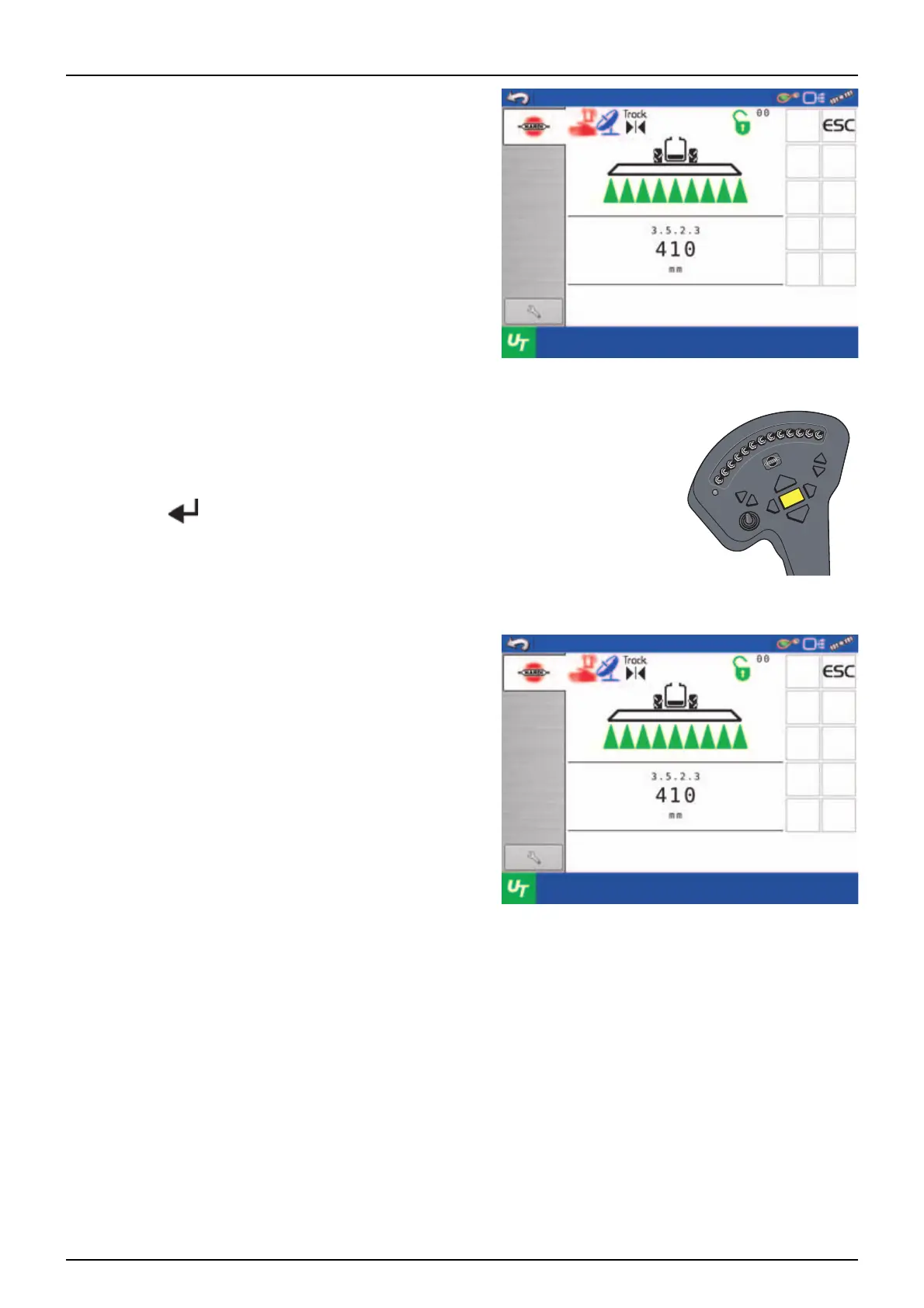
22. During the emptying session the screen shows the actual
water level in millimetres.
Water level
Empty sprayer through main
flow meter at boom. Computer
will register flow
Water level
Empty sprayer through main
flow meter at boom. Computer
will register flow



 To Next Page
 Loading...