6 ODROID-XU4 USER MANUAL
Scanning ...
XX:XX:XX:XX:XX:XX Rapoo E6700
$ sudo bluez-simple-agent hci0 XX:XX:XX:XX:XX:XX
Push the Connect button again, and enter the shown pin on the
keyboard, followed by the Enter key. If no pin is shown, try 000000.
Then, type the following to trust the device and restart the bluetooth
service:
$ sudo bluez-test-device trusted XX:XX:XX:XX:XX:XX yes
$ sudo /etc/init.d/bluetooth restart
In Android, the Settings application may be used to connect to
the bluetooth keyboard or mouse. More details on using bluetooth
with Android are covered in Chapter 2.
Ethernet and WiFi
The Ethernet port accepts a standard Ethernet cable, and is ca-
pable of up to 1 GB (1000 MB) per second transmission rate. The WiFi
USB adapter ts in any of the 3 USB ports.
MicroSD Card
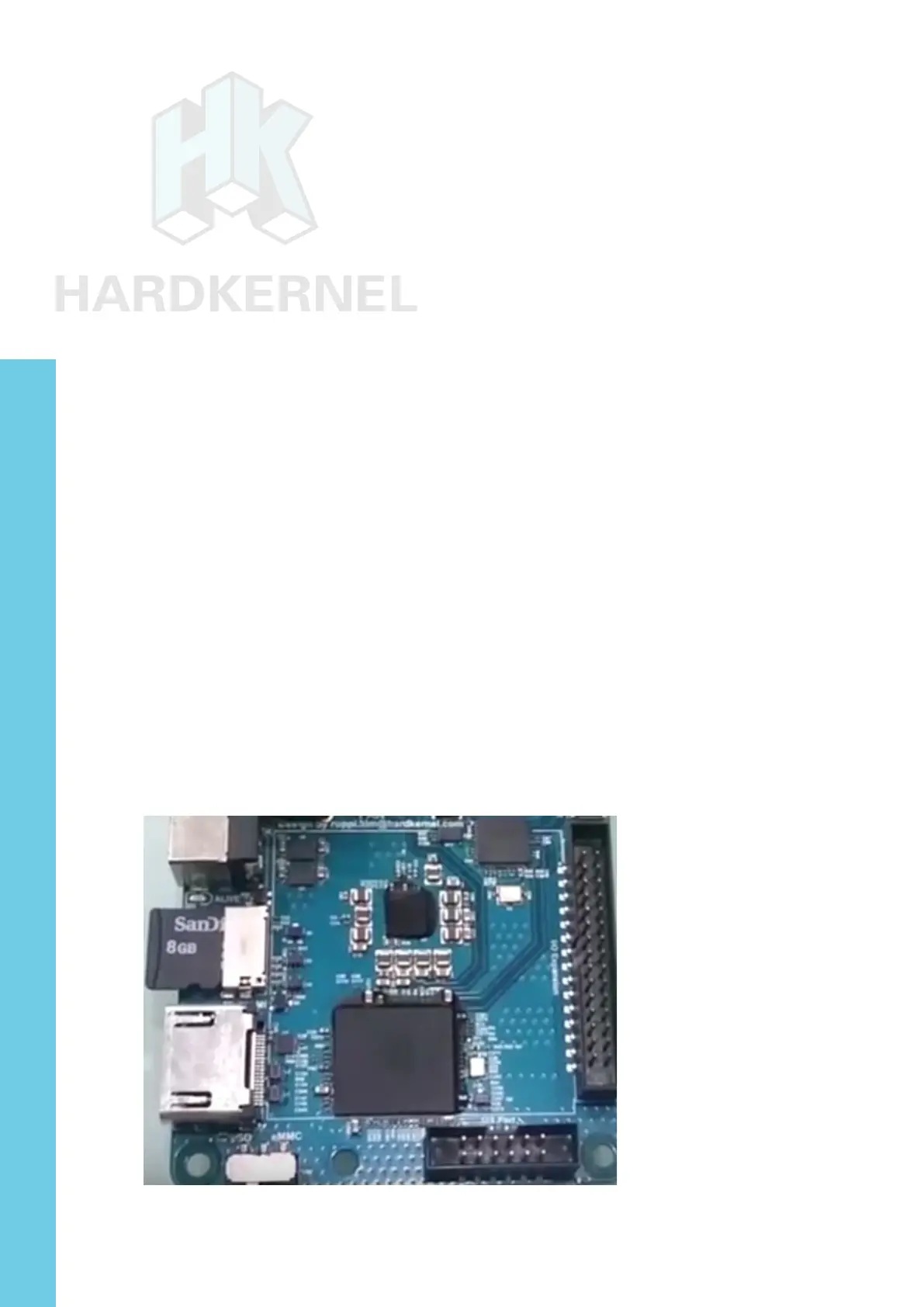
Align the metal strips of the microSD card with the pins of the mi-
croSD card connector, and slowly push it in until it clicks in place. Be
gentle. If you are unable to push it in, it may be misaligned. Recheck
and ip the microSD card if you notice a wrong insertion direction. The
image below shows a properly mounted microSD card.
XU4 closeup with microSD card attached
Chapter 1



 To Next Page