58 ODROID-XU4 USER MANUAL
Additional details, such as burning new rmware for the SHOW,
along with sample applications, may be found at http://bit.ly/
1toe7Pl
. One important aspect of the SHOW2 board, is the presence
of a Data Terminal Ready (DTR) reset jumper/switch. Its role is im-
portant during burning of new rmware. The following precautions
need to to be followed, regarding the DTR jumper:
• It must be installed when you upload the rmware, and
• It must NOT be installed during normal usage mode.
Weather Board
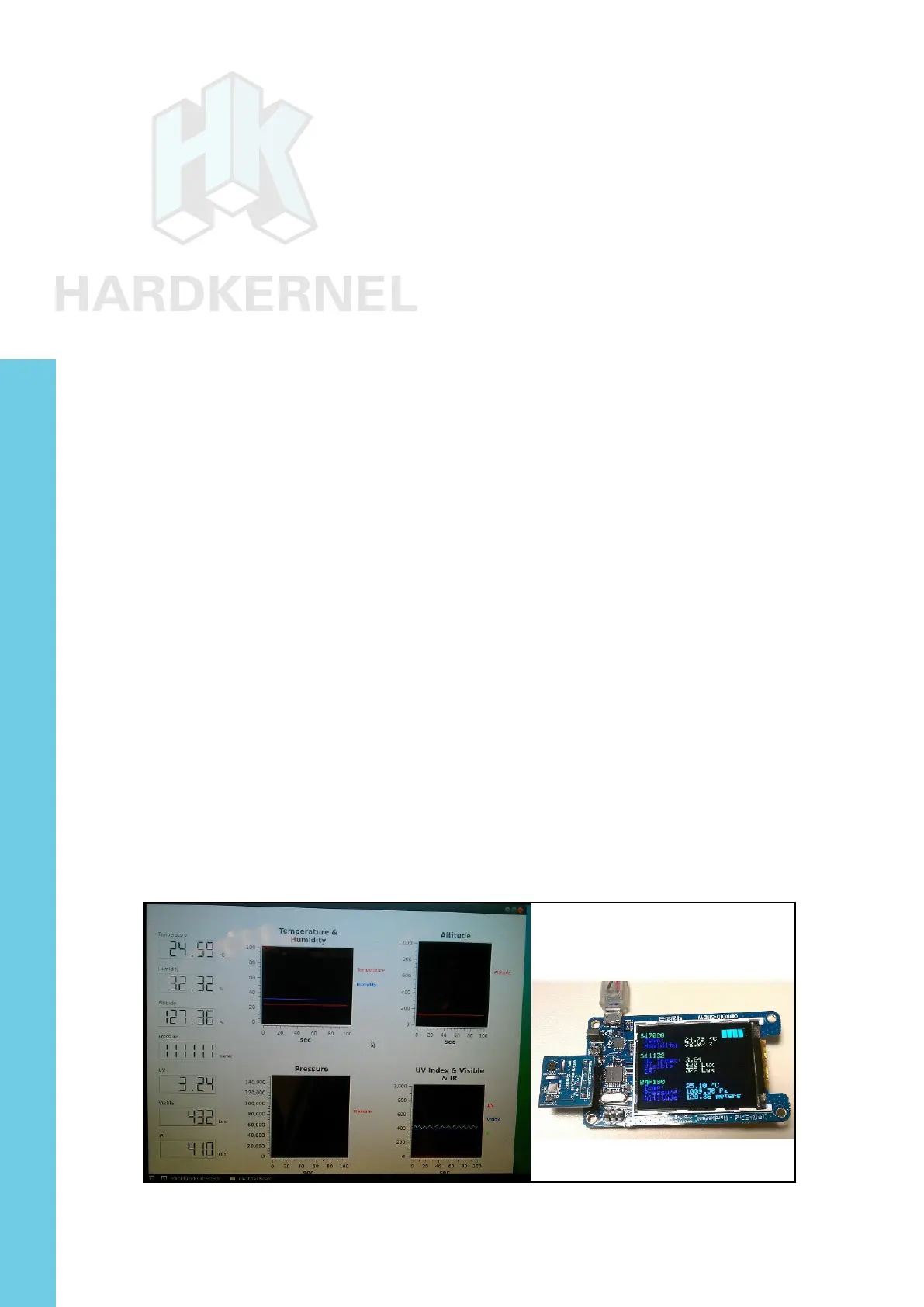
The Weather board is an add-on developed by Hardkernel that
may be used with either the SHOW2 or a 16x2 LCD device. Follow
the following steps to get the Weather board to work with the SHOW2
and the ODROID-XU4.
First, power down the XU4. Attach the Weather board to the
SHOW2 as described in the wiki at http://bit.ly/1IG1LvF. Then, at-
tach the assembly using the USB cable to the XU4. Turn on the power
to the XU4. The link above also lists the steps necessary to install the
Arduino-compatible rmware for displaying the temperature, humidity,
pressure, light levels, and altitude on the SHOW2.
Next, install Hardkernel’s Ubuntu sample application for display-
ing the same information in the QT-based user-interface on the XU4:
$ sudo apt-get install qt4-default qt4-designer libqwt-dev
$ export GIT_SSL_NO_VERIFY=1
$ git clone https://github.com/hardkernel/ODROID-SHOW
$ cd ODROID-SHOW/qt_weather
$ uic weather_board.ui > ui_weather_board.h
$ qmake
$ make
$ sudo ./WEATHER_BOARD
Weather board on SHOW2 and monitor
Chapter 4



 To Next Page