75 ODROID-XU4 USER MANUAL
Expansion Board
Hardkernel offers a convenient expansion board compatible with
the XU4. It has the following inputs and outputs:
• 4 x buttons (GPIO)
• 1 x button (Power On)
• 5 x LEDs (GPIO)
• 1 x SPI Flash 2Mbit (Upto 20Mhz SPI clocking)
• 1 x I2C Temperature/Pressure sensor BMP180
• 1 x I2C Ambient Light sensor BH1780GLI
• 1 x Trimpot(variable resistor) for ADC access
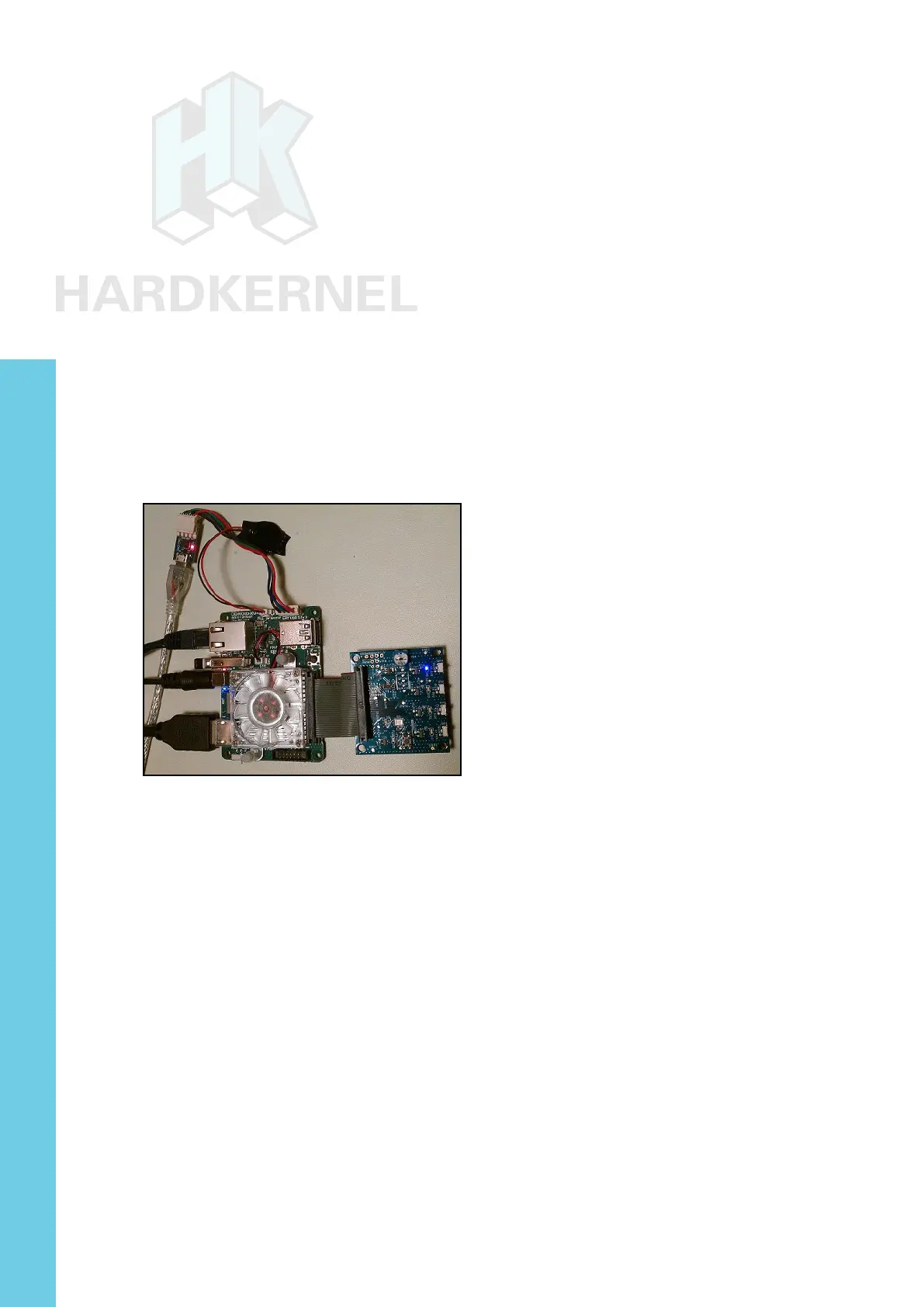
The image below shows the expansion board after being con-
nected to the XU4.
XU4 with expansion board
The latest version of Linux has the driver support for this expan-
sion board. The article at http://bit.ly/1Y3viqf details the steps that
can be used to test the board:
$ su
# modprobe i2c-gpio-custom bus0=10,33,23,10,10
# modprobe ioboard-bmp180
# echo ioboard-bmp180 0x77 > /sys/class/i2c-dev/i2c-10/\
device/new_device
# modprobe ioboard-bh1780
# echo ioboard-bh1780 0x29 > /sys/class/i2c-dev/i2c-10/\
device/new_device
# echo 1 > /sys/class/i2c-dev/i2c-10/device/10-0077/enable
# echo 1 > /sys/class/i2c-dev/i2c-10/device/10-0029/enable
Run the following commands to obtain the temperature, pres-
sure, and light levels respectively:
Chapter 4



 To Next Page