74 ODROID-XU4 USER MANUAL
Hardkernel also offers an infrared remote control that can be
congured to work the Cloudshell using the following commands:
$ wget https://raw.githubusercontent.com/mdrjr/\
cloudshell_ir/master/install_ir.sh
$ chmod +x install_ir.sh && sudo ./install_ir.sh
The Xorg settings (etc/X11/xorg.conf) to enable the LCD and disable
HDMI are shown below:
Section “Device”
Identier “ODROID”
Driver “fbdev”
Option “fbdev” “/dev/fb0”
Option “Debug” “false”
Option “DPMS” “false”
EndSection
Section “Screen”
Identier “Default Screen”
Device “ODROID”
EndSection
Section “ServerLayout”
Identier “Default Layout”
Option “BlankTime” “0”
Option “StandbyTime” “0”
Option “SuspendTime” “0”
Option “OTime” “0”
EndSection
Section “DRI”
Mode 0666
EndSection
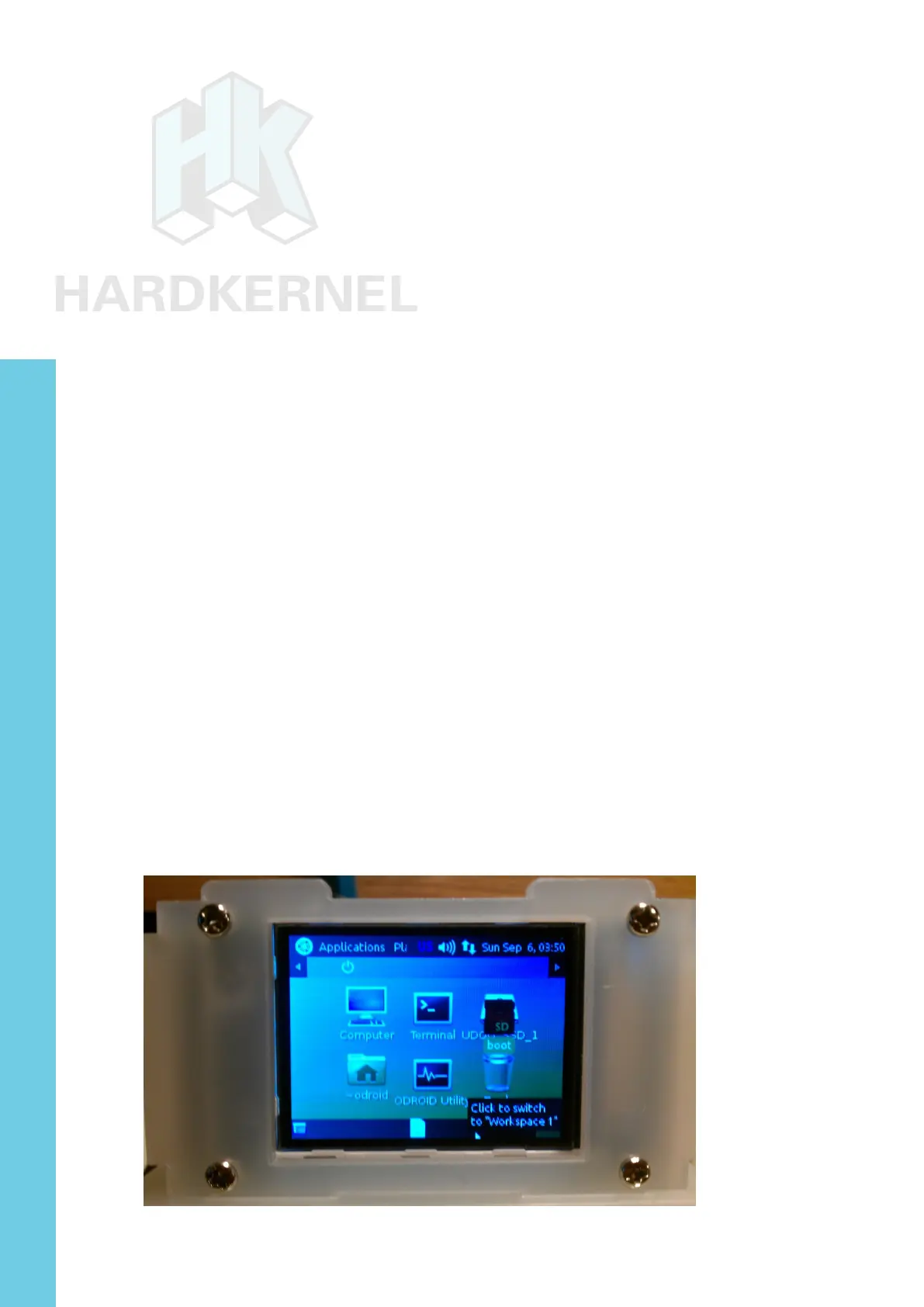
Because of the small size of the the LCD display, it can be dif-
cult to access the icon for shutting down the system. However, you
can add a new panel with the shutdown icon on it, as shown below.
Cloudshell with Linux desktop
Chapter 4



 To Next Page