70 ODROID-XU4 USER MANUAL
Install gpsd and relevant utilities using the following command:
$ sudo apt-get install gpsd gpsd-clients foxtrotgps
Then, congure gpsd using the following command and options and
reboot:
$ sudo dpkg-recongure gpsd
From a Terminal window, launch the foxtrotgps application using the
following command:
$ foxtrotgps
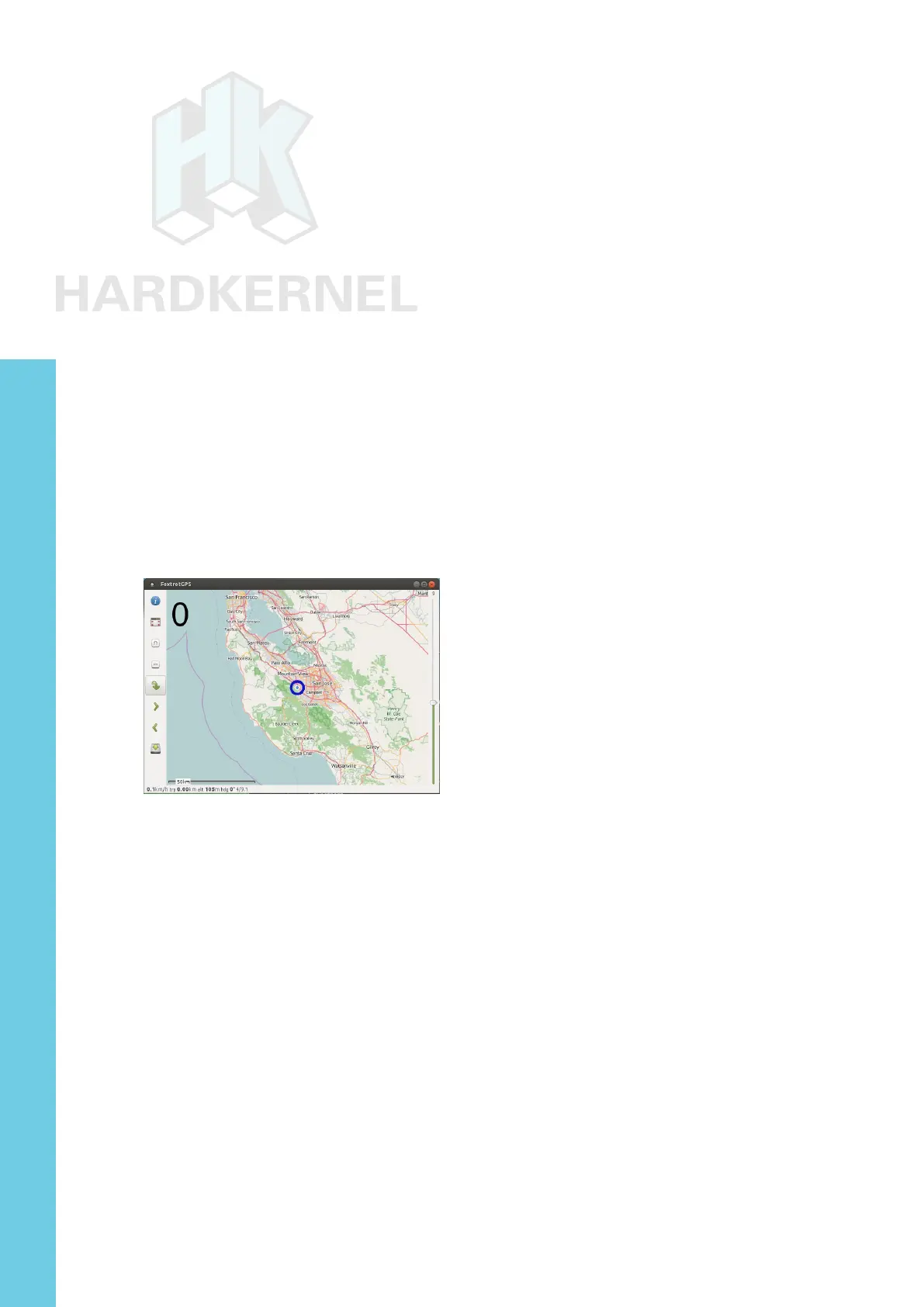
Note that the display of a live map, as shown below, requires
the presence of a working internet connection. If you wish to see a
real-time map while you are driving in a vehicle with this setup, you will
need to use your smartphone as a hot-spot and have the setup talk to
it via WiFi.
Foxtrotgps display
myAHRS+ Board
If you are looking for an Attitude Heading Reference System
(AHRS) that is minimally inuenced by acceleration and magnetic
disturbances, the low-cost USB2-based myAHRS+ board offered by
Hardkernel is a good choice. It also sports an I2C interface useful in
an embedded application like Arduino-based projects.
The sensors it includes are:
• triple axis 16-bit gyroscope : ± 2000 dps
• triple axis 16-bit accelerometer : ± 16 g
• triple axis 13-bit magnetometer : ± 1200 µT
Attach the board to the USB2 port on the XU4. After a few moments,
you should observe the following two LEDs:
Chapter 4



 To Next Page