18 ODROID-XU4 USER MANUAL
Flashing an Image
All SBCs require an operating system (OS) for booting. The op-
erating system will be transferred to and reside on boot media, either
built on to the board or attachable to the board. The process of placing
the operating system on the boot media is termed ashing. Given this
process, it is obvious that another computer system will be needed to
ash the image onto the boot media, before the XU4 can boot up.
The exible XU4 design allows you to use a boot media device
that will be attached to it through an appropriate receptacles on the
board. If you refer to the annotated board image, you can see that
the XU4 supports two boot media types - microSD card or an eMMC
module. They can be obtained from Hardkernel directly, either with
Linux or Android, pre-installed. If you purchased one such device and
if it has a factory-installed image, you can skip the ashing steps in this
section and proceed to the next section.
Boot Media
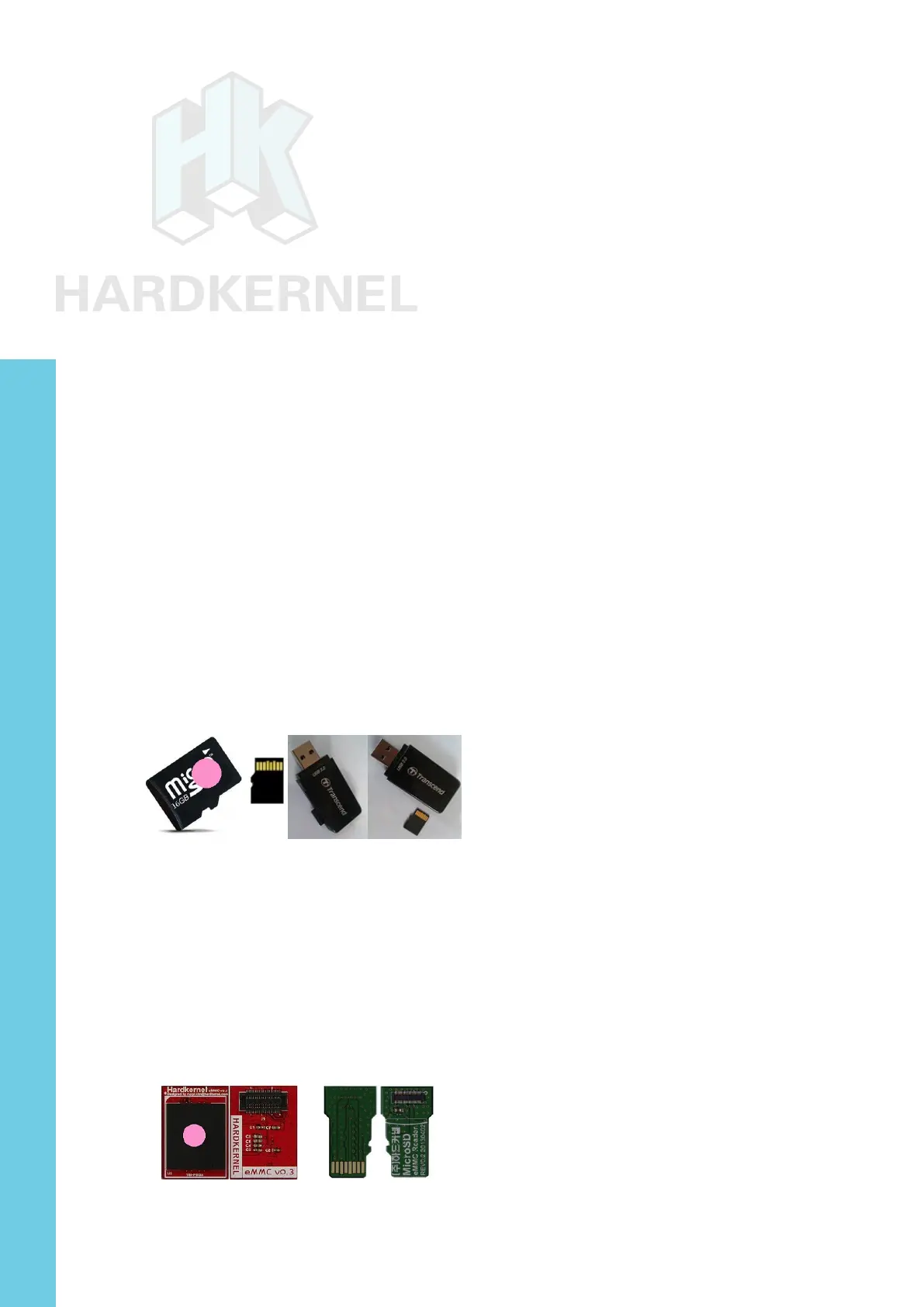
microSD/microSDHC card
• Slower, less longevity
• 8GB, 16GB, 32GB
• Linux, Android
• Requires USB reader/writer
16GB Linux MicroSD card and USB reader/writer
eMMC version 5.0 module
• Faster, more longevity
• 8GB, 16GB, 32GB, 64GB
• Linux, Android
• Requires eMMC/USB adapter
• Requires USB SD card reader/writer
16GB Linux eMMC and adapter
§ = Available from Hardkernel
Chapter 2



 To Next Page