80 ODROID-XU4 USER MANUAL
setenv videocong “drm_kms_helper.edid_rmware=edid/1024x600.bin”
setenv vout “dvi”
Make sure that no other videocong or vout value is set. The rest of
the related settings should be commented out. Save these new set-
tings and shut the system down.
Reconnect the XU4 to the VU7 Plus display, with the touch in-
terface USB cable attached to the USB port on the XU4. Power up
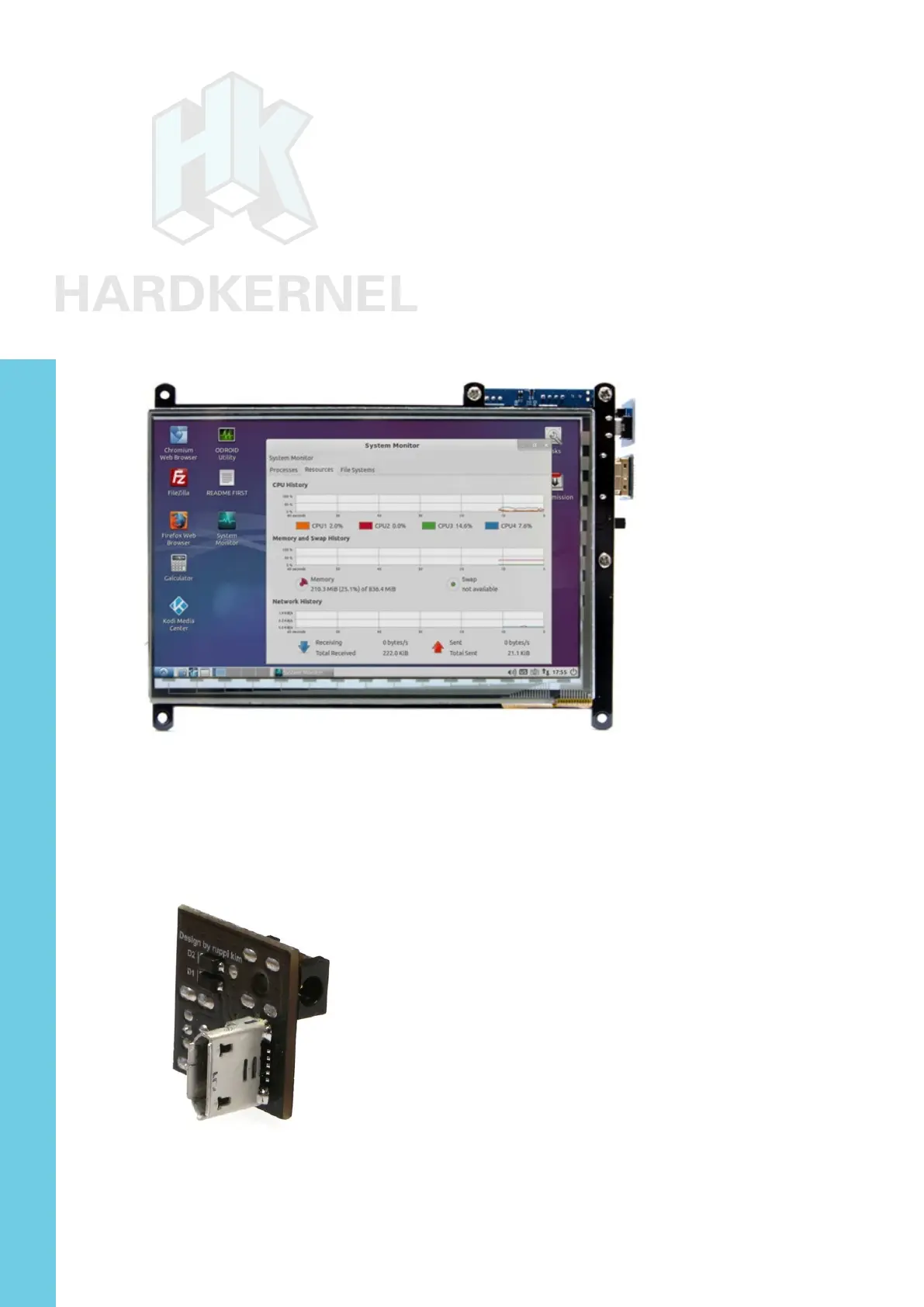
the assembly and login to the desktop. The assembly will appear as
shown in the image below.
XU4 with VU7 Plus display
The VuShell can also be used with the VU7 Plus to create a
functional desktop computer.
Micro USB-DC Power Bridge
When the XU4 is under heavy stress, its power requirements can
increase sharply. As a result, the power supplied to the VU7/VU7-Plus
displays can drop, which could lead to a ickering display. To ensure



 To Next Page