24 ODROID-XU4 USER MANUAL
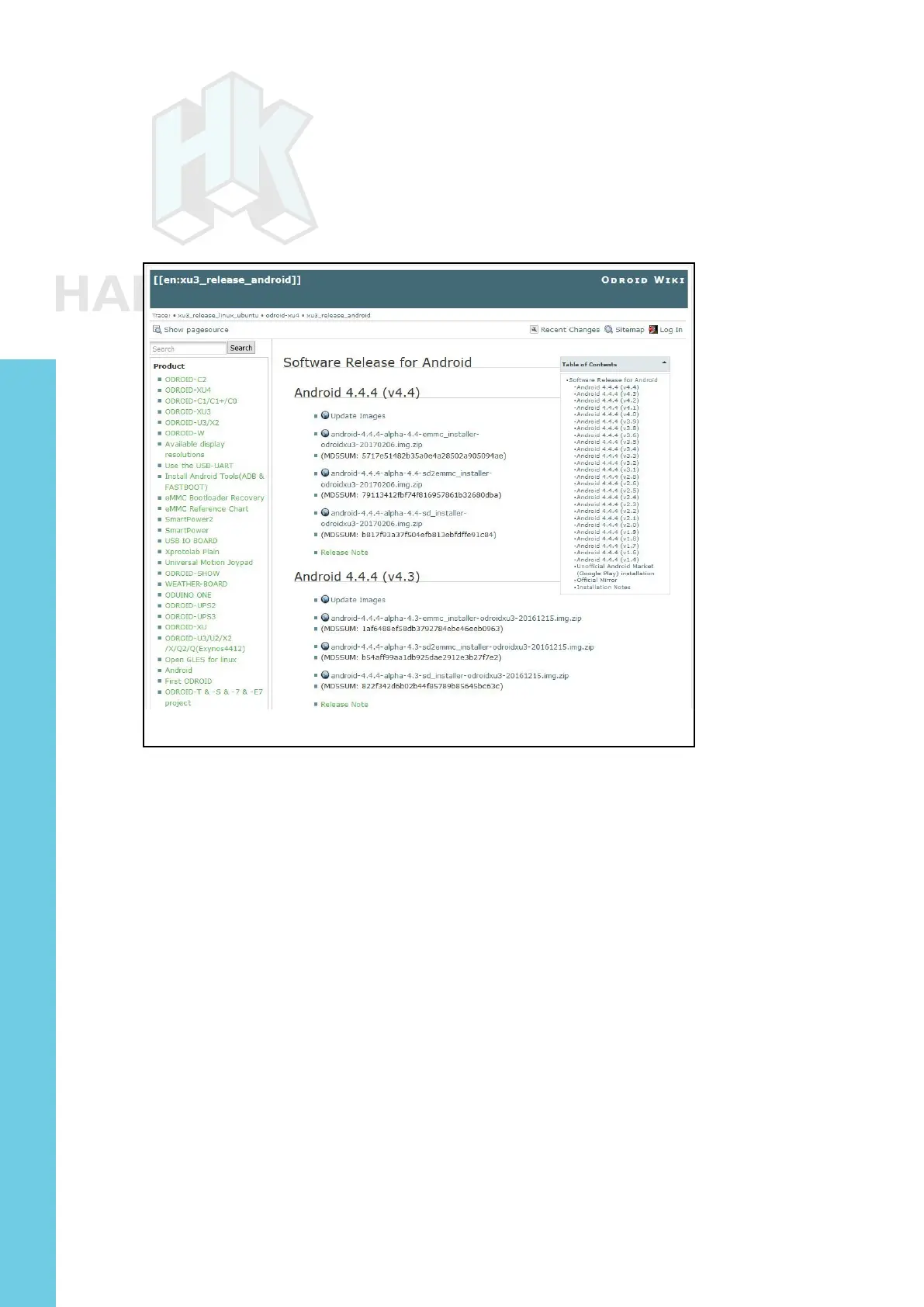
to http://bit.ly/1XwOatZ. Look for the latest eMMC installer Android
compressed image le link and click the link to download it. The screen-
shot below shows the webpage that lists the Android images. Once the
compressed le has been downloaded, uncompress it and ash it,
using the steps listed earlier in this section.
List of Android images for the ODROID-XU4
Flashing an Image on a Linux Ubuntu Computer
In your Ubuntu Linux desktop, launch a terminal window. Create
a working directory:
$ cd ~ && mkdir linux-img && cd linux-img
You can download the compressed image using a browser like
Firefox for Ubuntu using the same (Windows OS) steps described ear-
lier. If you follow this method, you should use the “mv” command to
move the downloaded compressed le to the working directory listed
above.
Instead, if you wish, you can use a Linux utility like “wget” right
from within the working directory:
$ wget http://odroid.in/ubuntu_16.04lts/\
ubuntu-16.04-mate-odroid-xu3-20161011.img.xz
Chapter 2



 To Next Page