63 ODROID-XU4 USER MANUAL
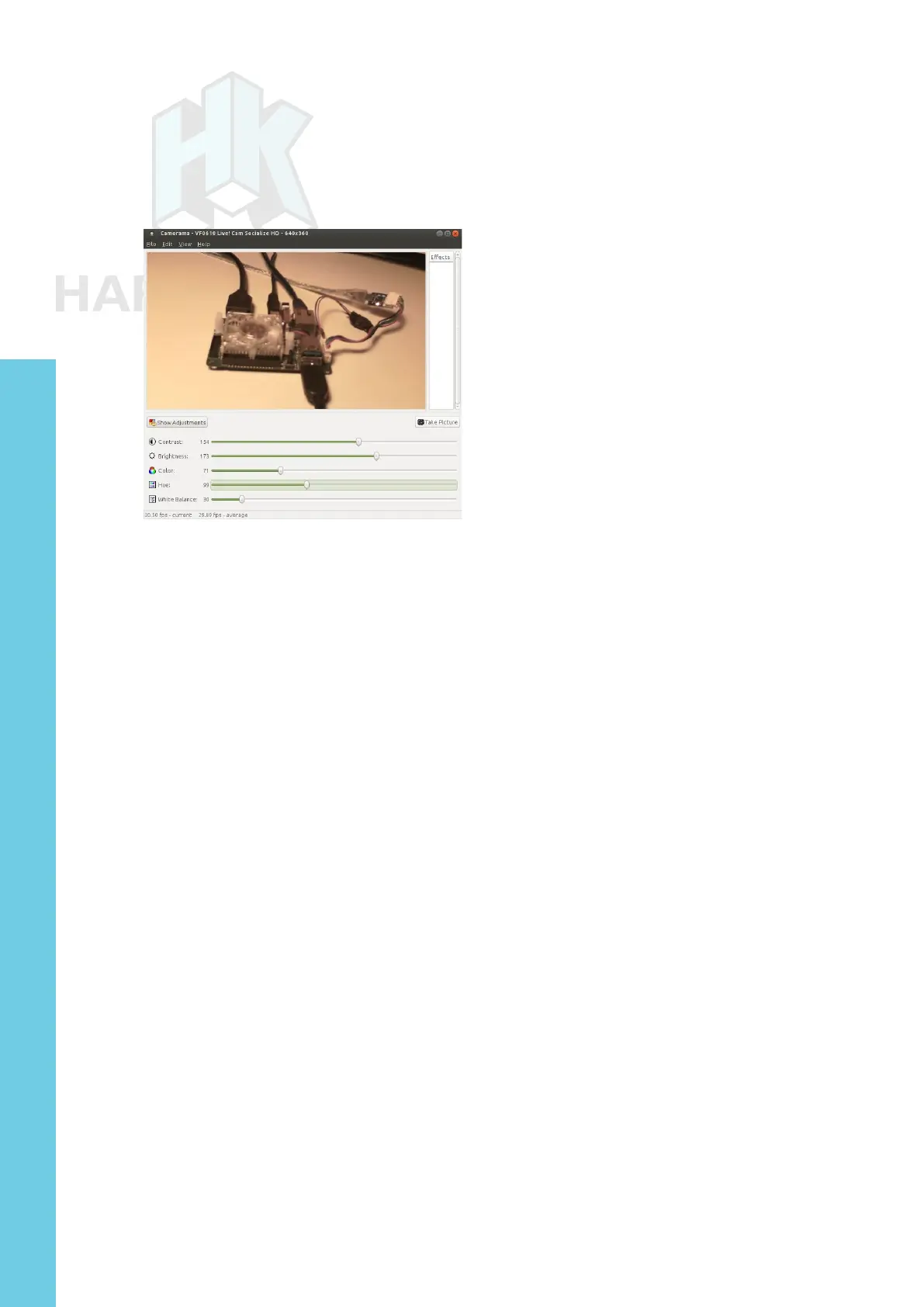
Launch the camorama application from the Applications →
Graphics → Camorama Webcam Viewer menu of the desktop, then
point the camera at a well-lit object. You should see a screen similar
to the image below.
Camorama application
USB3 / SATA3 HDD/SSD Interface Kit and SATA Bridge Board
The USB3/SATA3 HDD/SDD interface kit offered by Hardkernel
can be used to attach a SATA HDD or SSD to the XU4. The package
includes the docking system, a power supply (12V/2A) and a USB3.0
cable. This package is compatible with Android and linux on the XU4.
From a Terminal window, obtain details about the USB3/SATA3
bridge component used in the docking system using the following
command:
odroid@xu4-2:~$ lsusb
…
Bus 004 Device 003: ID 174c:55aa ASMedia Technology Inc. ASMedia
2105 SATA bridge …
$ sudo lsusb -D /dev/bus/usb/004/003
[sudo] password for odroid:
Device: ID 174c:55aa ASMedia Technology Inc. ASMedia 2105 SATA
bridge
Device Descriptor:
bLength 18
bDescriptorType 1
bcdUSB 3.00
bDeviceClass 0 (Dened at Interface level)
bDeviceSubClass 0
bDeviceProtocol 0
bMaxPacketSize0 9
idVendor 0x174c ASMedia Technology Inc.
idProduct 0x55aa ASMedia 2105 SATA bridge
bcdDevice 1.00
iManufacturer 2 Asmedia
Chapter 4



 To Next Page