73 ODROID-XU4 USER MANUAL
The assembly instructions can be found at http://bit.
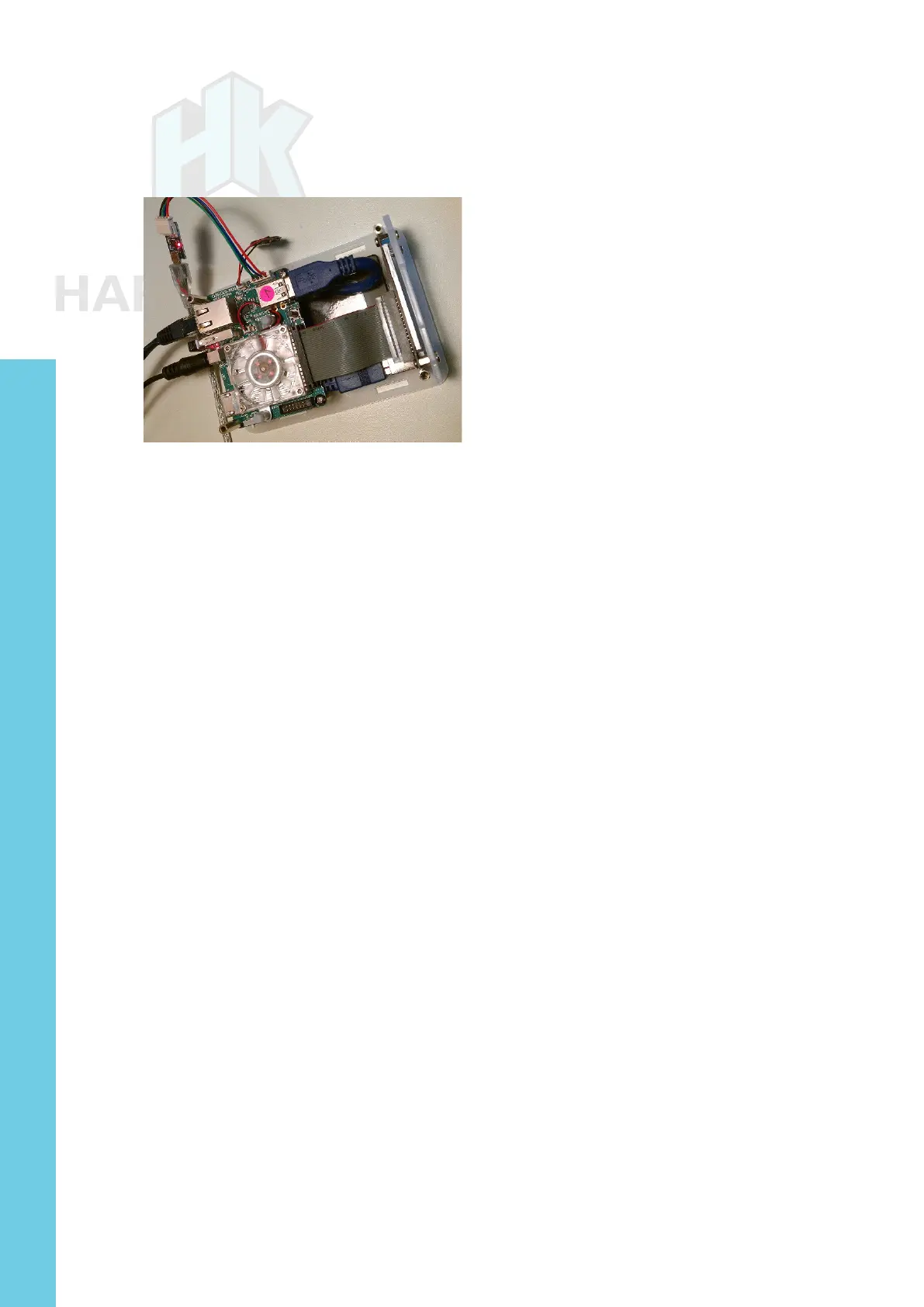
ly/1N3xNm7. The image below shows an assembled cloudshell with
the top cover removed.
Assembled cloudshell
You can congure the LCD using the steps at http://bit.
ly/1Laq7IS
, which are detailed below:
$ sudo -s
$ echo “options fbtft_device name=hktft9340 busnum=1 rotate=270” >
/etc/modprobe.d/odroid-cloudshell.conf
$ echo “spi_s3c64xx” >> /etc/modules
$ echo “fbtft_device” >> /etc/modules
Then edit /etc/modprobe.d/blacklist-odroid.conf, and remove the
blacklist on SPI:
# IO Board
blacklist ioboard_bh1780
blacklist ioboard_bmp180
blacklist ioboard_keyled
# SPI
# blacklist spidev
# blacklist spi_s3c64xx
# 3.2” LCD Touchscreen driver
blacklist ads7846
The commands above will ensure that at every boot, the saved
LCD conguration is used. Reboot the board with the HDMI cable
disconnected and you should see already information going to the 2.2”
LCD. To ensure smartmontools (Genesys Logic USB3 / SATA support
in Cloudshell) Ver. 6.5.4132 or higher is installed, run the following
command:
$ sudo apt install smartmontools
Chapter 4



 To Next Page