57 ODROID-XU4 USER MANUAL
$ sudo lsusb -D /dev/bus/usb/003/003
[sudo] password for odroid:
Device: ID 10c4:ea60 Cygnal Integrated Products, Inc. CP210x UART
Bridge / myAVR mySmartUSB light
Device Descriptor:
bLength 18
bDescriptorType 1
bcdUSB 2.00
bDeviceClass 0 (Dened at Interface level)
bDeviceSubClass 0
bDeviceProtocol 0
bMaxPacketSize0 64
idVendor 0x10c4 Cygnal Integrated Products, Inc.
idProduct 0xea60 CP210x UART Bridge / myAVR mySmartUSB
light
bcdDevice 1.00
iManufacturer 1 Silicon Labs
iProduct 2 CP2104 USB to UART Bridge Controller
iSerial 3 00875559
bNumCongurations 1
…
$ ls -lsa /dev/ttyUSB*
0 crw-rw---- 1 root dialout 188, 0 Oct 29 06:07 /dev/ttyUSB0
There are ODROID-SHOW2 programming examples at http://
bit.ly/1NcQwd7
. Obtain the SHOW2 sample source code and build a
sample using the commands:
$ cd ~
$ sudo apt-get install git
$ git clone https://github.com/hardkernel/ODROID-SHOW
$ cd ODROID-SHOW/example/linux
$ gcc -o status status.c && sudo ./status
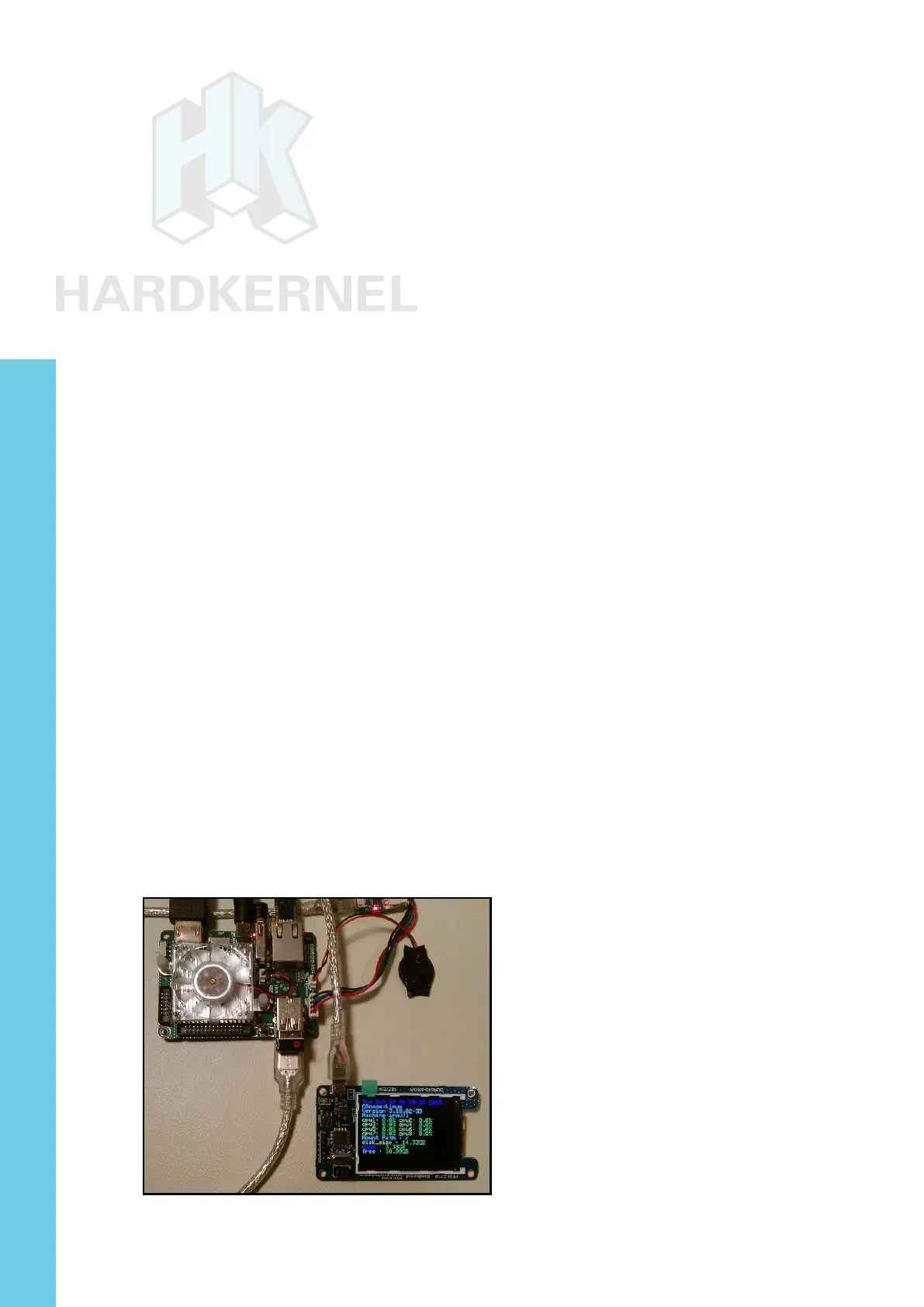
You should see the LCD display similar to the image below.
ODROID-SHOW2 displaying some system statistics
Chapter 4



 To Next Page