Operation
Display/TouchScreen
58 A03470_07_E00_00 HBM: public DMP41
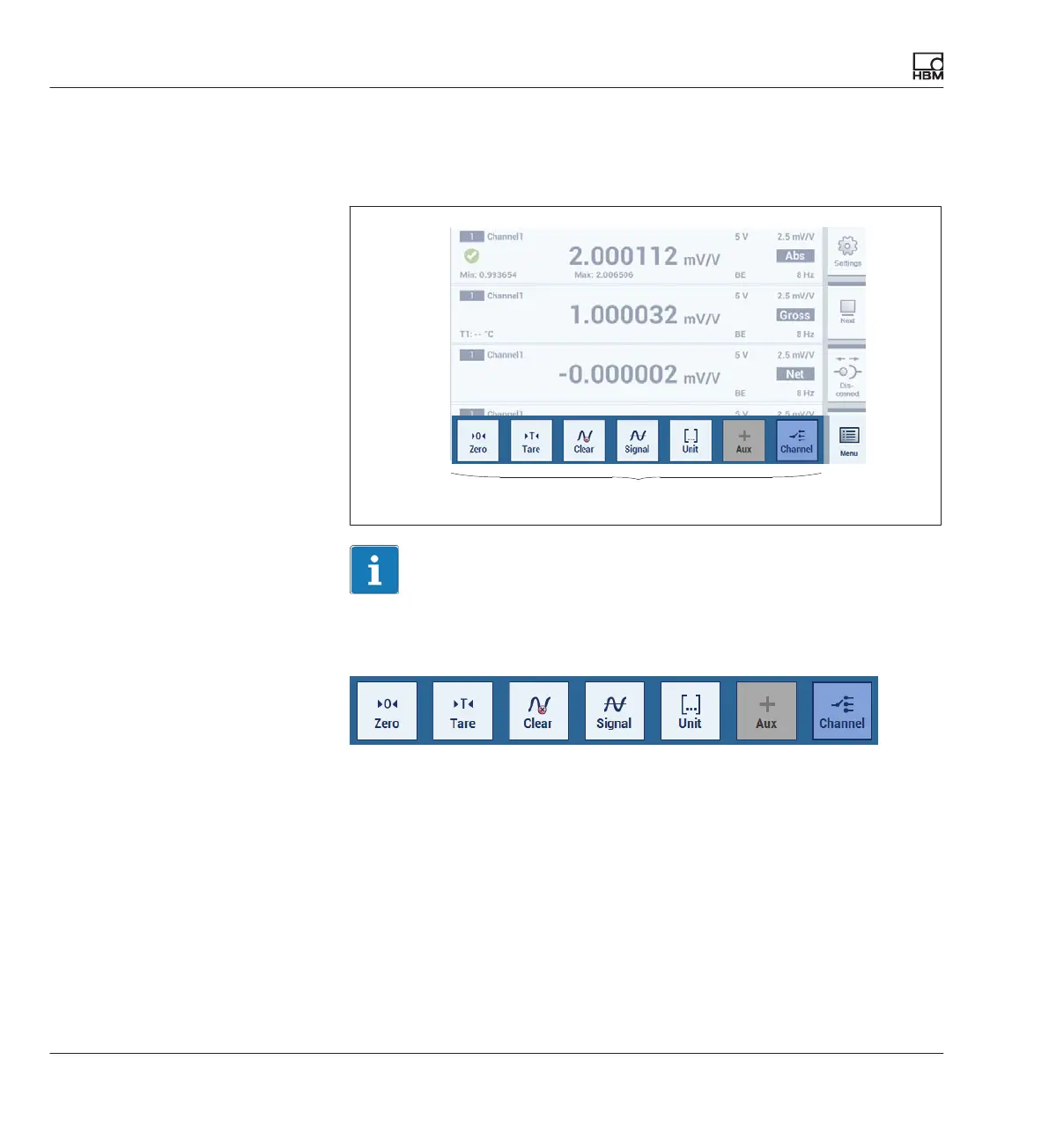
The quick configuration bar display
► Press key F4 or click on Menu.
Measurement menu settings for the selected channels
Important
All settings/changes implemented via this quick configuration bar only affect
the actually selected channels.
The channel parameters can be selected from a pop-up menu in the
functions Signal, Unit, Options and Channel.
è Also see Chapter 6.2 “Function keys in measuring mode (Measure)”,
starting on Page 52.



 To Next Page