Operating the Data Recorder
34 A3169-8.0 HBM: public CX22B / CX22B-W
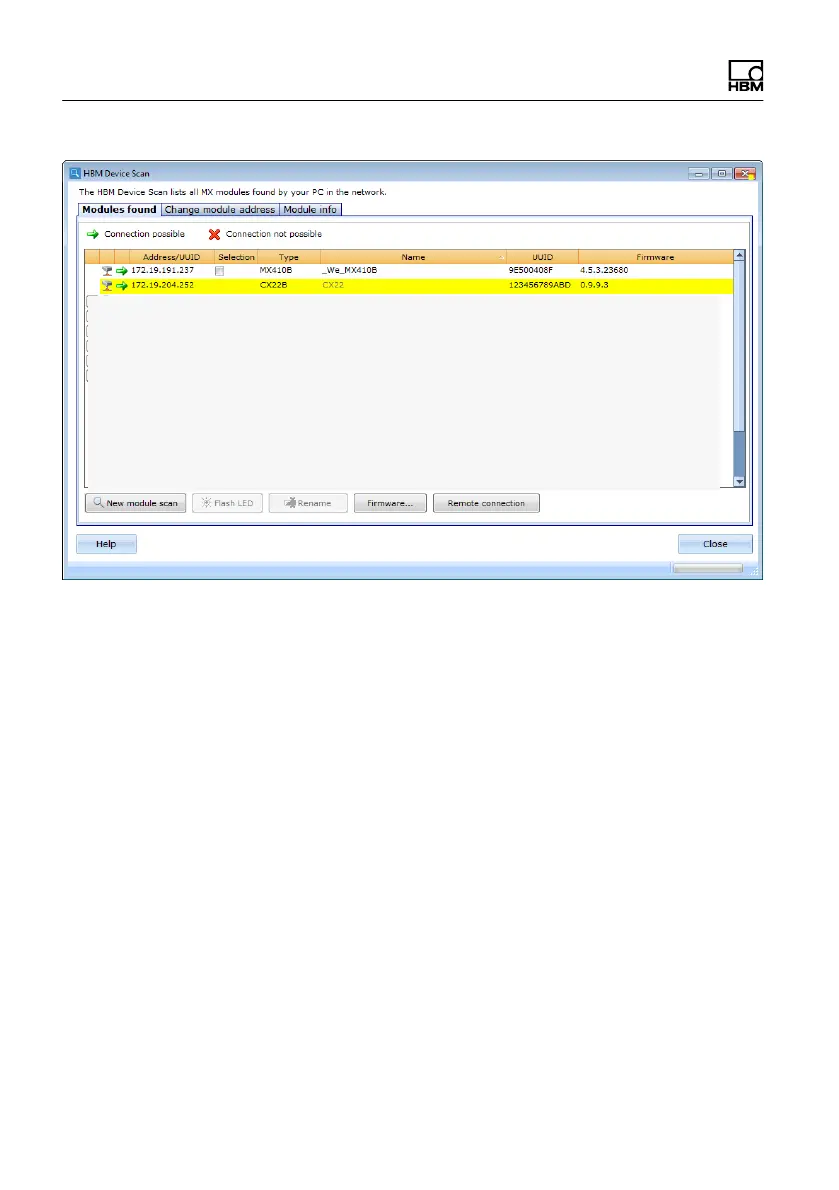
Fig. 6.1 Display of the found modules and whether
connection is possible
► The IP addresses and subnet masks of the interfaces
of your PC and the found modules are displayed In
the Settings section. Depending on the configuration
of your PC, you can configure the CX22B‒W end.
The simplest setting is DHCP/APIPA. Suitable IP ad
dresses are automatically organized between the two
devices and you can start work immediately.
► Alternatively, you can use permanent addresses for
both devices. In this case, you can change the
CX22B‒W address, for example. The latter is de
scribed below.
► Select the CX22B‒W from the list.
► In the TCP/IP settings for CX22B‒W field, click on
LAN and enter the required IP address and subnet



 To Next Page