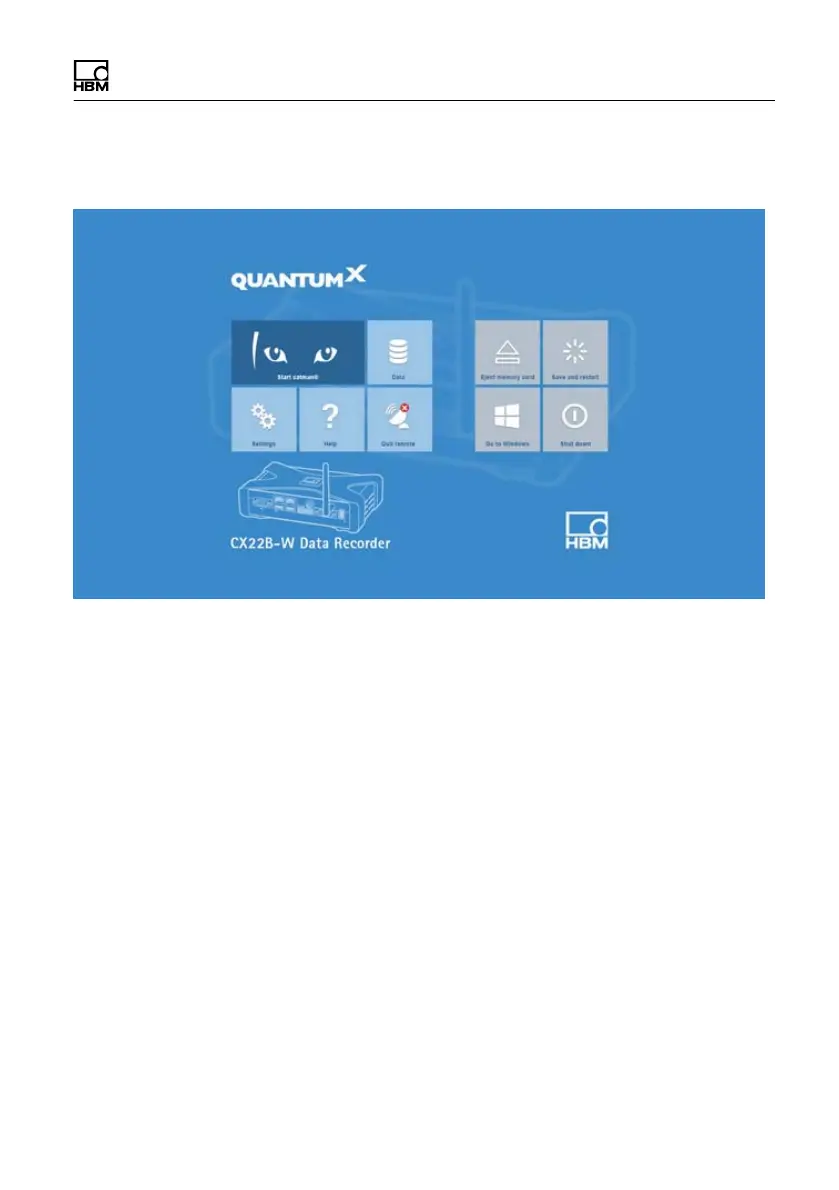
The CX22B‒W Data Recorder start screen
CX22B / CX22B-W A3169-8.0 HBM: public 51
7 The CX22B‒W Data Recorder start screen
Fig. 7.1 Start screen of the CX22B‒W Data Recorder
In the CX22B‒W start screen (CX22Shell), you can:
S Launch the catman
EASY program.
S Change important CX22B‒W settings: Settings.
You can use this to change the device name (CX se
rial number) and the password, for example, as well
as the language of catman
EASY. The Info tab con
tains information about the CX22B‒W hardware (ID),
the device serial number and the firmware version.
Also see Section12.2.
S Permanently store configuration changes: Commit
changes and reboot..
You must always click on this button if you have im
plemented any changes via the Settings button or in



 To Next Page