Connections and displays
22 A3169-8.0 HBM: public CX22B / CX22B-W
If you control the start and stop of the DAQ job via the
button, the DAQ job is started with the first press and
stopped with the next press of the button.
Important
The START/STOP button is switched parallel to the input
on terminal 3. If you want to use the button, do not con
nect input 3. Otherwise the "Active" (LOW) state will be
triggered by pressing the button and by a LOW signal at
terminal 3.
4.10 LED displays
1
2
3
4
5
6
7
8
10
9
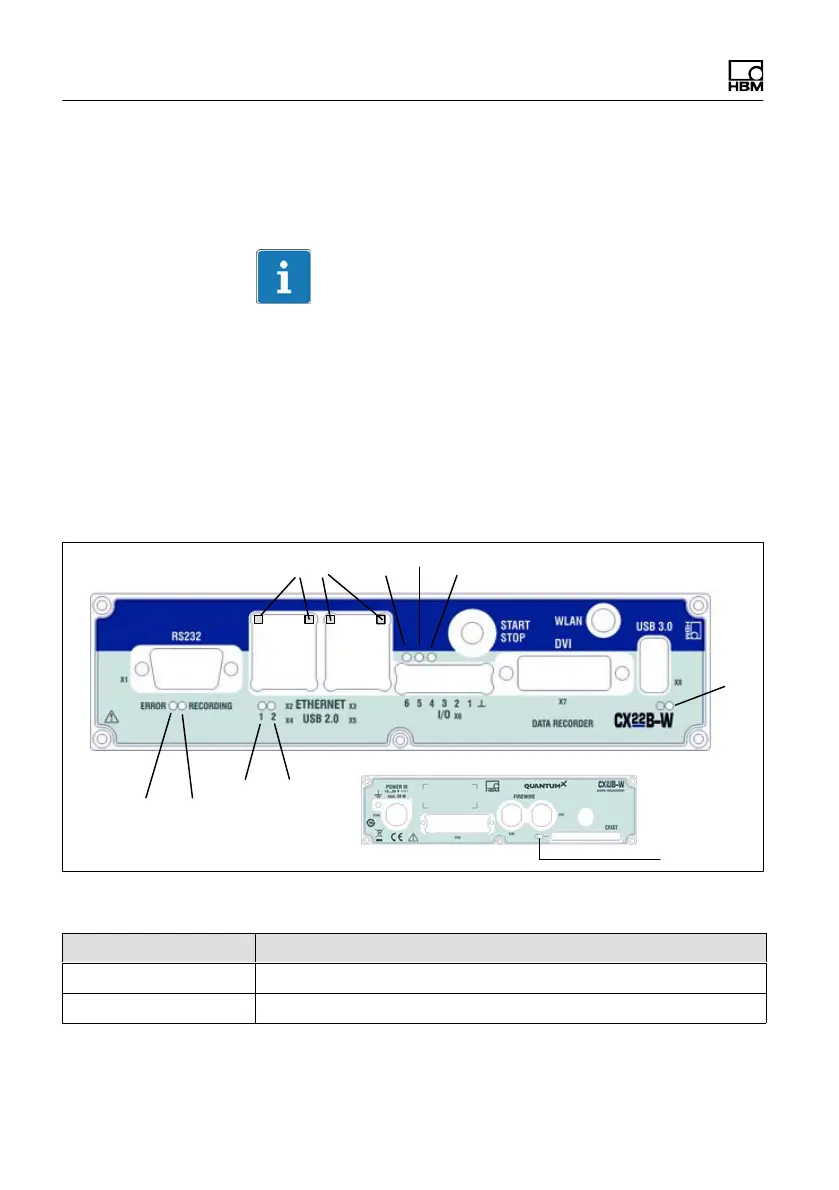
Fig. 4.4 Position of the LEDs
LED Function
1, 2 Operating condition status
3 Ethernet status



 To Next Page