System settings, update and recovery
76 A3169-8.0 HBM: public CX22B / CX22B-W
12.2 Changing system settings (Settings)
Important
All changes in the Settings dialog are only permanently
saved and active the next time you switch on if you click
on Commit changes and reboot in the start screen
after making any changes.
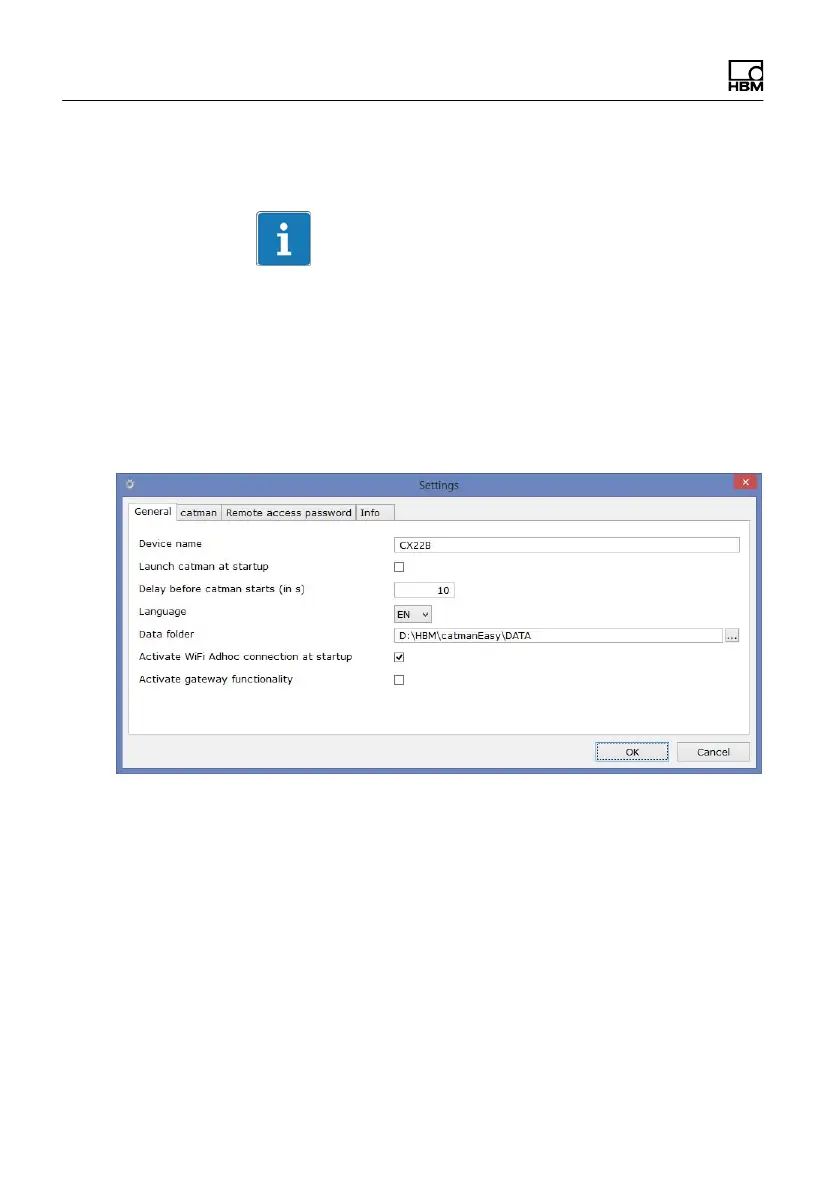
In the start screen, click on Settings and go to the
appropriate tab to change the settings.
The following settings can be changed:
S Computer name (CX serial number, General tab)
This name is displayed in the network, for example.
S Password (Remote access password tab)
The password is required to log In.
S Run catman
EASY after switching on the CX22B‒W
(launch catman
after CX22 startup, General tab)



 To Next Page