Operating the Data Recorder
38 A3169-8.0 HBM: public CX22B / CX22B-W
Fig. 6.4 Identity of the remote computer display
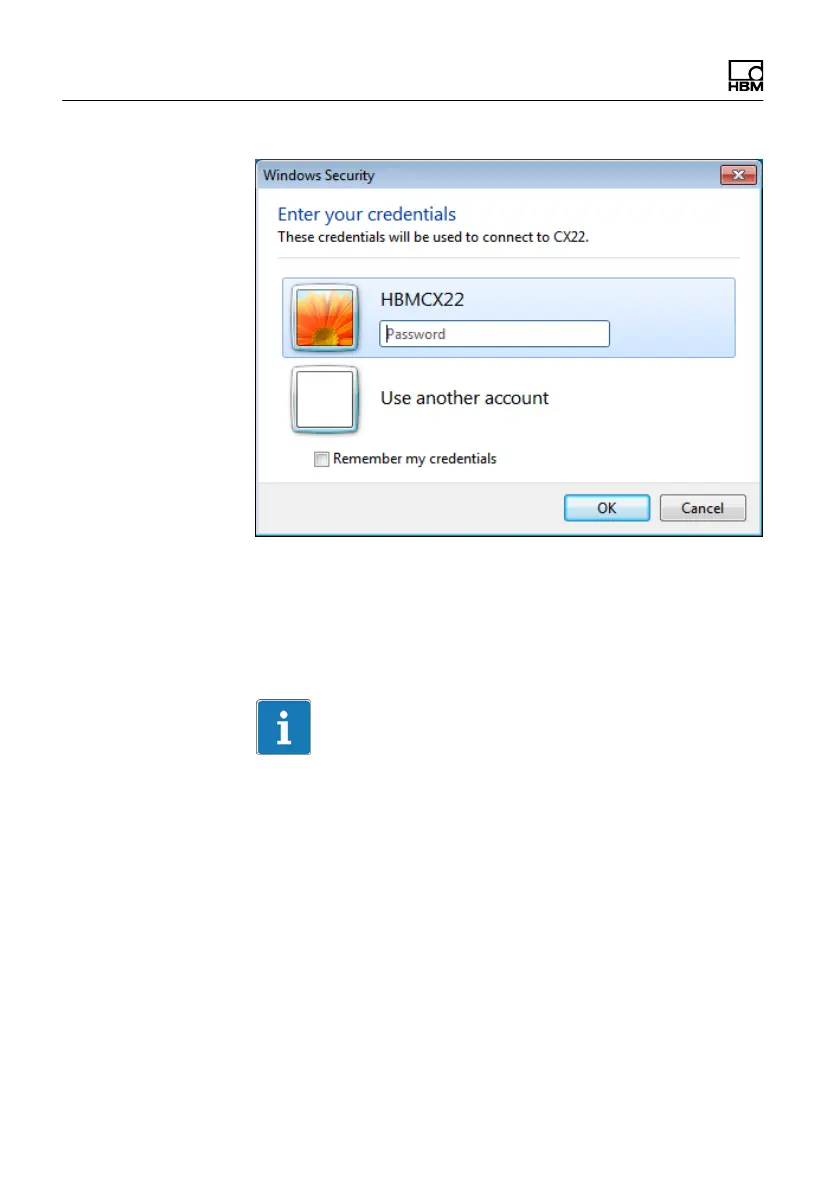
The following applies in the factory settings:
User name: HBMCX22
Password: hbm
Important
If you change the IP address and subnet mask, this is
not yet permanently saved. So in the start screen, click
on Commit changes and reboot or Save and restart, if
you have yet to change the language in the settings. This
will permanently save the new settings. The recorder will
then restart. You will have to set up the connection again
after the restart.



 To Next Page