Operating the Data Recorder
CX22B / CX22B-W A3169-8.0 HBM: public 41
► Now use the HBM Device Manager tool to set up an
Adhoc connection to the CX22B‒W.
Configuring the CX22B‒W for an Access Point
► To set up the wireless connection, you must first cre
ate access to the CX22B‒W. This is done convention
ally with a monitor and keyboard or remotely via the
LAN cable.
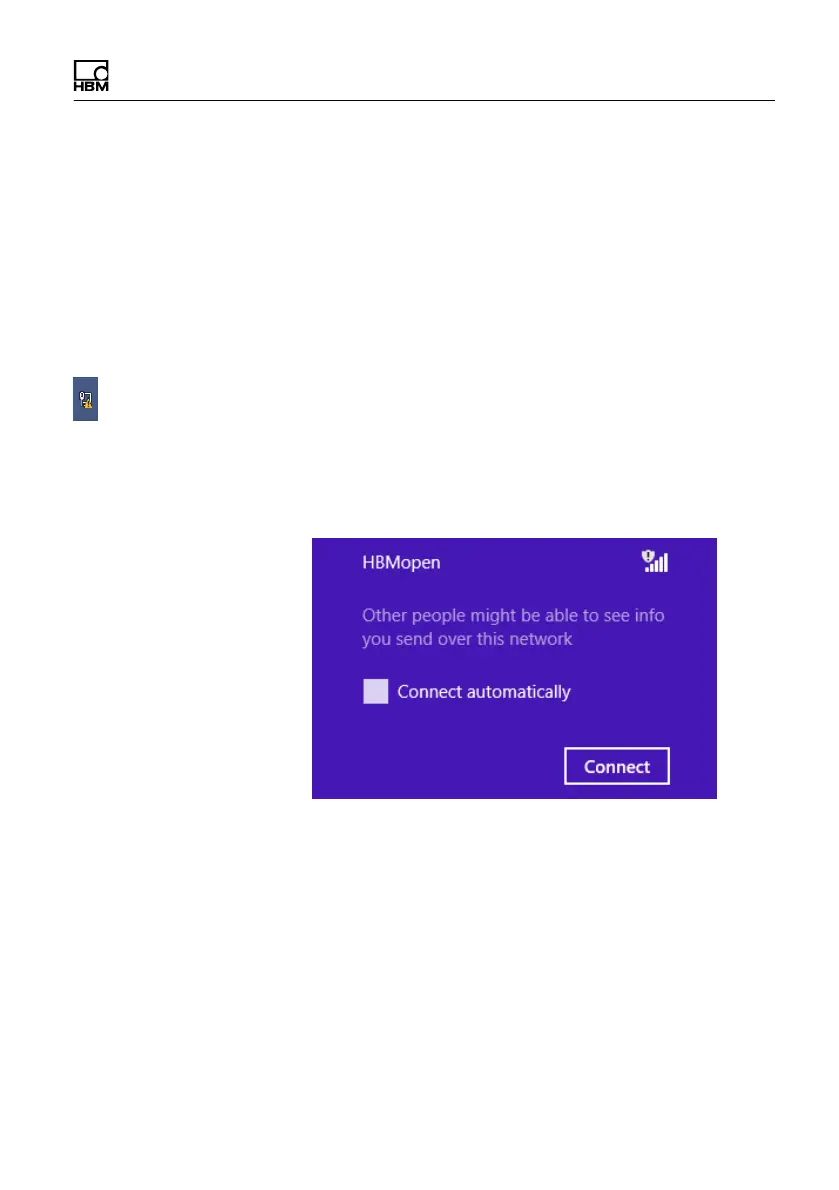
► Exit to Windows and click on the small pictogram at
the bottom right.
► Connect to the network and if necessary, enter the
network key. We recommend that you always work
with encryption (WPA2) and never use unsecured
networks.
► Save the changes permanently (the Data Recorder is
rebooted after this action. The WLAN connection that
was previously set-up is lost).



 To Next Page