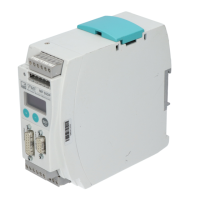
Electrical connection
26 A02590_04_E00_00 HBM: public TIM40
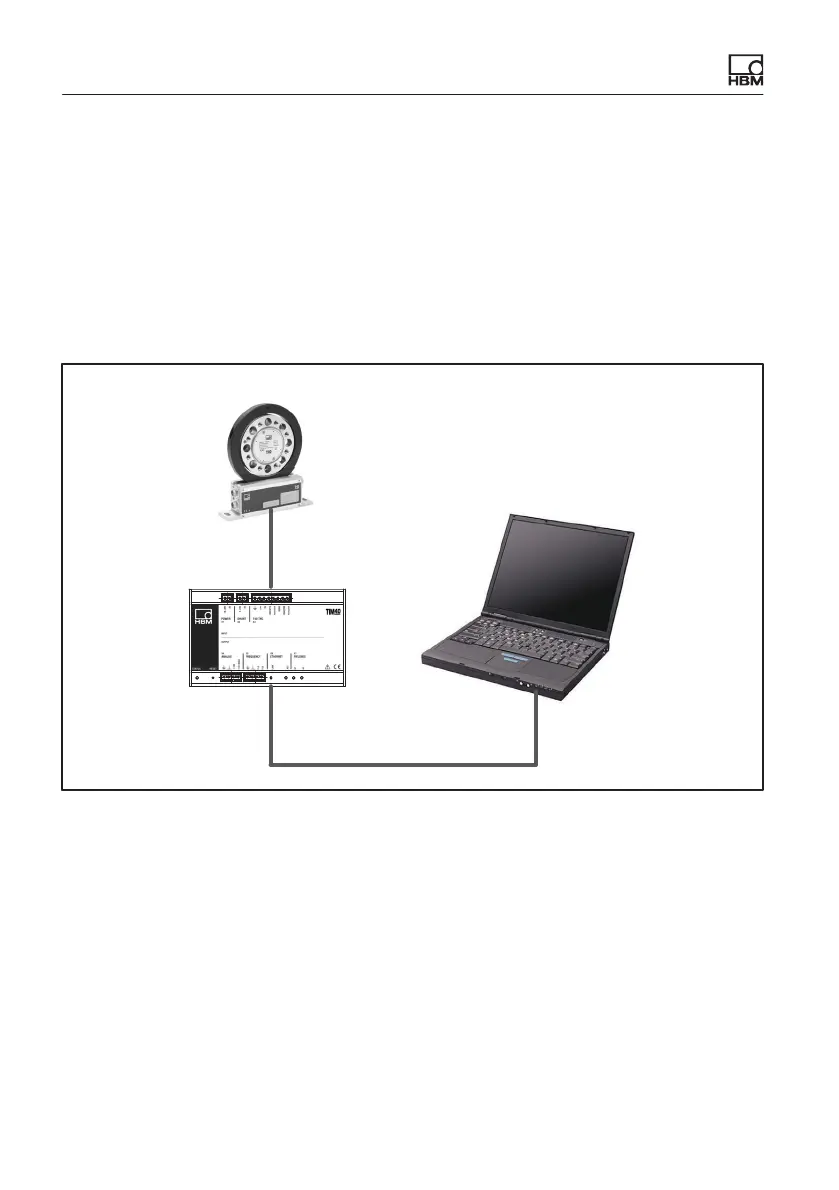
9.5 Connecting to a PC or network
You can operate the interface module either in a network or directly connected
to a PC/laptop. The interface module has an Ethernet interface (RJ45 socket)
for the connection. Use a cross cable (also called crossover cable) for the con
nection.
9.5.1 Single connection to PC/laptop
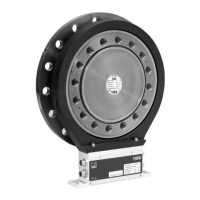
T40
TIM40
UPnP active
DHCP active
PC/laptop
DHCP active
Fig. 9.3 Example: Direct connection to PC/laptop
In normal cases, TIM40 is automatically detected and addressed. If this is not
the case, you will need to enter the IP address manually.
Manual input of IP address
► Hold the Reset button on the TIM40 for approx. 15 seconds while the power
supply is switched on (this switches off DHCP in the TIM40).
► Open the network connections (Start/Settings/Network connections).



 To Next Page