Disclaimer: 3
rd
party and/or custom firmware providing extra features are not covered in this manual.
4K Integral 2 – User Manual
HDCP Settings
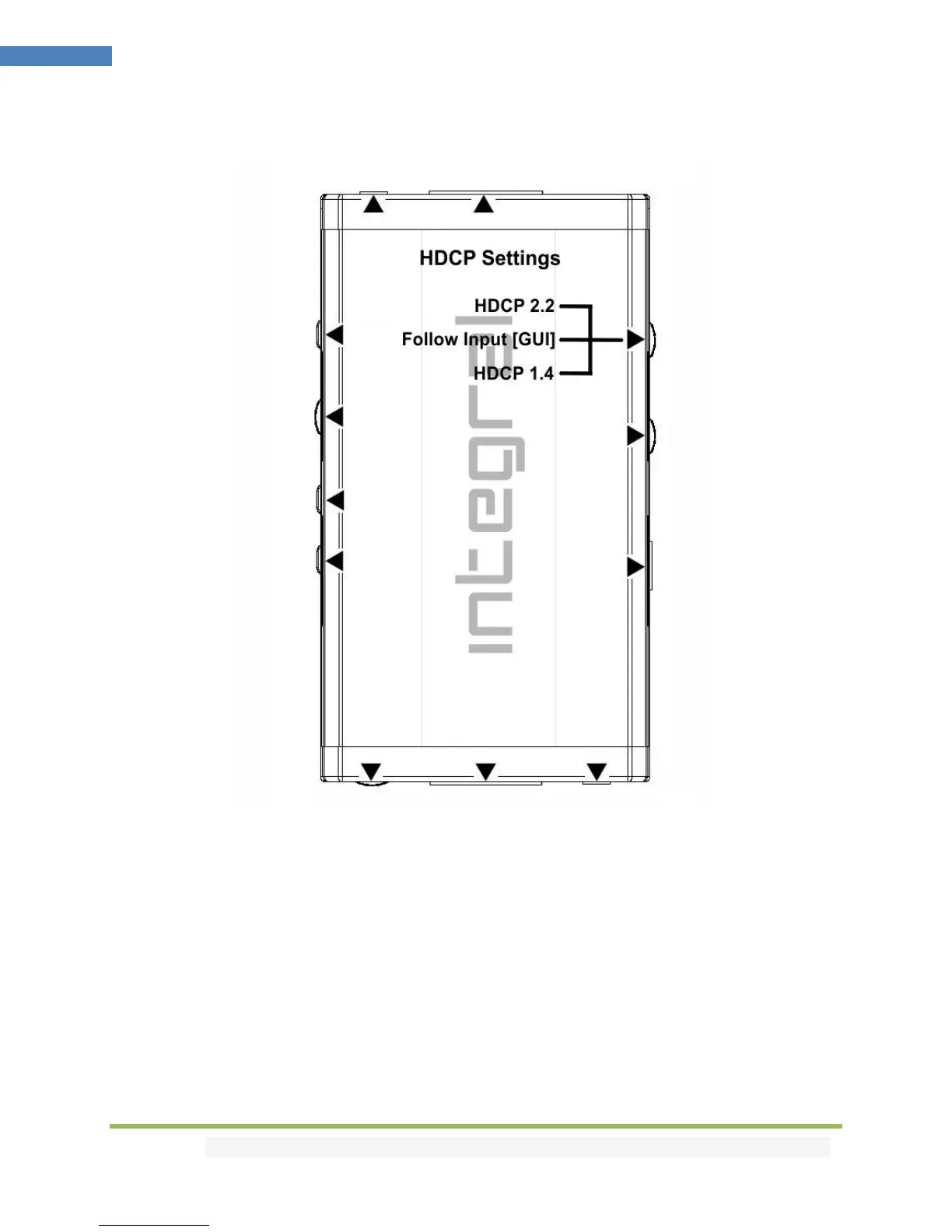
HDCP slide switch has 3 positions.
The switch should be set to the middle position to allow control via USB, IR, RS232 or a Bluetooth
device.
[HDCP 2.2 Mode]: In this mode you always have HDCP 2.2 (if supported) on both output ports. If
incoming signal is 1.4 then output will be 1.4 too.
[HDCP Auto / GUI]: In this mode the Integral 2 unit makes sure that the conversion will always output a
working signal. Both outputs are dynamic.
[HDCP 1.4]: In this mode, you always have HDCP1.4 on both output ports.
Note on HDCP: Both inputs accept HDCP1.4/2.2. Both outputs can work with HDCP1.4/2.2 devices.



 To Next Page